
Live Streaming with Flutter and Wowza Streaming Engine
Learn how to use the Wowza Streaming Engine to create a live streaming platform.
Author

Date
Book a call
Flutter has been around for a while now and the ecosystem has been developing at a good pace. So, when I had the task to create a live streaming demo with Flutter, it was just a matter of finding the right tools and services.
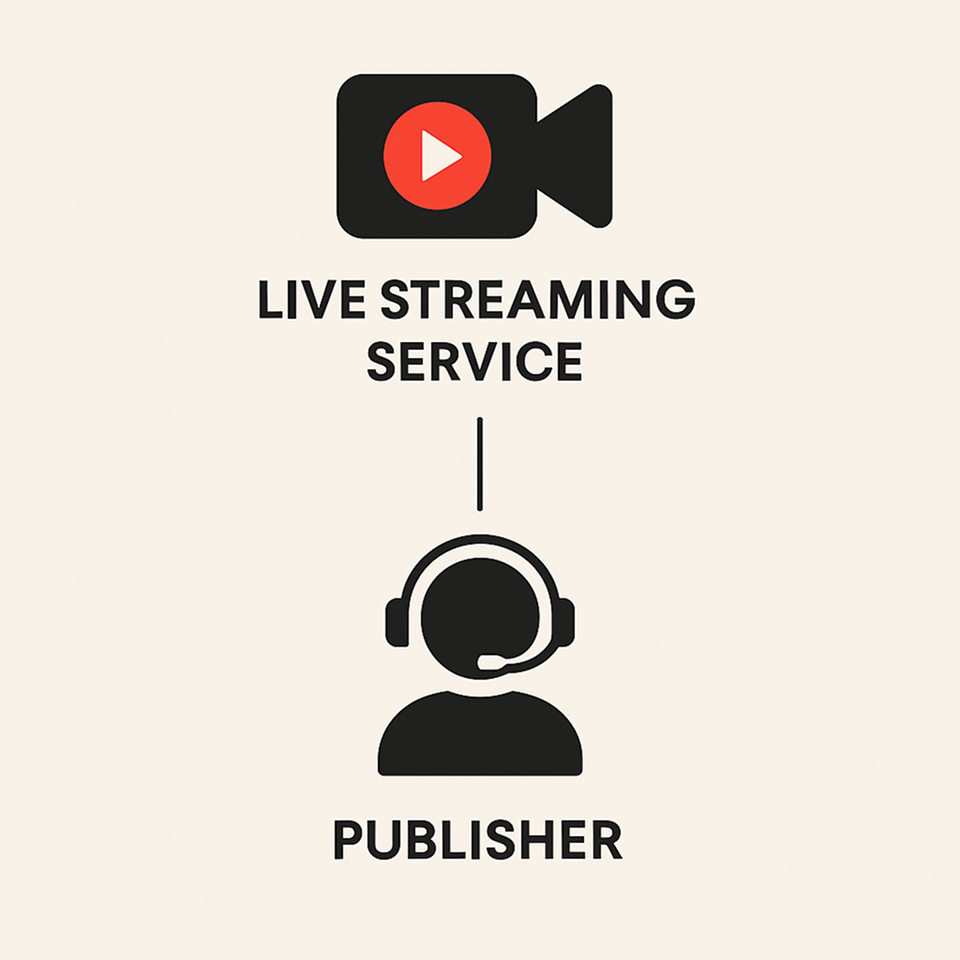
For a complete live streaming app, we need two main things:
Live Streaming Service: It will run on the server side and will be responsible for re-encoding and making the video stream coming from a publisher accessible to anyone on the internet who has the correct URL and credentials.
Publisher: Any device or app that sends the video stream to the live streaming service can be called a publisher. In our case, our Flutter app will act as a publisher.
Setting up live streaming service
I chose Wowza Streaming Engine to use in my demo as it is very easy to set up and you get a huge choice of supported publishers to choose from.
To set up the Wowza streaming engine on Google Cloud, just follow this step-by-step tutorial. After it is done, we can access the Engine Manager web console on http://[external-ip]:8088/enginemanager, where external-ip is the public IP address of your Google Cloud Compute Engine instance. Sign-in to the console with the username and address that you provided and you’ll be provided with a screen like this:
Congratulations, you now have a Live Streaming Server.
Now let’s create a stream.
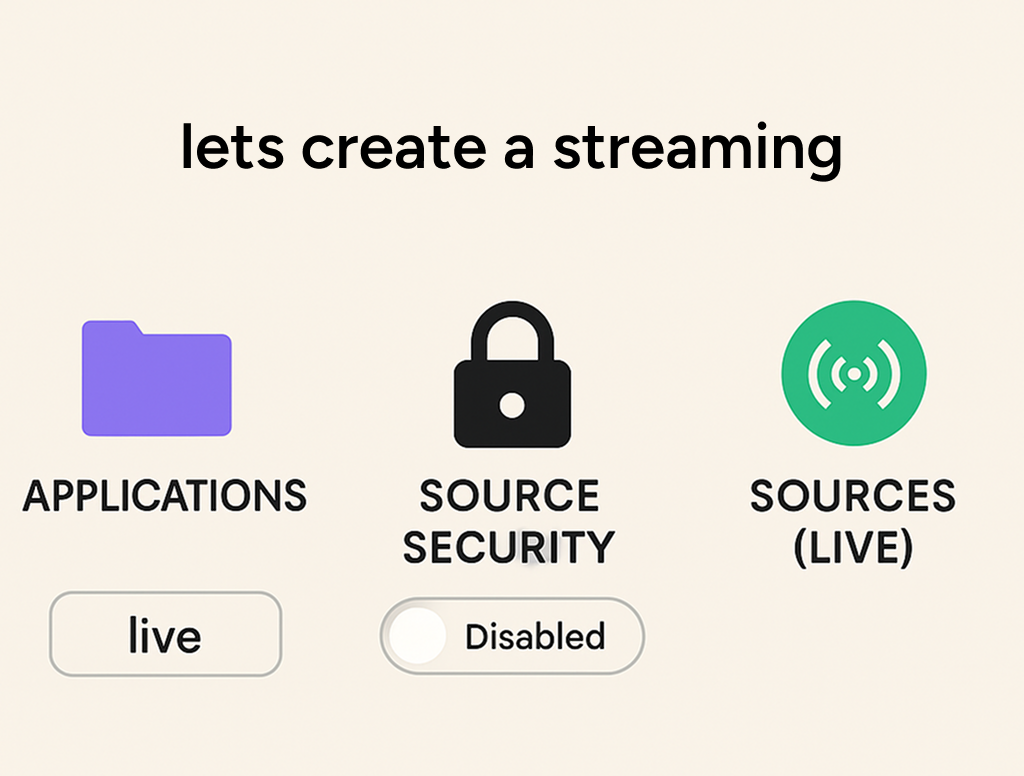
On the right under the Application Connection Settings section, you have some data that you will need while creating the publisher. Note down the following information:
And that’s it for the server side, we are now ready to create a live stream of our own.
Creating Flutter App
MaterialButton(

 child: Text("Start Stream",),

 onPressed: (){

  RTMPPublisher.streamVideo("rtmp://[Host-Server]:[Host-Port]/[Application]/myStream");

 },

),And that’s it. Your Flutter app is ready to publish. To check if it is working or not, just enter the same url rtmp://[Host-Server]:[Host-Port]/[Application]/myStream in any video player that supports RTMP streaming and you can see it live. Personally, I prefer to use HLSPlayer. You can paste the above link in the RTMP player tab there and now you have a complete live streaming application.
Here are a few points to keep in mind:
That’ll be all. Peace.
Book a Discovery Call
Related Articles.
More from the engineering frontline.
Dive deep into our research and insights on design, development, and the impact of various trends to businesses.

Apr 6, 2026
How We Built an AI System That Automates Senior Solution Architect Workflows
Discover how we built a 4-agent AI co-pilot that converts complex RFPs into draft technical proposals in 15 minutes — with built-in conflict detection, assumption surfacing, and confidence scoring.
Apr 6, 2026
AI Code Healer for Fixing Broken CI/CD Builds Fast
A deep dive into how GeekyAnts built an AI-powered Code Healer that analyzes CI/CD failures, summarizes logs, and generates code-level fixes to keep development moving.

Apr 2, 2026
A Real-Time AI Fraud Decision Engine Under 50ms
A deep dive into how GeekyAnts built a real-time AI fraud detection system that evaluates transactions in milliseconds using a hybrid multi-agent approach.

Apr 1, 2026
Building an Autonomous Multi-Agent Fraud Detection System in Under 200ms
GeekyAnts built a 5-agent fraud detection pipeline that makes decisions in under 200ms — 15x cheaper than single-model systems, with full explainability built in.

Mar 31, 2026
Building a Self-Healing CI/CD System with an AI Agent
When code breaks a pipeline, developers have to stop working and figure out why. This blog shows how an AI agent reads the error, finds the fix, and submits it for review all on its own.

Mar 26, 2026
Maestro Automation Framework — Advanced to Expert
Master Maestro at scale. Learn architecture, reusable flows, CI/CD optimization, and how to eliminate flakiness in production-grade mobile automation.Master Maestro at scale. Learn architecture, reusable flows, CI/CD optimization, and how to eliminate flakiness in production-grade mobile automation.