
Are you facing bottlenecks with app development using React Native?











3 Easy Steps to Solve Your App Development Challenges



Here is What You Get From Our Free Consulting Sessions
Market-fit Analysis
Feature Prioritization
Timeline & Milestone Mapping
Go-to-Market Strategy Inputs
We Provide Limited Free Consultation Per Month

Learn More About Our Limited Free React Native Consulting Services
- You are building a new React Native app and want to ensure a solid foundation.
- Your team is facing technical challenges, such as performance issues, navigation complexities, or third-party integrations.
- You need help with scalability, architecture decisions, or best practices.
- Your app is experiencing crashes, slow rendering, or inefficient state management.
- You’re considering migrating to React Native from another framework and need expert advice.
- A technical assessment of your app – Reviewing architecture, performance bottlenecks, and code quality.
- Best practice recommendations – Guidance on state management, navigation, animations, and third-party libraries.
- Performance improvement strategies – Identifying and fixing slow renders, memory leaks, and inefficient API calls.
- Development roadmap advice – Helping you prioritize features and plan for scalability.
- Tooling and workflow enhancements – Optimizing your CI/CD pipeline, debugging strategies, and testing approaches.
- A summary of our discussion – Key insights and recommendations.
- A prioritized action plan – Step-by-step guidance on implementing fixes and optimizations.
- Further collaboration options – If you need ongoing support, we can discuss how we can assist in execution.
- Fill out a short form – Provide details about your app, tech stack, and the challenges you’re facing.
- Pick a time slot – Choose a convenient time for your team.
- Join the session – Meet with our React Native experts for a deep dive into your app’s needs.
- Architecture & Code Audits – Deep analysis of your React Native codebase.
- Performance Optimization – Implementing best practices to improve app speed and stability.
- Feature Development – Helping you build, optimize, and ship new features.
- Team Augmentation – Providing experienced React Native developers to support your in-house team.
- Speed up development – Get expert guidance to avoid common pitfalls.
- Improve code quality – Ensure maintainability, scalability, and best practices.
- Fix performance issues – Optimize app speed, animations, and responsiveness.
- Enhance UI/UX – Ensure a smooth and native-like experience across platforms.
- Reduce technical debt – Identify inefficient code and outdated dependencies.
- Slow UI rendering & frame drops – Optimizing re-renders, animations, and interactions.
- Memory & CPU usage – Identifying memory leaks and unnecessary processing.
- API & Network performance – Improving API response times, caching strategies, and offline capabilities.
- Startup time – Reducing initial load time for a snappier experience.
- Large bundle sizes – Removing unnecessary dependencies to improve app speed.
- State management – Whether Redux, Recoil, Context API, or Zustand is best for your needs.
- Navigation strategies – Optimizing React Navigation for smooth transitions.
- Code structure – Ensuring modular, reusable components for better maintainability.
- Dependency management – Identifying outdated or unnecessary third-party libraries.
- Platform-specific optimizations – Handling Android and iOS differences efficiently.
- Performance & Native Capabilities – How React Native compares to Flutter, Swift, Kotlin, and native development.
- Development Speed & Cost – Weighing the time-to-market and development costs.
- Scalability & Maintainability – Assessing long-term feasibility based on your app’s growth.
- Third-Party Integration Needs – Evaluating compatibility with SDKs, APIs, and native modules.
Free React Native Consultation

Building a Production-Ready Image Cropper in React Native
A practical guide to building a custom gesture-driven image cropper in React Native, with support for both profile and cover photo crops.
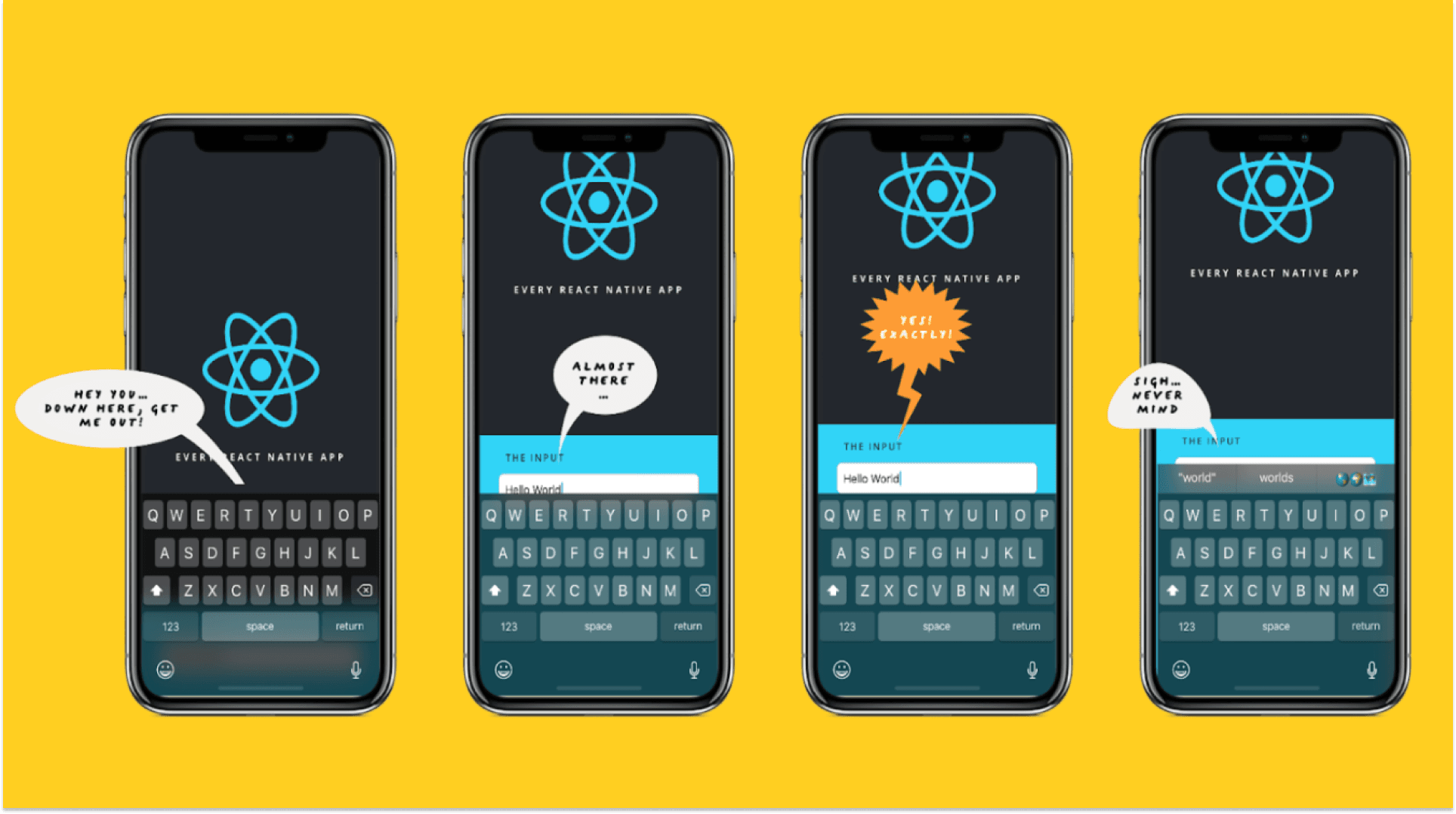
The Keyboard Bounce of Death: Handling Inputs on Complex React Native Screens
Fix the React Native ‘Keyboard Bounce of Death.’ Learn why inputs jump and how to build smooth, production-ready forms with modern architecture.

Performant Vertical Feed in Expo: HLS Caching on iOS
Expo native caching works until HLS on iOS breaks it. Learn how we built a proxy based caching layer to enable instant offline playback in vertical video feeds.

Building Responsive and Performant Graphs in React Native
Build smooth, responsive, and scalable graphs in React Native. Learn proven strategies to handle large datasets, fixed axes, and iOS performance issues.

Creating an AI-Based Language Learning Roleplay Bot with Expo & Vercel AI SDK
Create an AI-powered roleplay chatbot for language learning with Expo, Express, and Vercel AI SDK. From backend AI prompts to mobile UI.
iOS Live Activities in React Native: A Complete Guide
A comprehensive step-by-step guide to building real-time Lock Screen & Dynamic Island experiences
