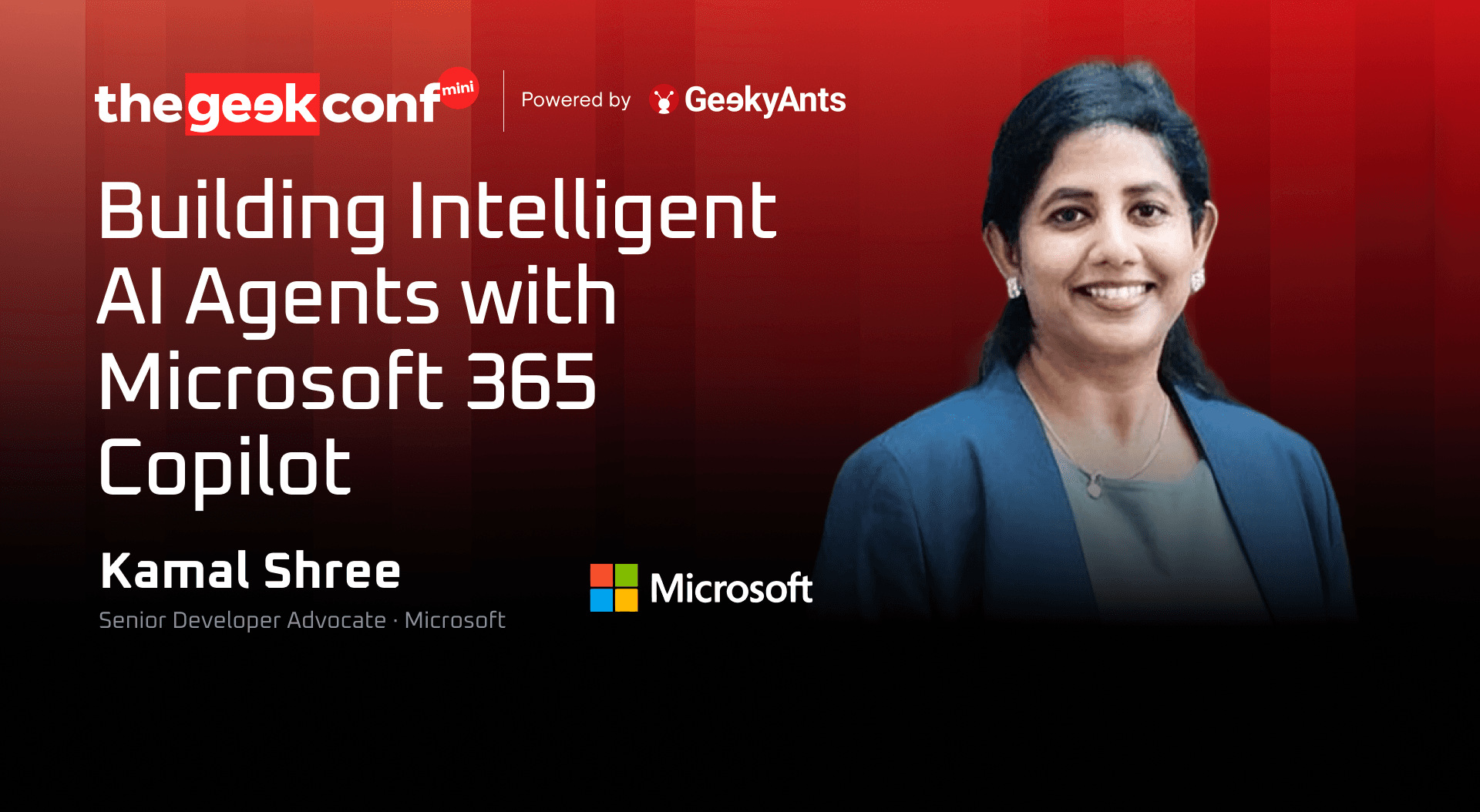

Editor's Note: This blog post is adapted from a talk delivered at thegeekconf mini 2026 by Kamal Shree, Senior Developer Advocate at Microsoft. Drawing on agents built to solve problems he encountered directly, Kamal walks through what separates an autonomous agent from a chatbot, the anatomy and grounding behind AI agents, and the no-code, low-code, and pro-code paths that determine what you can actually build.
Kamal Shree is a Senior Developer Advocate at Microsoft, working across the Microsoft 365 Copilot and agent ecosystem. Alongside that, the work spans developer community programs, technical content, and hands-on workshops run with engineering teams across organizations globally. Much of what follows comes out of agents built to solve problems encountered directly scheduling across distributed teams, internal knowledge desks, and monitoring workloads that were manual only out of habit. This talk covers four areas: what separates an autonomous agent from a chatbot, what an agent is actually made of, where to find a first problem worth solving, and how to choose between no-code, low-code, and pro-code build paths.
Watch the full talk, straight from GeekConf Mini 2026:
From Apps to Autonomous Agents
Everyone is talking about agents- how do we build them and what tools to use. But let's start with a common problem.
How did we get here?
Traditional applications shift to machine learning, incorporating generative AI. First, though, the shape of the last few years. Then came the copilots. The next big thing is - Agents, and what is actually happening in 2026 is autonomous agents.
The distinction matters more than the vocabulary suggests. A conversational agent works with a simple method - question in, answer out.
An autonomous agent however, holds a goal, decides what to do next, and acts. Invoice processing, lead routing, incident triage are workloads that need such agents.
So prepare for more autonomy. And if something is already shipped, start looking at what migrating it would take.
What Separates an Autonomous Agent From a Chatbot
Four things distinguish an autonomous agent from a chatbot with good retrieval, and together they make a reasonable test for anything built today.
Chatbot | Autonomous agent | |
Input | Matches keywords against a script | Reads the intent behind the message and then performs an action. |
Context | Loses the thread, or hands off to an escalation team once the conversation leaves the script | Holds the thread and knows what it still needs to ask |
Output | Returns an answer; whatever happens next is the user's problem | A defined action takes place - not promised, scheduled, or queued for approval |
Scope | Ends with the conversation | Closes the loop upstream: traces the cause and files it against the system that produced it |
An agent that acts on the goal behind the prompt, and then fixes what produced it, is what makes a substantial difference.
What an Agent Is Made Of
A conventional agent just about uses the same functional components:
- The foundation model: The reasoning layer. Models can be chosen as a design decision for stronger prompts.
- The data: This includes- Dataverse, Microsoft Graph, OneDrive, SharePoint, a single PDF.
- The orchestrator- This part decides which knowledge to pull, which tool to call, and in what order.
Integrated with skills, knowledge, planning, execution, self-learning, APIs, triggers, workflows, actions- we see a well rounded agent that is capable of making decisions and handling most tasks.
Grounding
An agent with no boundary drawn around it will answer anything put in front of it, including questions well outside its domain. That is hallucination in the plainest sense, and the first fix is instructions — precise, professional, scoped to what the agent is actually for.
Grounding is the broader version of that discipline. A question that appears to answer instantly is running through several stages:
- Pre-processing: how relevant is this, which data is needed, which model should handle it
- Grounding: constrain the model to the correct knowledge base before it generates
- Generation: the model produces a response against that constrained context
- Post-processing: the response is checked again before it surfaces
Tokens, prompts, and the human in the loop
A context window is the maximum number of tokens a model can hold at once, and the ceiling varies by model and by enterprise licence. That makes prompting an efficiency question, not just a quality one: someone getting the same result in two prompts instead of ten is saving time and tokens both.
This is also the part that does not automate away. Reducing ten prompts to two is human work.
Start With the Problem, Not the Tool
The most common question is where to begin? The answer is the main problem statement of the organization.
Some obvious candidates:
- An HR knowledge desk. At ten or fifteen employees, answering questions about transport, payroll contacts, and IT access is manageable. At a few thousand, it is a full-time drain. An agent connected to the existing SharePoint and OneDrive documents, scoped by employee ID so people only see what their access permits, absorbs most of it.
- Scheduling across time zones. Finding one hour that works from Seattle to New Zealand means checking working hours, holidays, and existing meetings for everyone involved, then doing it again when someone proposes a different time. An agent with access to calendar and meeting data can hold all of those constraints at once, send the invitations, and generate a summary for anyone who could not attend.
- Routine monitoring. A script that runs hourly, logs that need reading, and an alert that has to reach the right team when something breaks. All of it is manual only because nobody has questioned whether it needs to be.
The pattern is the same in each case. The work is repetitive and the inputs are already in systems the organization controls.
No-Code, Low-Code, Pro-Code: Which Path Fits
Two questions decide this: what the project actually requires, and where the person building it sits on the technical spectrum.
Path | Tooling | Suits |
No-code | SharePoint agents | Anyone without a coding background — sales, HR, operations. Document-centric: connect the agent to content, write the instructions |
Low-code | Copilot Studio, agent builder | Anyone comfortable with functions and parameters. Topics, actions, autonomy, multiple languages, Power Platform integration |
Pro-code | .NET and TypeScript, Agents Toolkit | Full customization — your own model, your own orchestration, your own interface |
All of it is documented and freely available; the deciding factor is the requirement, not the ambition.
Declarative and Custom Engine Agents
The pro-code end splits again. A declarative agent is roughly half and half: it runs on Microsoft's orchestrator and foundation model, and the customization goes into knowledge, instructions, and the actions it can trigger. That suits dedicated knowledge bases — HR, sales, legal — where the reasoning layer does not need changing.
A custom engine agent is the other extreme. The model is yours, the orchestration is yours, the interface is yours. Every part of the architecture is accessible.
The choice is driven by how specialized the workload is. A departmental knowledge assistant does not need a custom engine. Something operating in a genuinely specialized domain — medical analysis, financial modeling — does, because the reasoning layer itself has to be built for that domain rather than borrowed from a general-purpose one.
The Components You Configure — and the One You Don't Remove
Anything built in Copilot Studio comes down to the same set of parts: instructions, knowledge, prompts, memory, the model, tools, and human approval.
Six of those are configuration decisions. The seventh is not optional. Without a human approval step, there is no point building the agent at all — someone has to be able to see what it produced and confirm it, decline it, or modify it before it takes effect, to ensure autonomy.
Human Oversight, Governance, and Security
Most people building agents today know how to build one. Fewer have worked through what happens after.
The questions worth answering before anything ships:
- Where does the data go?
Uploaded images, documents, and conversation history all live somewhere. Knowing where is a requirement, not a detail. - Does it scale?
An agent built for one person is used by ten within a week, and by an entire organization after that. Token ceilings and concurrent usage limits arrive faster than expected. - Who is accountable?
Bias, discrimination, and unequal outcomes are not caught by the model. They are caught by the people reviewing it. - Is the platform doing its share?
Established providers build security layers into the stack, and that is a legitimate reason to prefer them — but it does not transfer accountability away from the team deploying the agent.
None of this is a compliance checklist to complete at the end. It is a set of constraints that shape what gets built in the first place.
What's Next
The direction of travel on the Microsoft side is toward agents that hold organizational context rather than session context. Copilot Cowork applies Copilot to organizational work and data directly, and Scout extends that into an always-on agent working across Teams, Outlook, and SharePoint without being prompted each time.
Underneath both sits the context layer- Work IQ for collaboration data, Fabric IQ for structured business data. A similar pattern emerges that tells us that the model requires grounding and the right context.
Where to Begin
Three things worth taking away.
- Start from a problem statement. Not a tool, not a framework, and not the platform with the most attention on it this quarter. Something in the organization that is repetitive, well-defined, and already sitting in systems the organization controls.
- Do not stay loyal to one stack. If a tool from a different provider solves the problem better, use it. What should not be traded away in the process is security and governance — those constraints apply regardless of who built the platform.
- And keep the human in the loop. Agents remove the manual work. They do not remove the judgment.