

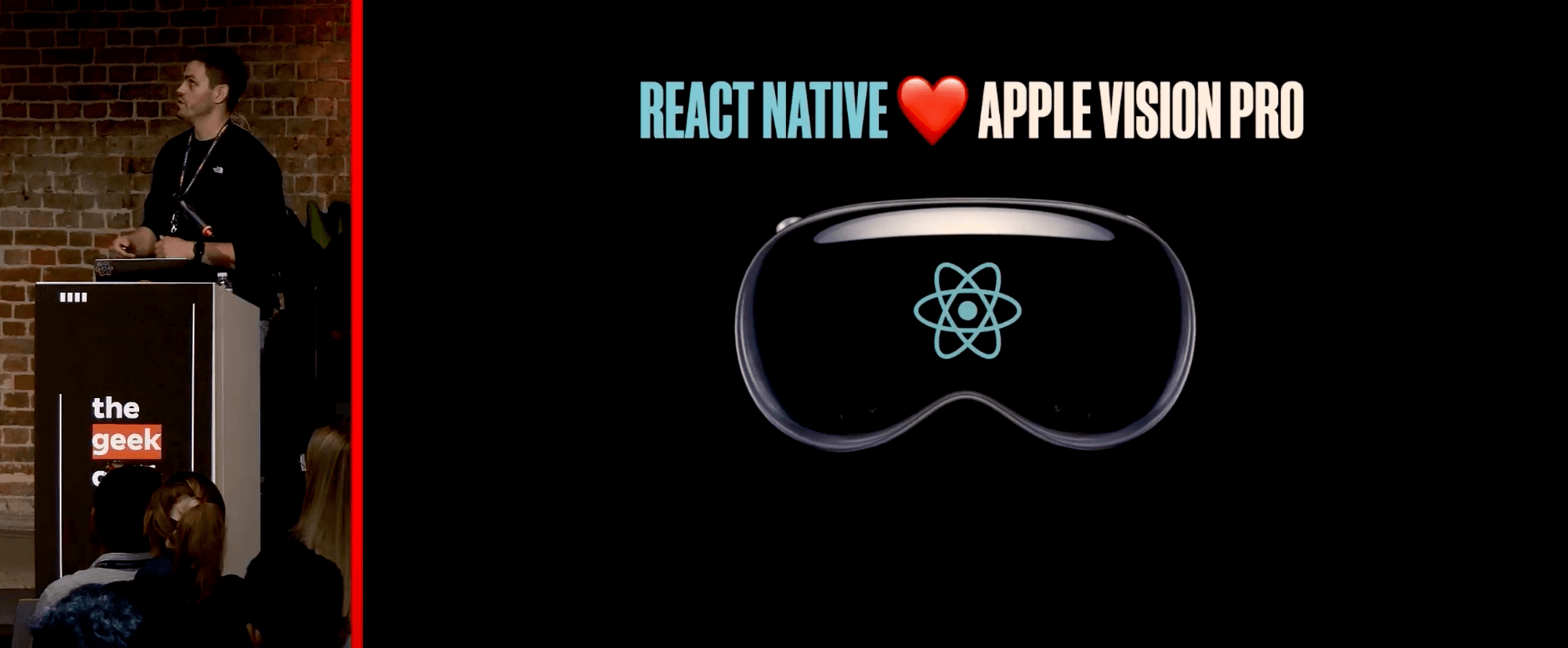
Editor’s Note: This recap from thegeekconf features Oskar as he takes us through the daring journey of bringing React Native to Apple Vision Pro — a story of bold innovation and relentless determination.
My name is Oskar, and I’m a React Native developer at Callstack, working on the React Native Vision OS within our R&D team. I also contribute to the React Native Core and maintain several open-source projects. Today, I want to share how we made this possible, navigating a path that was far from straightforward.
Remember the moment in June 2023 when Apple unveiled their new device at the end of a conference, dropping the famous phrase, "one more thing"? That moment introduced Apple Vision Pro, marking their first major hardware release in nearly nine years. The keynote wasn’t just about new tech but about redefining the future. Imagine large, floating windows controlled by only your eyes and hands.
The Future Was No Longer a Distant Concept — It Was Right In Front of Us
As soon as you witness this, the question arises: How do we build apps for this new platform using React? The vision is clear—a world where those amazing React Native apps can be ported effortlessly to this cutting-edge device. Traditionally, cross-platform app development has relied on tools like Unity with C#. While Unity excels in game development, it’s not the go-to for creating spatial apps. Plus, unlike React, which serves as a universal app-building language, Unity comes with a cost. Thanks to React Native, your code can ship to over ten platforms. So, why not add XR devices to that list?
The Mission: Make Spatial App Development as Intuitive as Building a Website
React has always championed the "Write once, run anywhere" philosophy, and this mission fits right in.
React Native already supports iOS and Android out of the box. But thanks to the vibrant open-source community, it now extends to even more platforms, including macOS, tvOS, Windows, Web, and Skia, which supports Linux and macOS. Today, this family grows with the addition of React Native Vision OS.
Building the Future Doesn’t Happen in Isolation—It Thrives on Open Collaboration
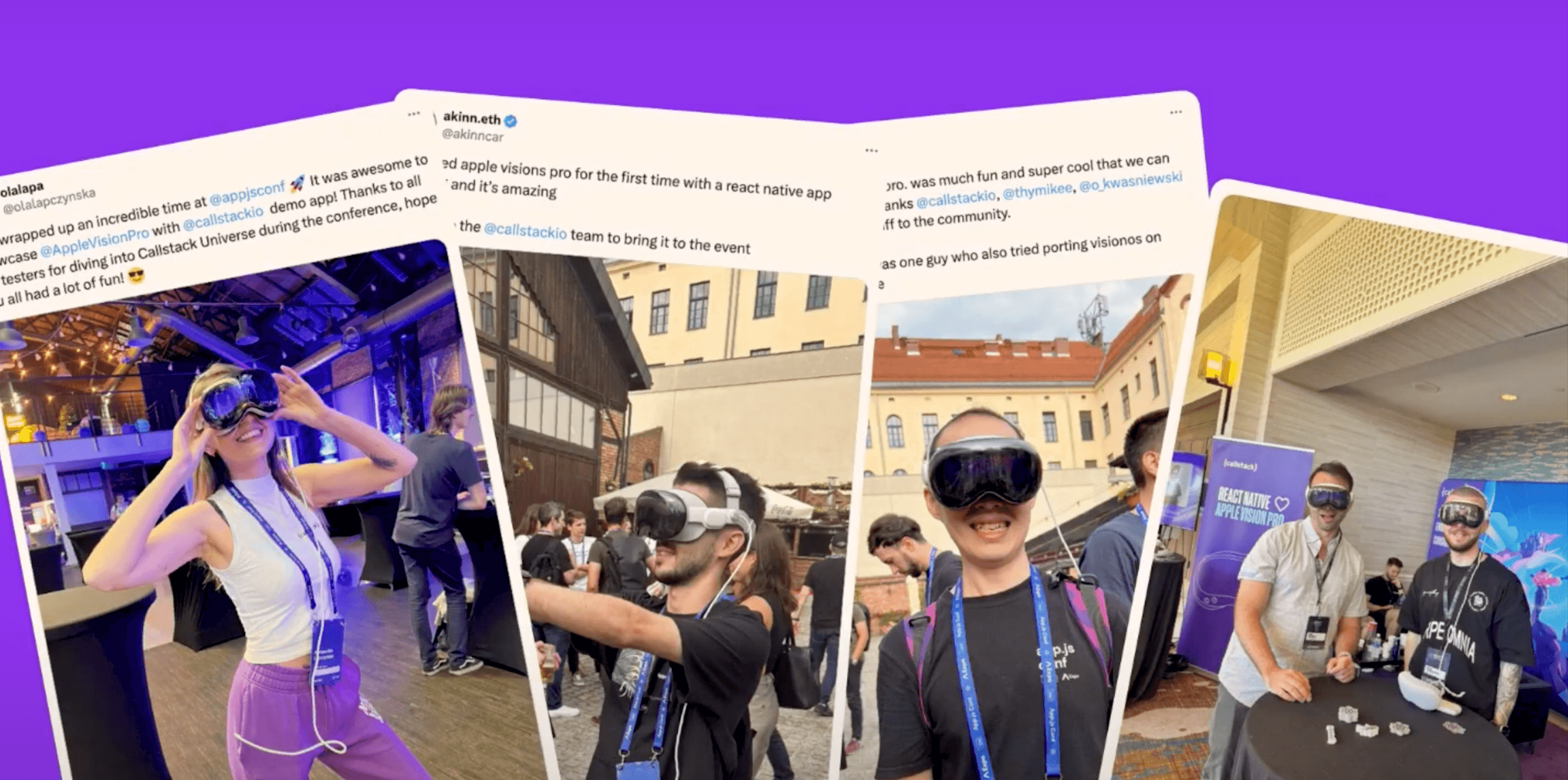
The work done is all available as open-source software on GitHub. Vision OS, the operating system for Apple Vision Pro, builds on iOS, making the transition smoother. However, spatial apps bring new challenges—you’re not using a mouse or keyboard but instead rely on hand and eye tracking. You’re no longer sitting in front of a screen; you’re immersed in a world where screens surround you, and your content can be rendered anywhere.
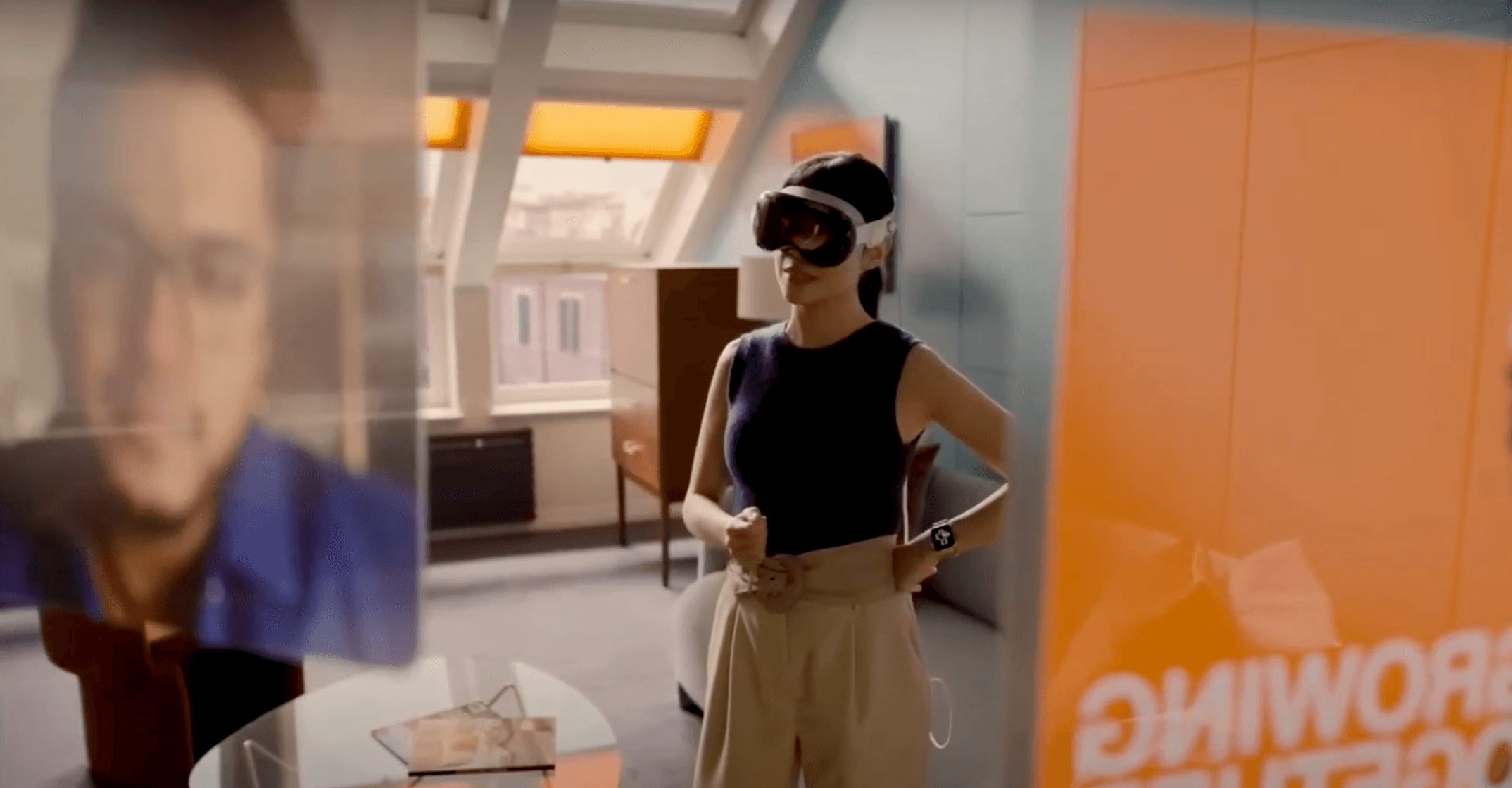
Apple Vision Pro offers three main ways to display content: normal windows, volumes (allowing viewing 3D elements from any angle), and immersive spaces surrounding the user. Imagine adjusting your level of immersion—perhaps setting it to 50 percent—depending on your preference. The app must request your permission when you want to enter this immersive mode.
Apple’s push for apps to be built with SwiftUI is noteworthy, especially since React Native doesn’t use SwiftUI. This required some changes, but the vision remains clear—making React Native apps work seamlessly on Vision OS.
Bringing React Native to Vision OS Wasn’t Just an Upgrade—It Was a Reinventin
The journey was filled with technical challenges, from creating a fork in the React Native repository to adjusting the build infrastructure. The process started with setting up the tools—fixing build issues, adapting source code, and integrating platform features—all to ensure that React Native could thrive on this new platform.
As you dive into the technical aspects, you encounter issues like deprecated APIs that don’t align with Vision OS. For instance, UIScreen’s MainScreen API, used to retrieve screen size, doesn’t apply to Vision Pro, where you have two screens—one for each eye. So, you shift focus from screens to windows floating in space, and adapt React Native to work within these constraints.
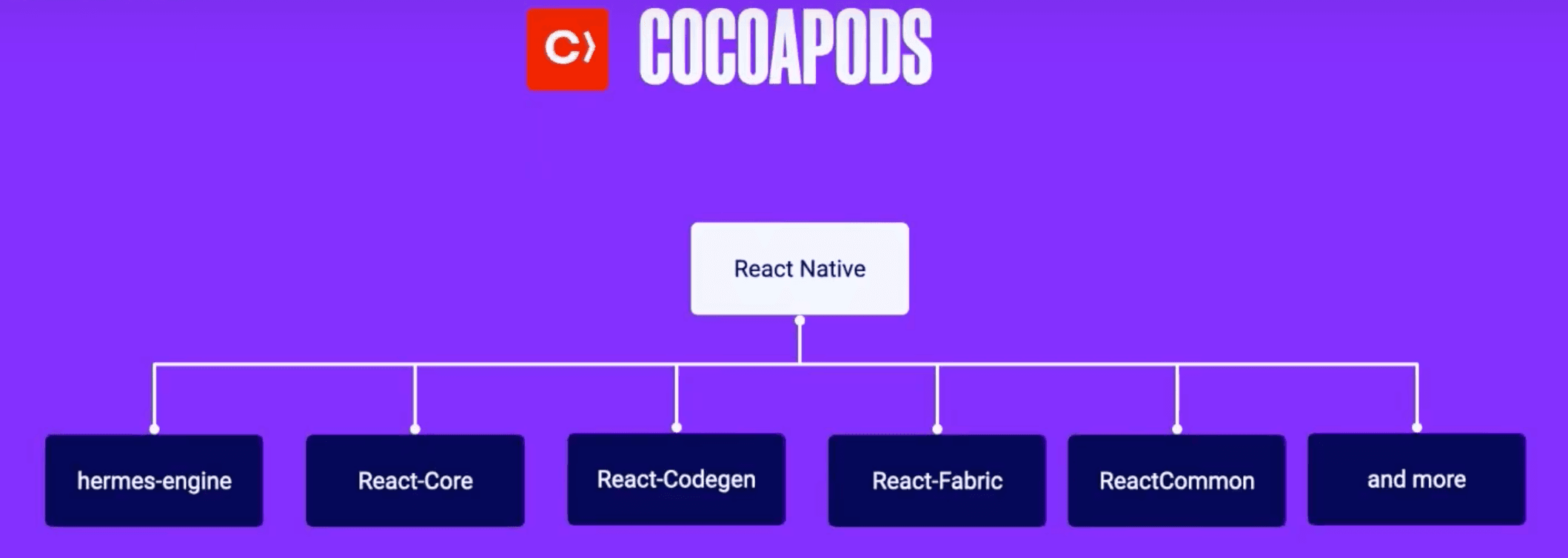
Making React Native work on Vision OS involved refining the build process, especially tools like Cocoapods and CMake. These tools are critical for linking and building dependencies on iOS. As with any pioneering effort, the work wasn’t without hiccups—such as CMake initially building for the actual device instead of the simulator.
In the World of Development, Progress Often Starts With a Challenge
By adjusting the codebase, integrating features, and ensuring compatibility, React Native began to take shape on Vision OS. The proof of concept eventually appeared on screen—a React Native app with the familiar red box floating in the virtual kitchen of the Vision OS simulator.
The effort didn’t stop there. To make React Native Vision OS easy to adopt, the team worked on supporting both the old and new Bridgeless architectures, paving the way for seamless integration.
React Native has always had a simple goal: to empower developers to build across platforms easily. With Vision OS, that goal expands into new dimensions, offering endless possibilities for innovation.
As the journey with React Native Vision OS continues, the possibilities are limitless. With every challenge overcome, the future of app development becomes more exciting and expansive.
Check Out the Video here. ⬇️







