
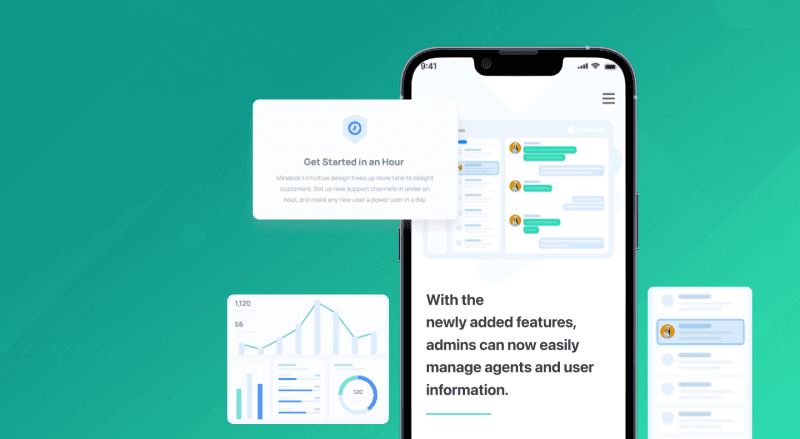
Building a Robust SaaS Widget for Exceptional Customer Support
How GeekyAnts redefined customer engagement by developing a widget and an application suite for a SaaS company.
Project typeWeb App -Widget
Tech stack

ABOUT THE CLIENT
SaaS Company Offering Customer-centric Solutions
Their specialty lies in offering innovative solutions that cater to the unique needs of businesses across various industries. The company operates on a global scale.
About the project
OVERVIEW
A SaaS Widget for Exceptional Customer Support
The client wanted us to create a widget for customers to communicate with service agents through various channels, such as text and video. They wanted the app to be dependable and robust enough to surpass industry benchmarks.
Key Objectives to Achieve
- Create a software-as-a-service (SaaS) suite for customer support.
- Build an iframe widget capable of being placed on any site using a few lines of JavaScript.
- Flow similar to Intercom, and customers could interact with this widget to contact support
1 Million
concurrent user capacity5000+ Hrs
of potential development time savings30 Mins
integration and installation of widgetBUSINESS REQUIREMENT
Stable iframe Widget With Multimedia Features
The widget needed to deliver a good user experience and enable agents to interact with customers effortlessly.
Key Features to Build
- Allow customers to communicate with agents through text and video.
- Enable multi-person video chat capabilities with a dynamic layout.
- Have Integrated screen-sharing features with real-time notifications for events and status.
OUR APPROACH
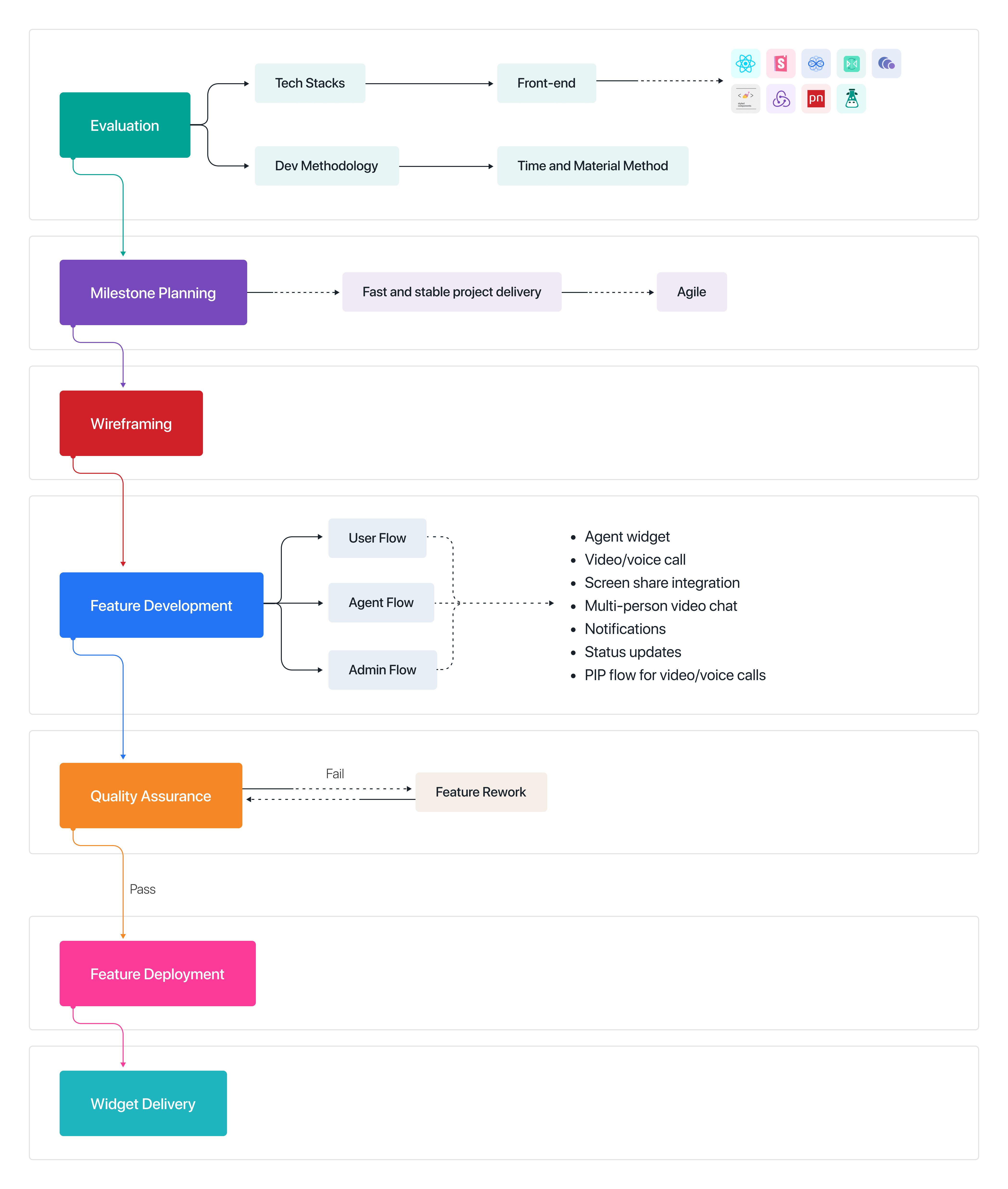
Evaluate. Plan Milestones. Build in Agile.
The project requirements were first evaluated to finalize the tech stacks and the development methodology. The execution was then planned according to the timelines agreed by the client. The milestones were planned to be completed in an agile manner.
1. Development Milestone
Agile for fast and stable project delivery and shipping timelines
2. Methodology Used
Time and Material (T&M) for better flexibility and collaboration
3. Execution Journey
Time and Material (T&M) for better flexibility and collaboration
3. Execution Journey
CHALLENGES IN EXECUTION & SOLUTIONS
Notification Issues and Reloading
The client did not have an RT solution during the initial development phase. This prevented us from showing call notifications when a user-initiated call started.
The widget reloaded every time a user navigated to a different page. This feature was critical, as it meant losing priceless interaction information if reloads happened before conversation closure.
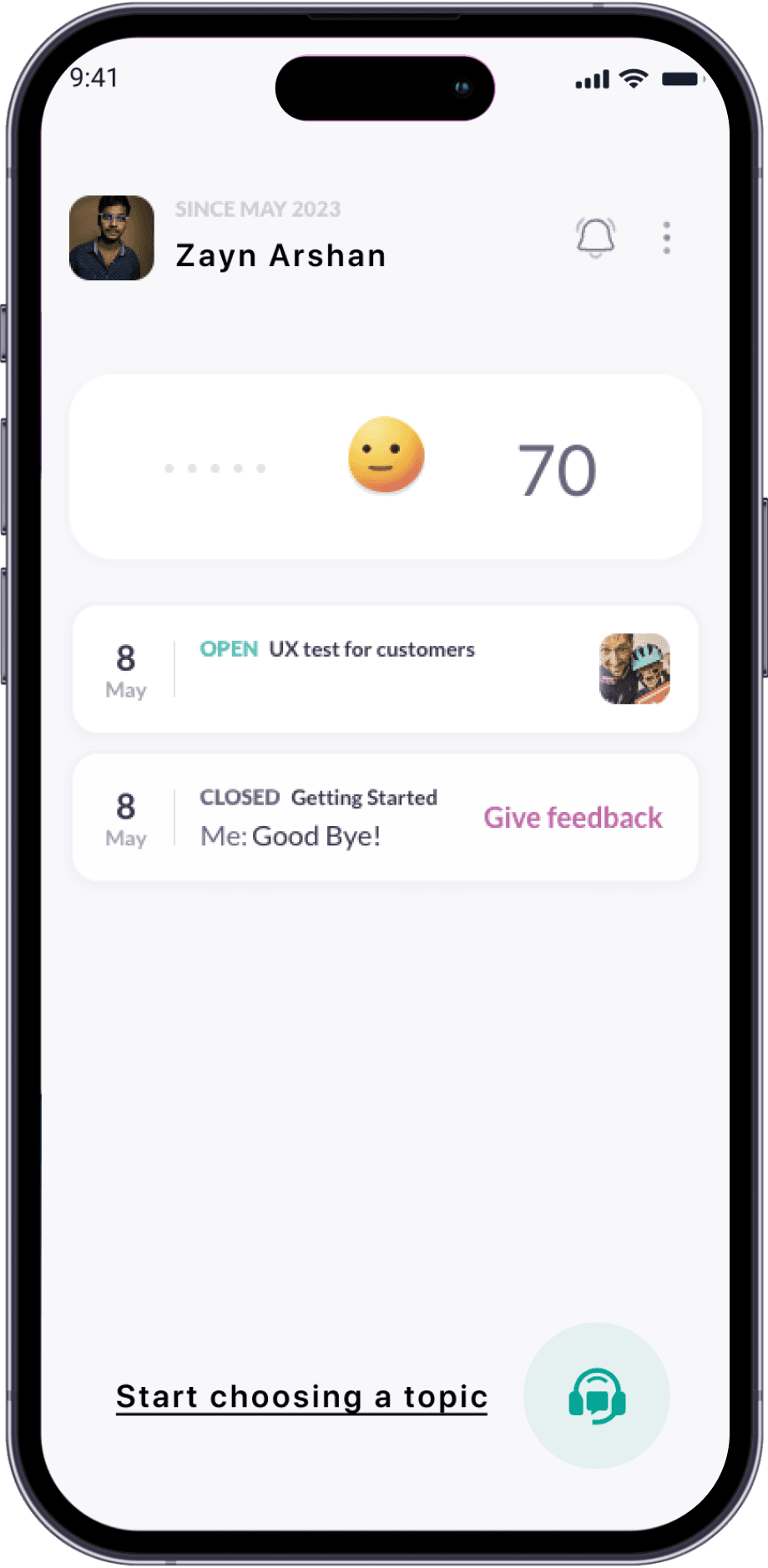
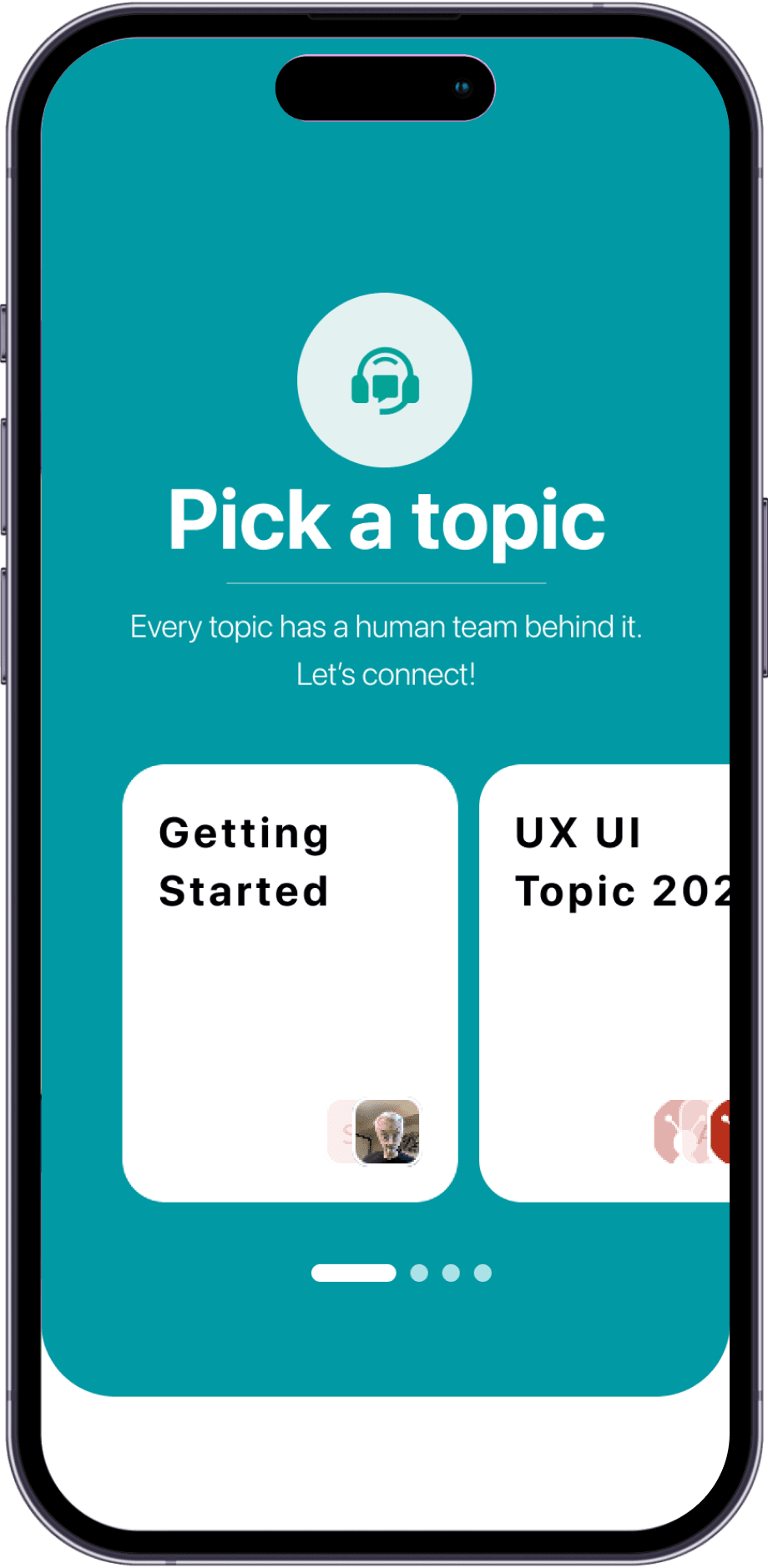
Product Design
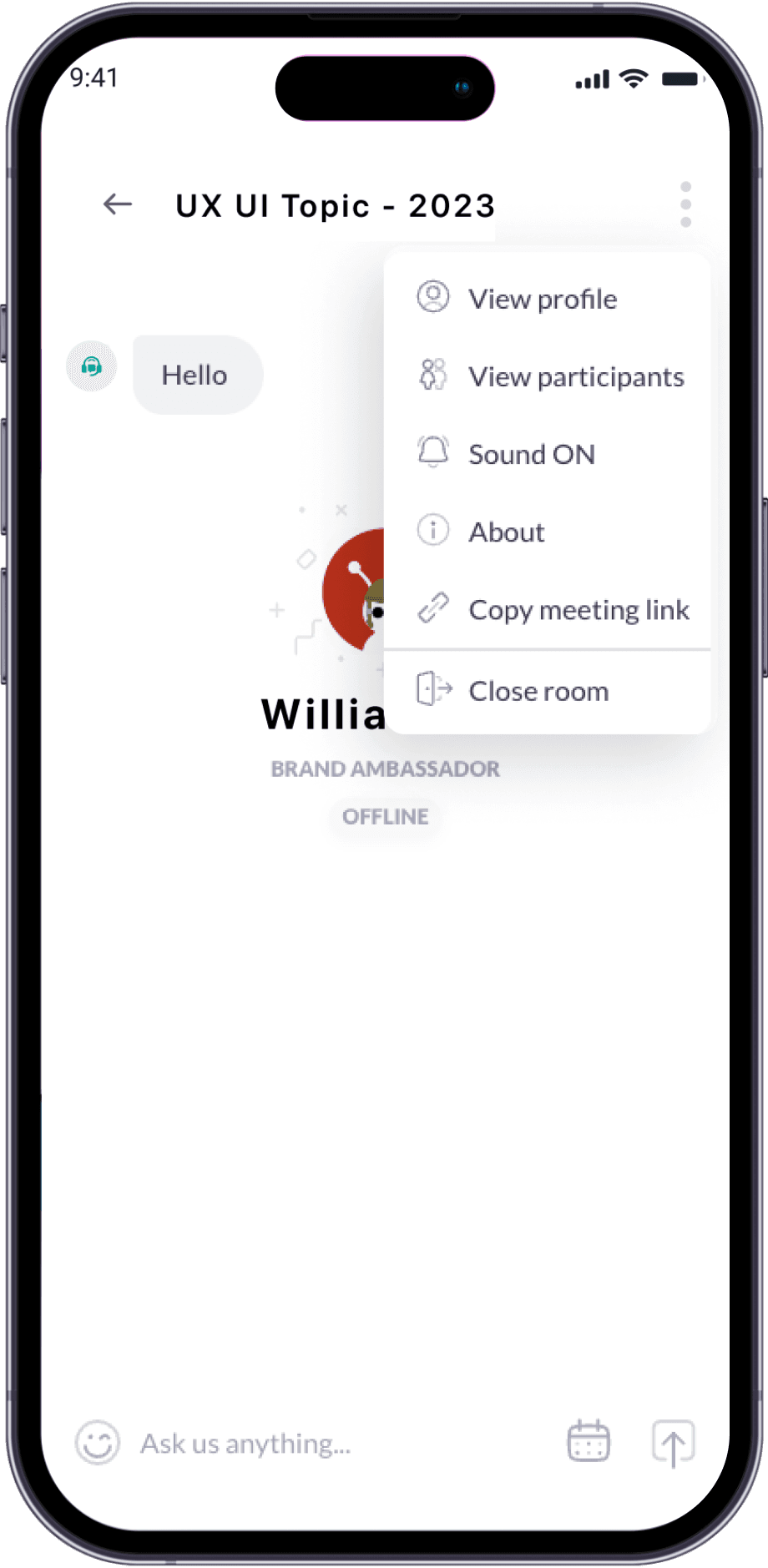
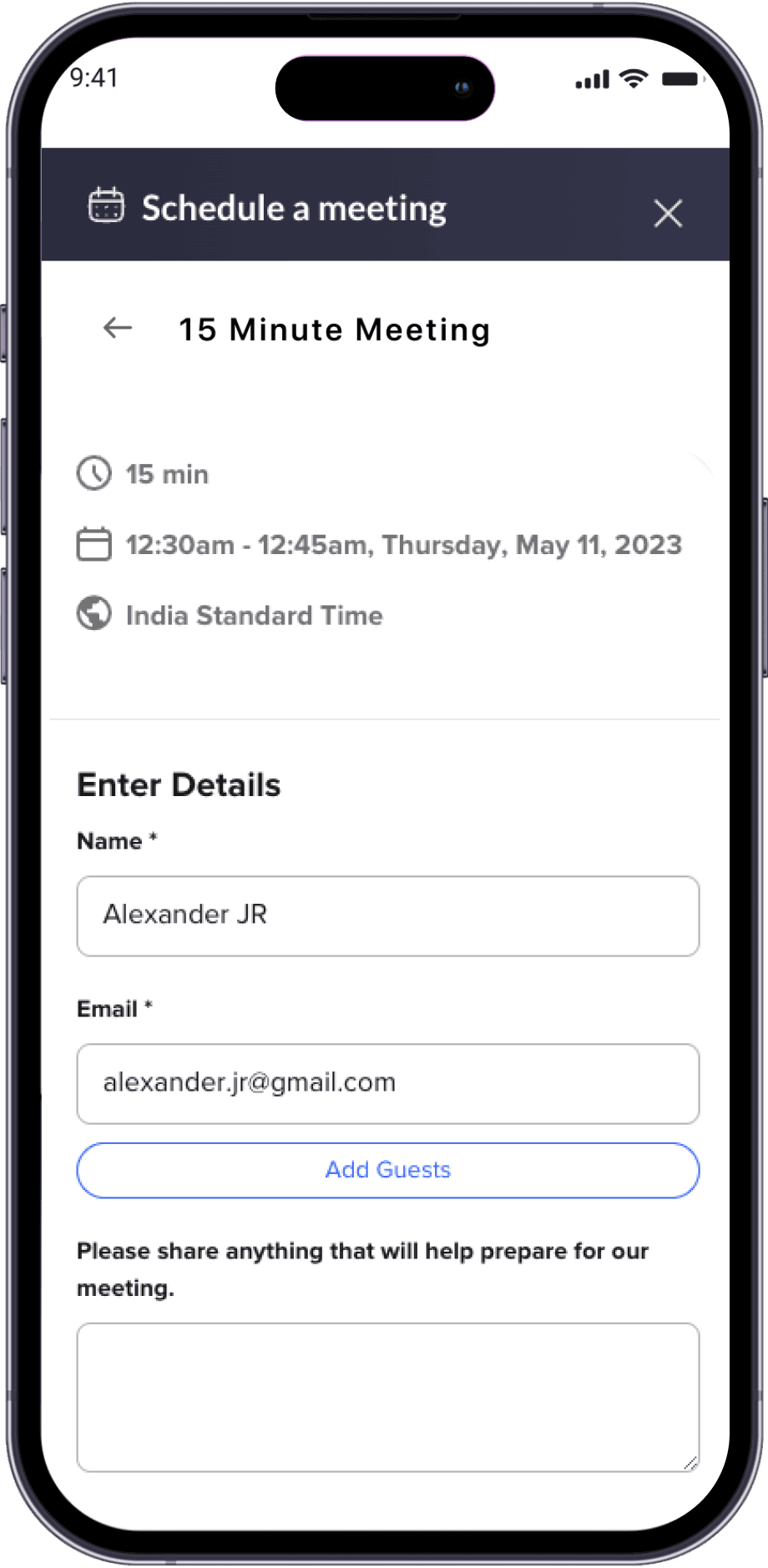
PROJECT EXECUTION
Agile Development. Time and Material Method. Strict Quality Tests.
Our team utilized a Time and Material engagement model to foster better collaboration. Additionally, we prioritized quality assessment (QA) at every stage of the development process, with a dedicated QA check for most steps.
Features Built
- A widget for communication with agents via various channels
- Video/voice call integration using 100ms
- Screen share integration
- Multi-person video chat with a dynamic layout
- Notifications flow for real-time events, calls, and status updates
- Real-time event for call notification and call status
- PIP flow for video/voice call when not present in video call screen

RESULTS
Interactive Widget with Optimized User Flow
The project was completed within the designated timelines, and all the features planned were deployed within a short turnaround window. Implementation of the project went smoothly, and the client had no problem adopting it into their workflow.
The Right Conversation Can Save You Six Months
Contact us
More from our engineering work
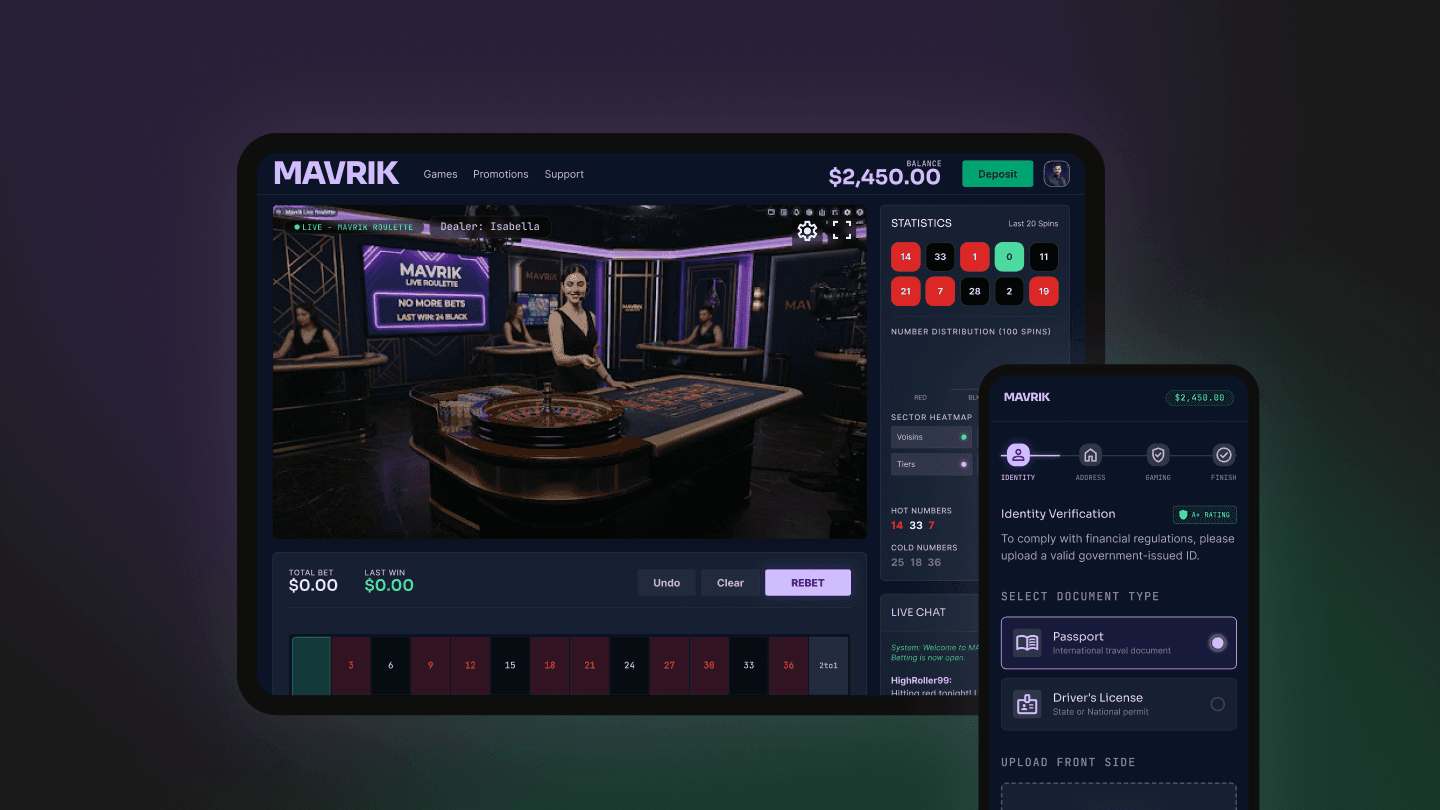
A Secure Casino Web Platform Built for KYC, Payments, and Geo-Compliance
Explore how GeekyAnts built an igaming casino web application with KYC verification, secure payments, real-time notifications, geo-compliance, Next.js, and AWS Amplify.
Read case study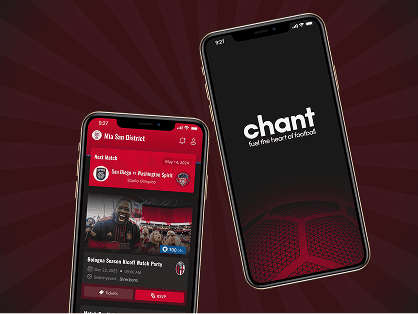
SPORTS FAN ENGAGEMENT PLATFORM
Discover how GeekyAnts built Chant, a fan engagement platform that unified memberships, ticketing, payments, and community experiences for sports supporters.
Read case studyDIGITAL ENTERTAINMENT COMPETITION PLATFORM
GeekyAnts built a video-based talent competition platform for a media and entertainment company and took it live on iOS and Android with 100% automated content moderation.
Read case studyEnd-to-End Event Management Platform with API-First Backend
A centralized event and hospitality operations platform built for ABC, consolidating key workflows into a single system.
Read case studyWe used only those third-party solutions that did not break security rules. For example, we encrypted the redux store using MMKV storage.
We cached all the call data and reinitiated the call every time the widget gets re-rendered. This ensured the conversation flow was intact even when navigating multiple pages.
