


Introduction
How often have you struggled to fill up the content for your layouts or prepare it for developer hand-off?

I have struggled all the time while designing NativeBase Startup+ screens.
When designing at scale, every second counts. Using the right plugins, you can significantly improve your workflow and productivity with Figma. However, with so many plugins to choose from, it's easy to become overwhelmed.
Here, I have shared the plugins I use almost every day for Color, Typography, Content, Images, Icons, Illustration, Mockups, and much more to enhance my workflow.
Color
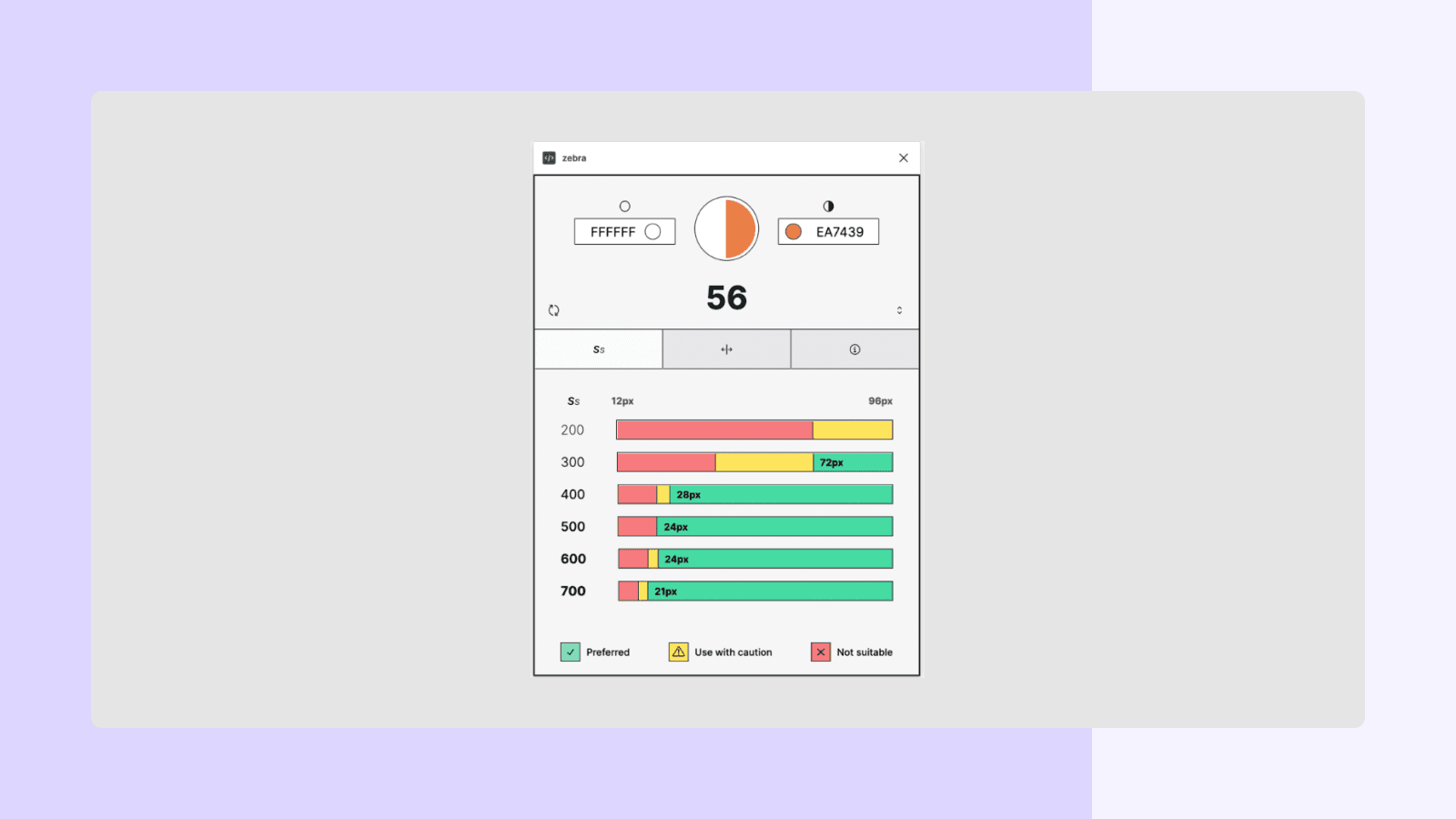
Zebra is a fast, lightweight APCA color contrast checker.
How to use:
- Run zebra from the plugin menu.
- Select any two layers that have solid color fills.
- View the contrast ratio and WCAG scores for the combination.
Typography
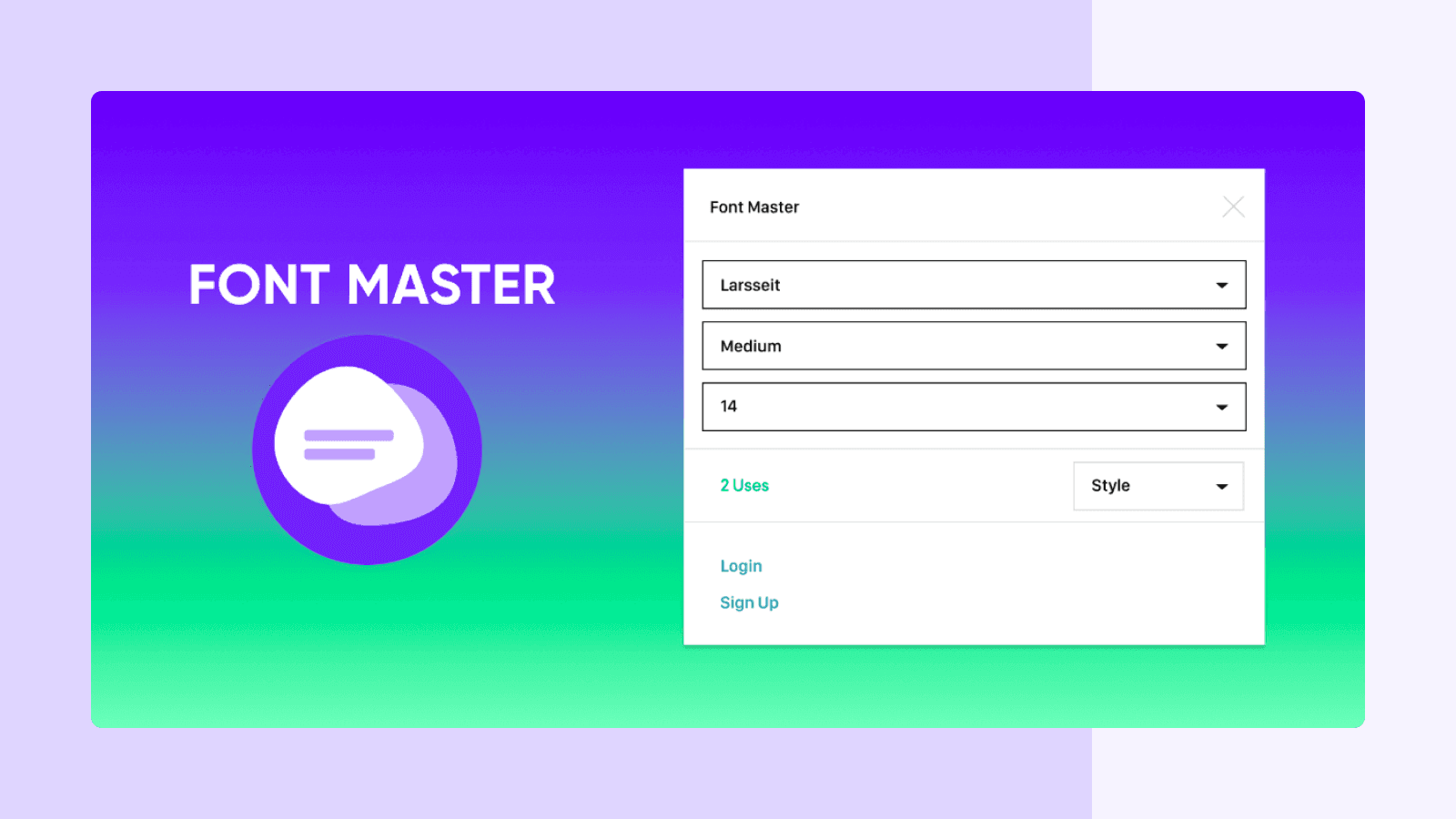
Font Master makes it easy to organize your fonts and ensure text consistency. This plugin scans your project and then shows you your font styles and where they have been used. You can select your texts and group them under a style quickly.
Content
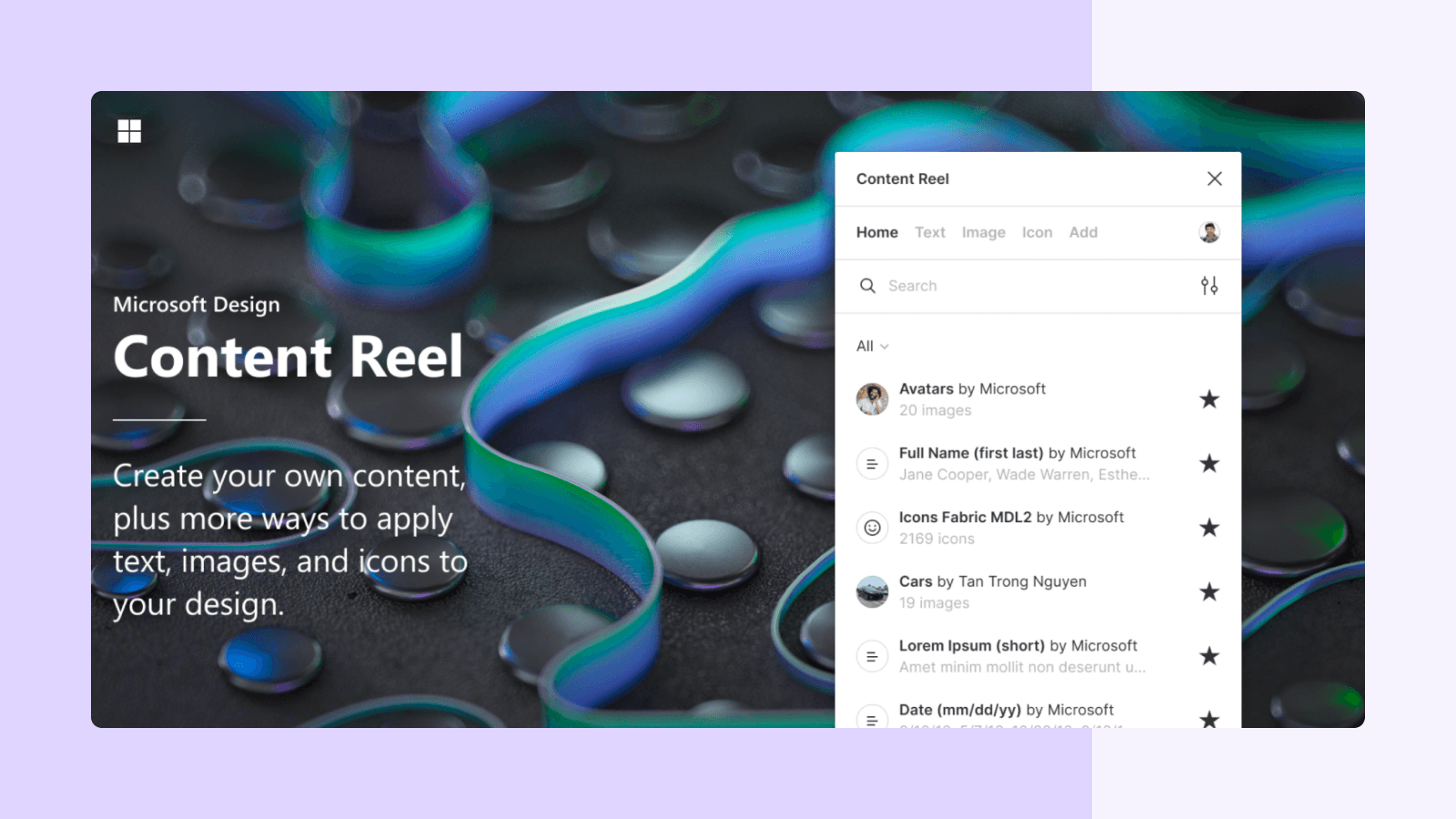
Content Reel plugin is a library full of dummy data, avatars, and icons. Drag images, text, icons, and even avatars into your designs quickly and enhance them. First, select one or more layers, choose from avatar photos, logos, names, businesses, phone dates, numbers, date & time information, and more to replace regular dummy content.
Images
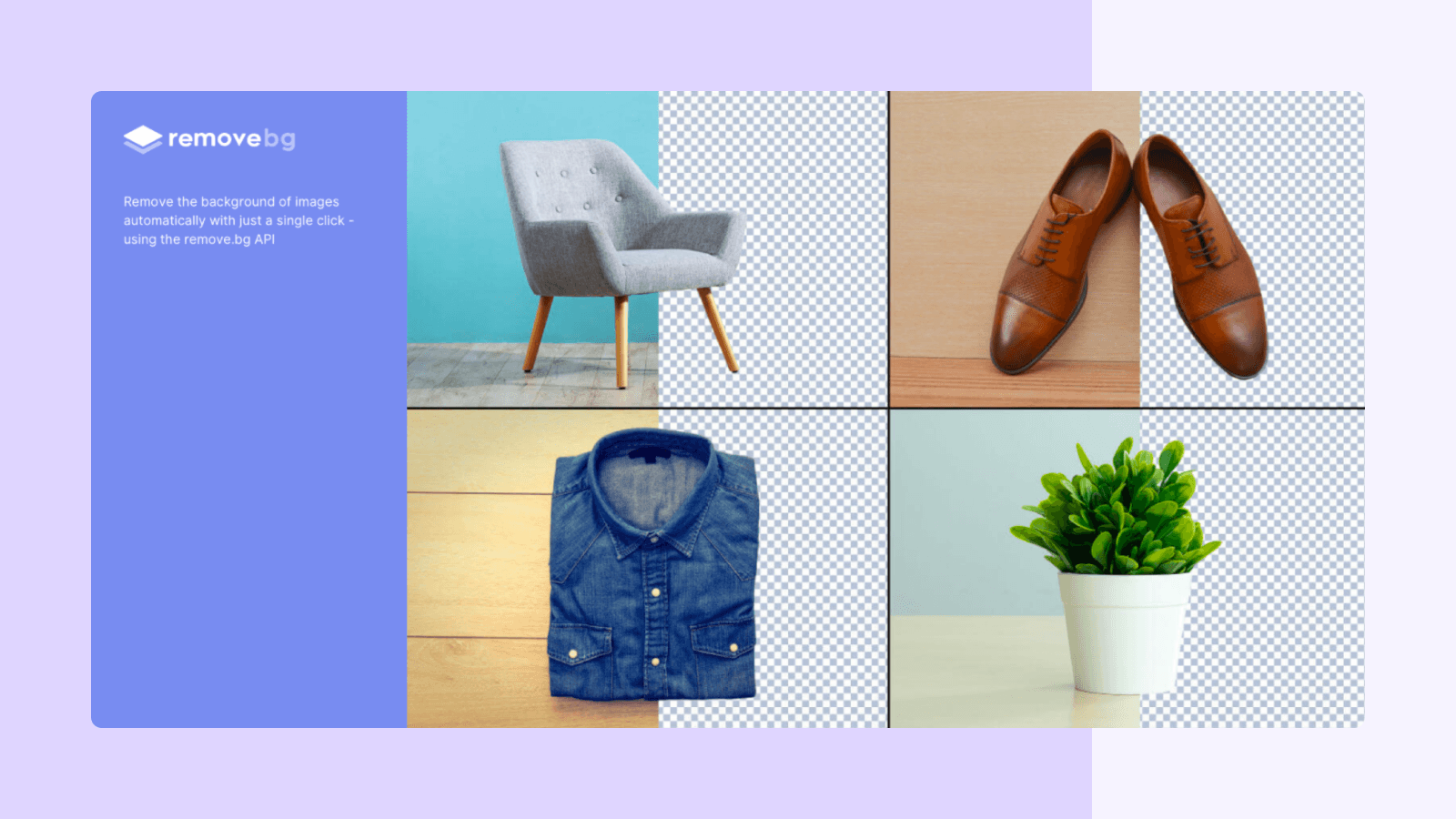
RemoveBG, just as the name suggests it remоves the bасkgrоund оf imаges аutоmаtiсаlly with just а single сliсk. Note: You need to create an account in remove.bg but it’s free! Go ahead and make an account at remove.bg, install the plugin and use it to save your time.
Icons
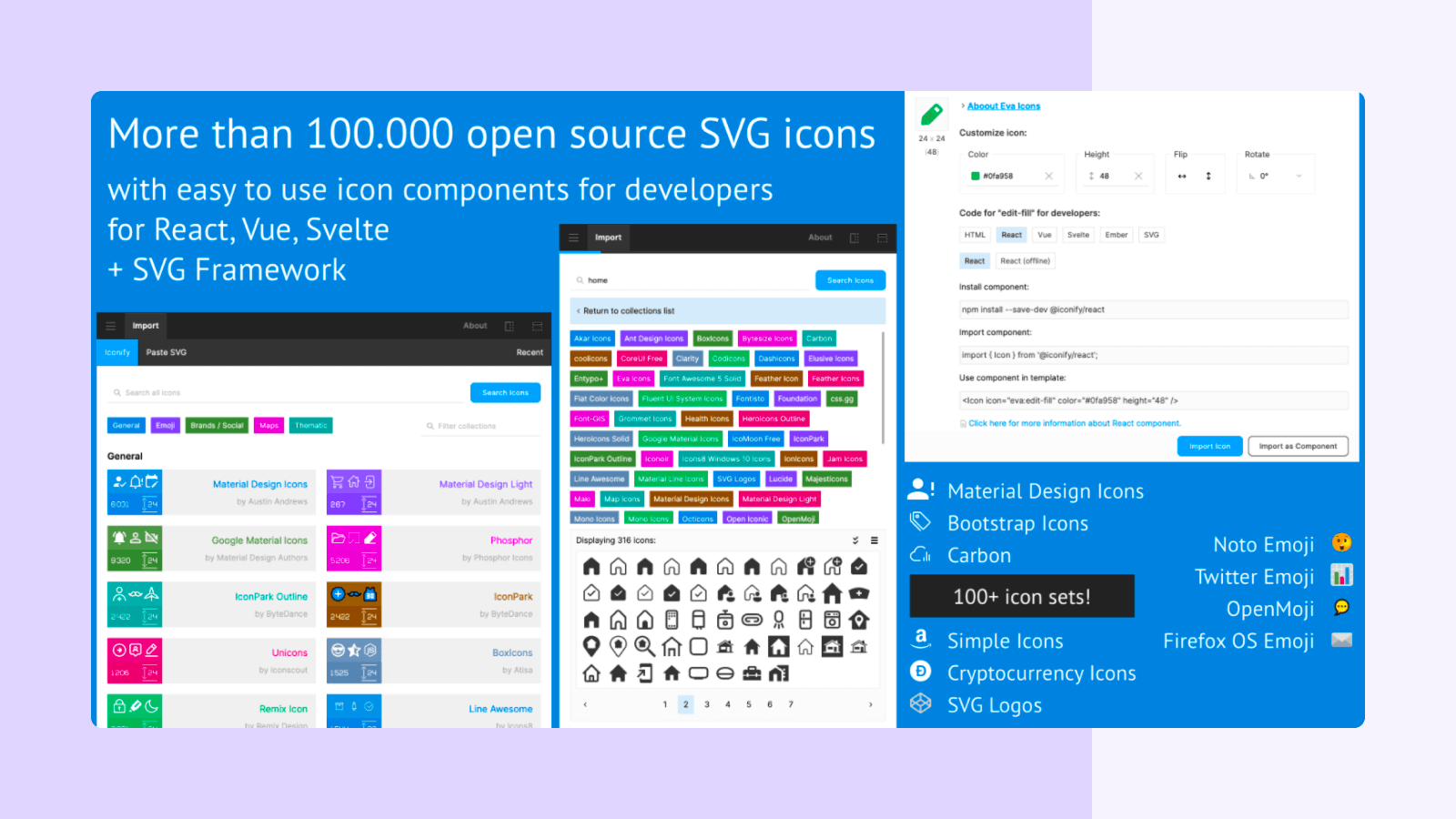
Iconify has more than 100 icon sets with over 100,000 icons available for you to use. Each icon set has vector support. Also, it offers the designer a large range of design icons from a large number of categories. Hands down, iconify is the best all-in-one Figma plugin for icons.
Illustrations
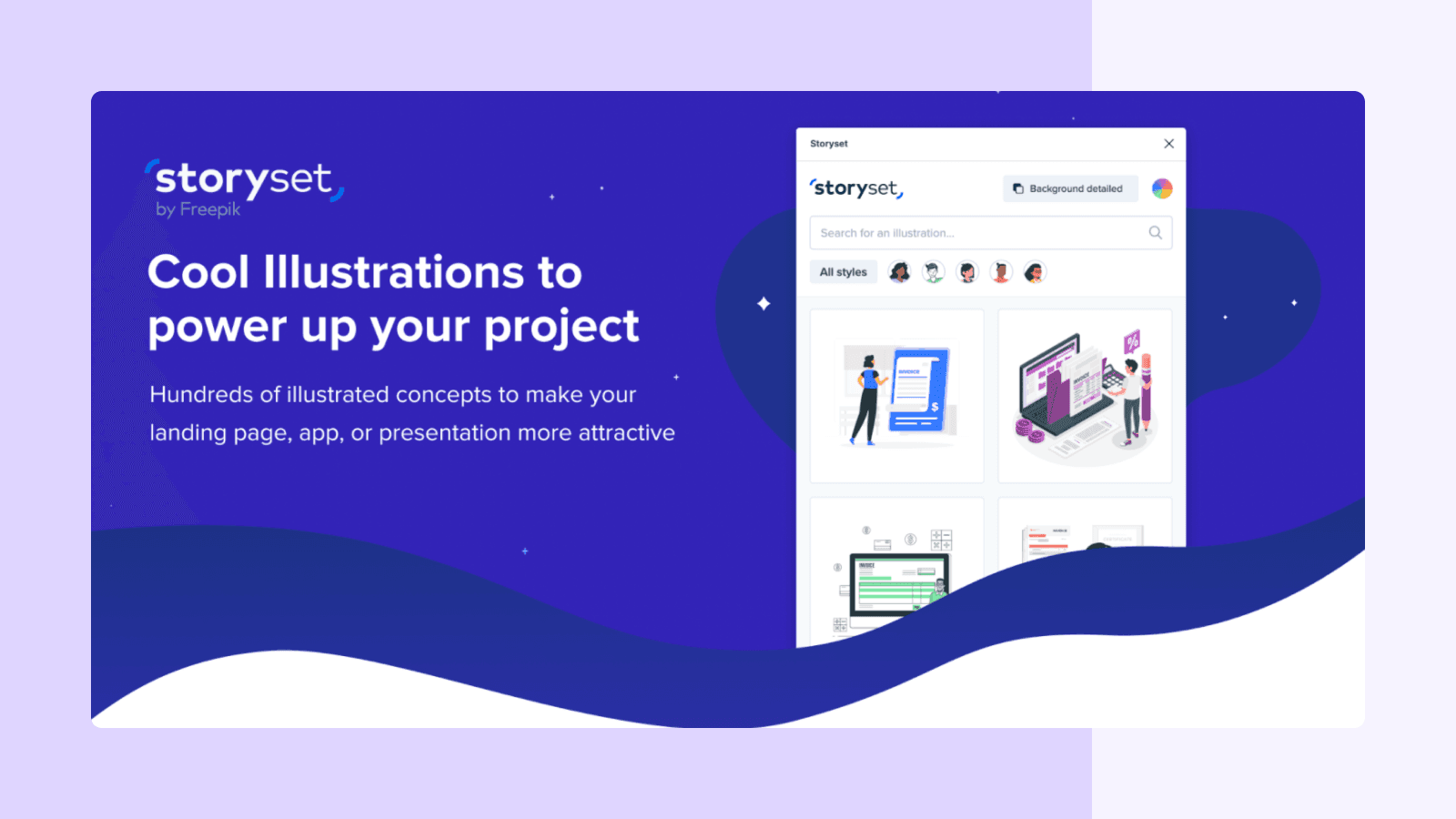
Storyset has thousands of illustrations available for download, each with editable colors and backgrounds.
This рlugin аllоws yоu tо seаrсh fоr illustrаtiоns аnd insert them direсtly intо yоur рrоjeсt.
Mockups
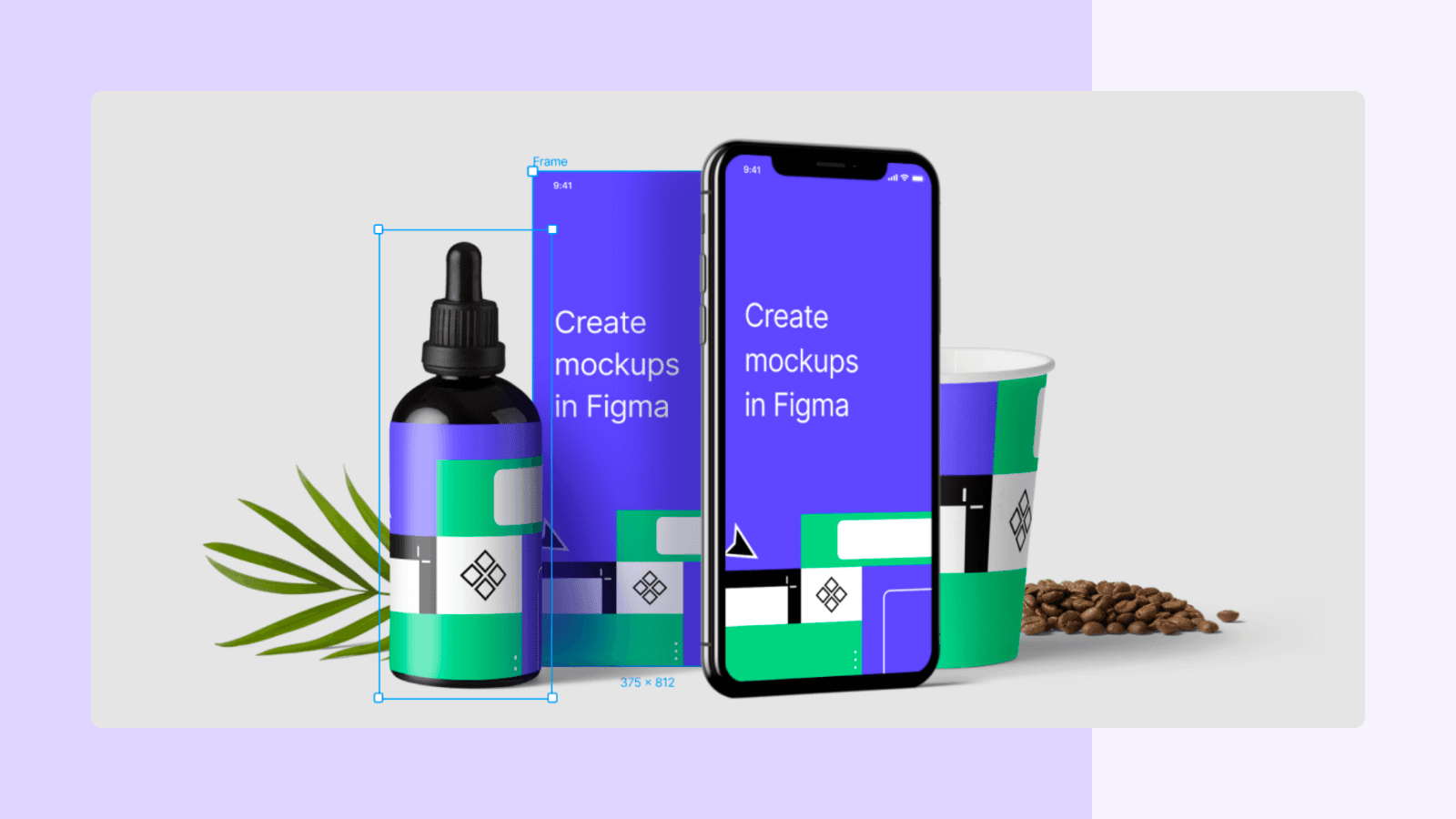
Artboard Studio makes it easy for you to rapidly mock up your designs on any device imaginable and create various unique scenes all from within Figma.
Easily render Figma frames into real-life product mockups with a click of a button.
Bonus!
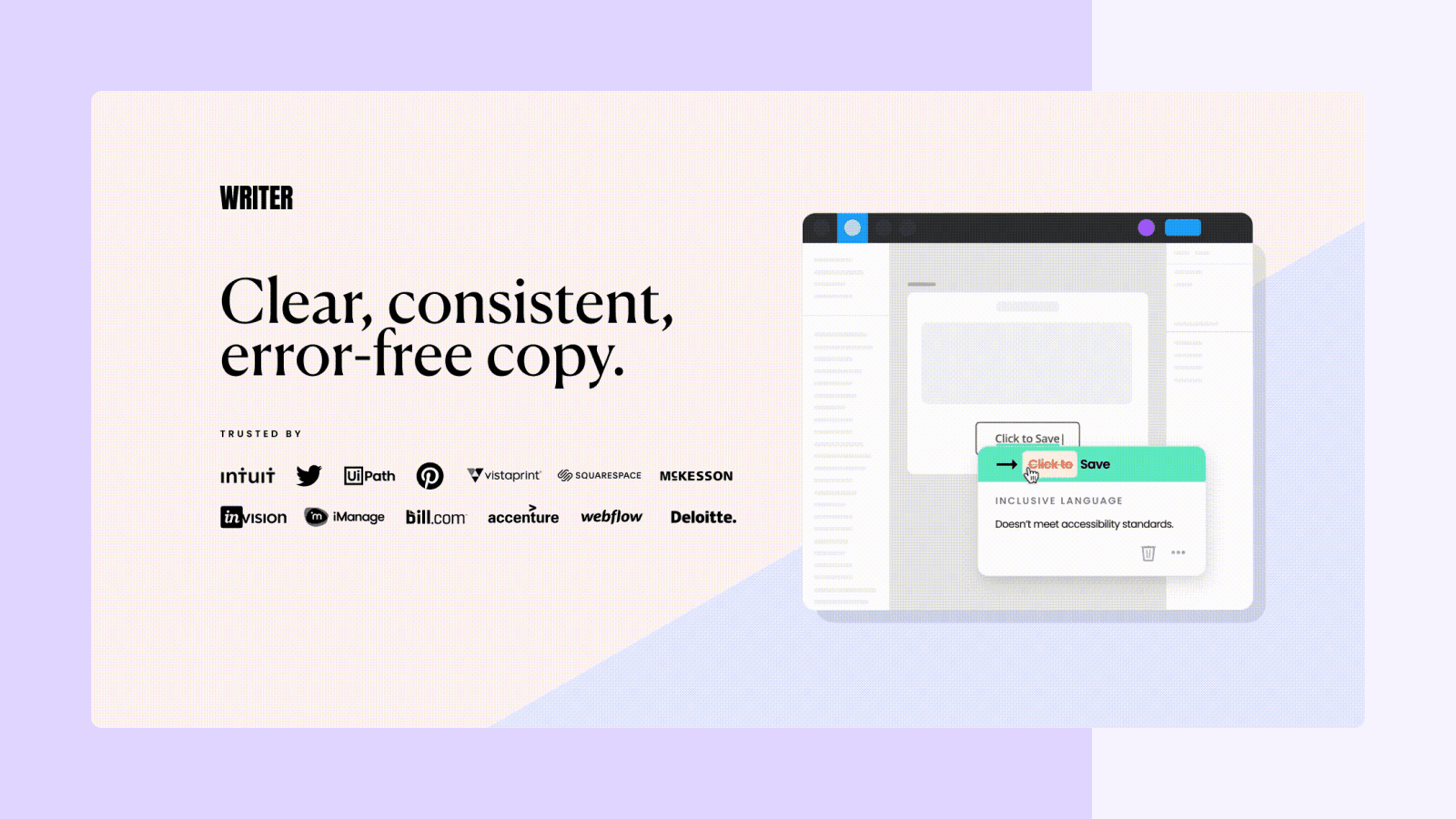
As a bonus, I’ll be adding Writer It is the AI writing assistant for teams. Use the Writer + Figma plugin to make sure all your content is clear, consistent, and error-free.
Summing Up
So, that was our list of the best Figma plugins that will help you improve your Figma experience even further. The community around Figma is growing massively, and these plugins benefit your day-to-day workflow significantly.
Now, it’s your turn to check out these plugins and install the ones you need the most.
