

Code faster, smarter, or fall behind. AI is transforming how software is written, tested, and shipped. In 2025, over 48% of U.S. developers and 60% globally will already integrate AI-powered tools into their workflows to boost productivity, automate repetitive tasks, and reduce bugs at scale.
From intelligent autocompletion to instant documentation and code reviews, AI now acts as a developer's silent co-pilot, speeding up delivery while improving code quality.
But with a growing pool of tools flooding the market, many devs still ask: Which one should I use?
This blog answers that question. Based on deep research and real developer insights, we explore the top 15 AI coding tools for 2025 and how to evaluate them, as well as key features, pricing, hands-on experiences, and future trends.
How to Select the Best AI Coding Tools
Choosing the right AI coding tool is not about following trends. It is about aligning capabilities with your specific development needs.
Here's a structured approach to make an informed decision:
1. Assess Your Development Workflow
Begin by mapping out your typical development tasks. Are you looking for tools that assist with code completion, debugging, documentation, or all of the above? Understanding your workflow helps in identifying tools that integrate seamlessly and enhance productivity.
2. Evaluate Language and Framework Support
Ensure the AI tool supports the programming languages and frameworks you use. For instance, if you're working with Python and JavaScript, tools like GitHub Copilot and Tabnine offer extensive support. Compatibility is key to leveraging the full potential of AI assistance.
3. Consider Integration Capabilities
A tool's ability to integrate with your existing development environment (IDEs, version control systems, CI/CD pipelines) is crucial. Seamless integration minimizes context switching and streamlines the development process.
4. Analyze Learning Curve and Usability
Opt for tools with intuitive interfaces and comprehensive documentation. A steep learning curve can hinder adoption and negate productivity gains. User-friendly tools accelerate onboarding and foster widespread team adoption.
5. Review Community and Support
Active communities and robust support channels are indicators of a tool's reliability and longevity. They provide avenues for troubleshooting, sharing best practices, and staying updated with the latest features.
6. Assess Cost and Licensing
Evaluate the pricing models to ensure they align with your budget and team size. Some tools offer free tiers with limited features, while others require subscriptions. Consider the return on investment in terms of time saved and code quality improvements.
7. Prioritize Security and Compliance
For projects handling sensitive data, prioritize tools that adhere to security standards and compliance regulations. Features like data encryption, access controls, and audit logs are essential for maintaining code integrity and confidentiality.
Top 8 AI Coding Tools for Developers in the USA in 2025
As AI coding tools mature, choosing the right one is about who solves your specific problem without getting in the way. I put together this list based on real developer experiences from the trenches: solo engineers juggling product and infra, senior devs in fintech with tight compliance, and AI-curious hobbyists trying to avoid hallucination hell. Every tool here has earned its spot through a mix of technical usefulness, developer trust, and workflow fit—not hype.
- GitHub Copilot: My Go-To for Boilerplate, Not Brainwork
- Cursor: My Debugging Sidekick for Legacy Code and Spaghetti Logic
- Tabnine: My Go-To When Privacy Matters More Than Speed
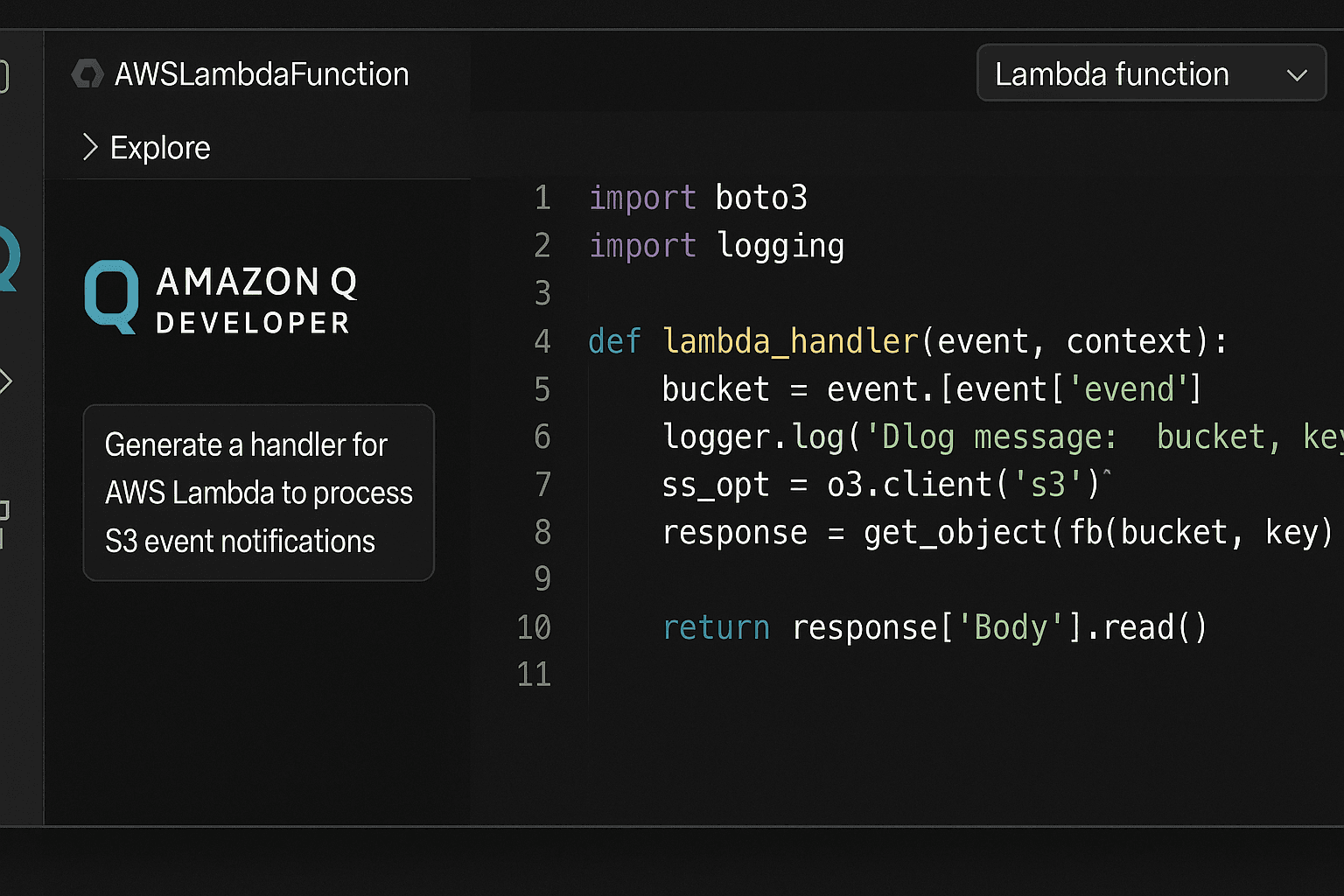
- Amazon Q Developer: The Quiet Powerhouse for AWS-Centric Workflows
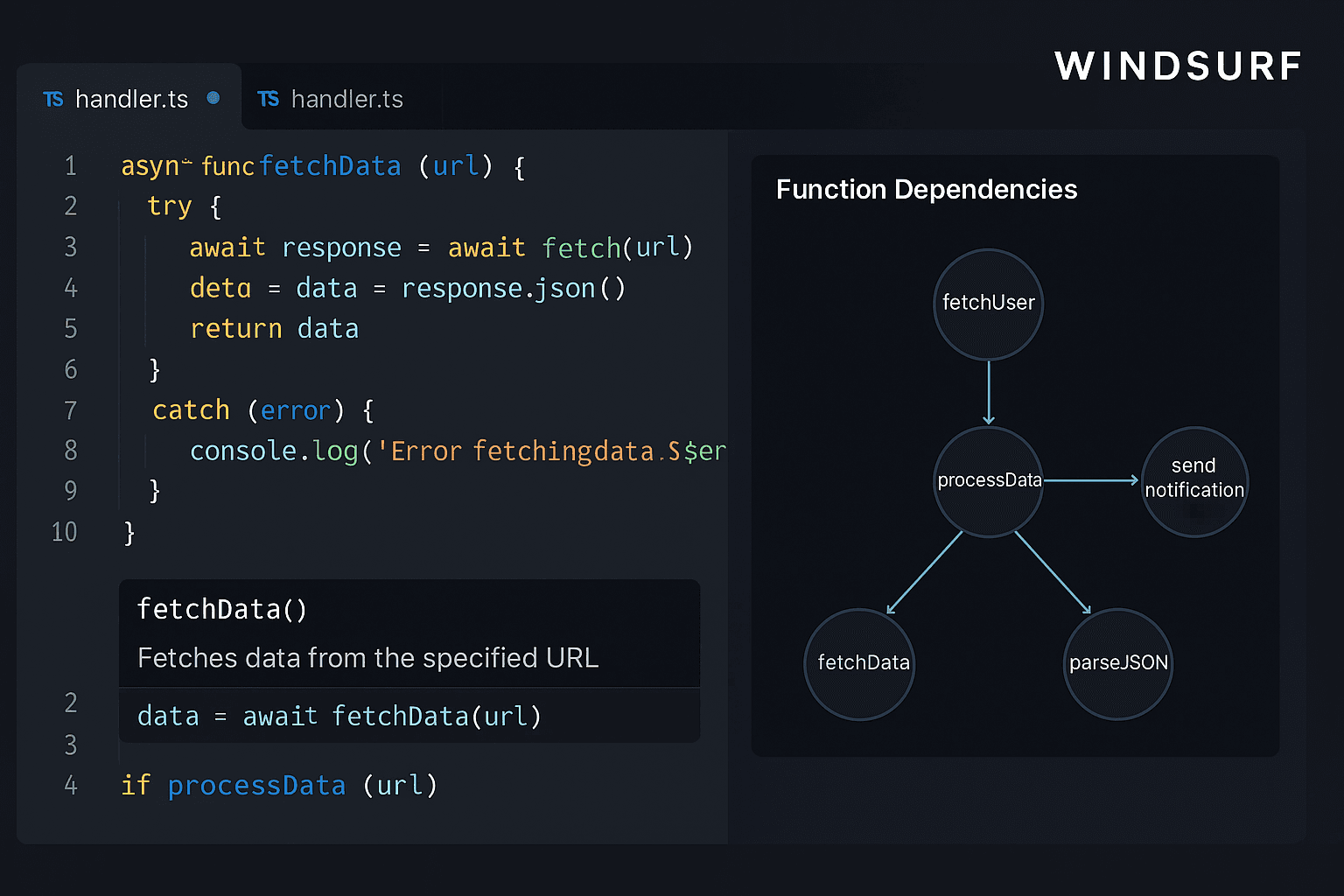
- Windsurf: The AI Tool That Helped Me Trust Unknown Codebases
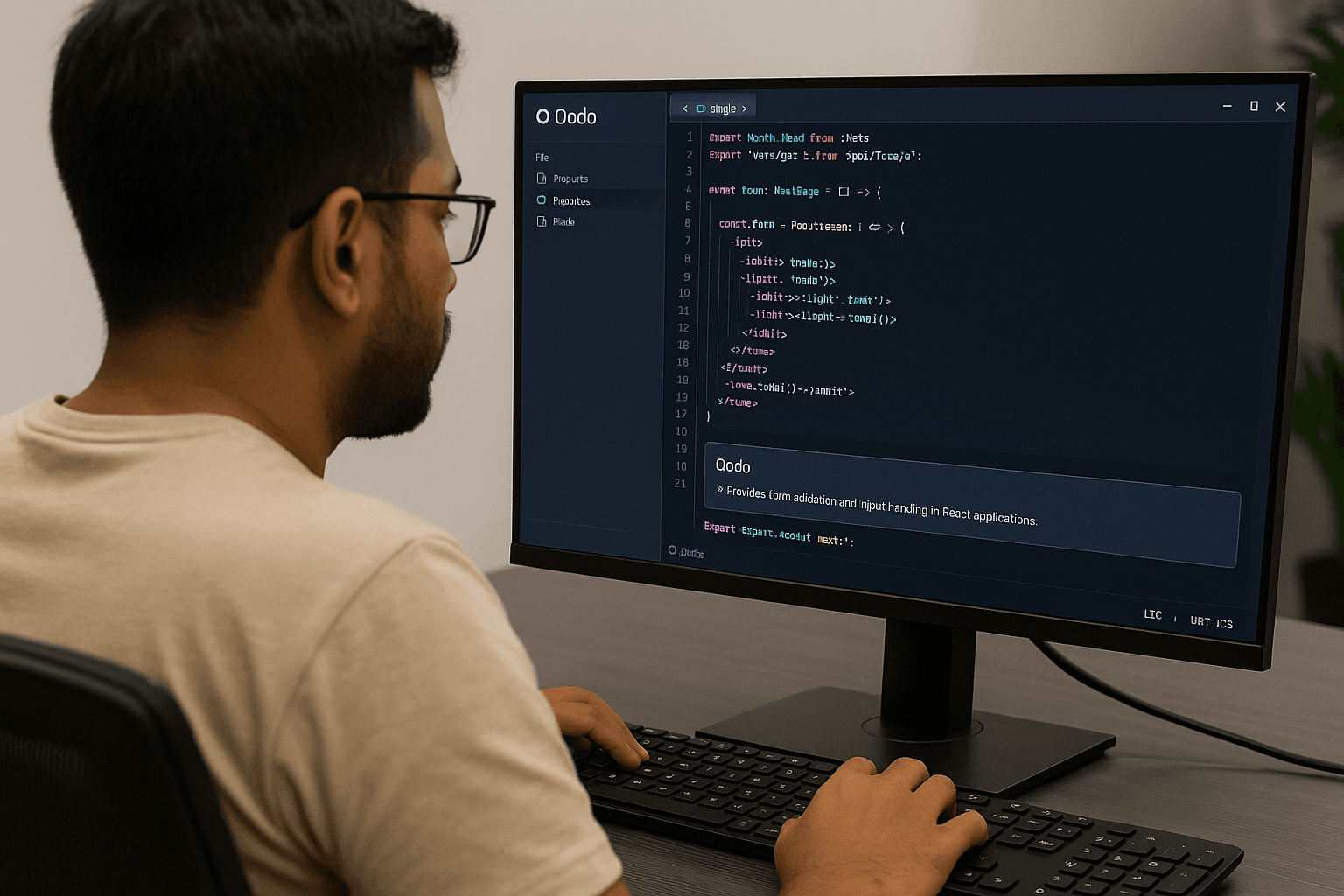
- Qodo: Surprisingly Good at Getting the Basics Right
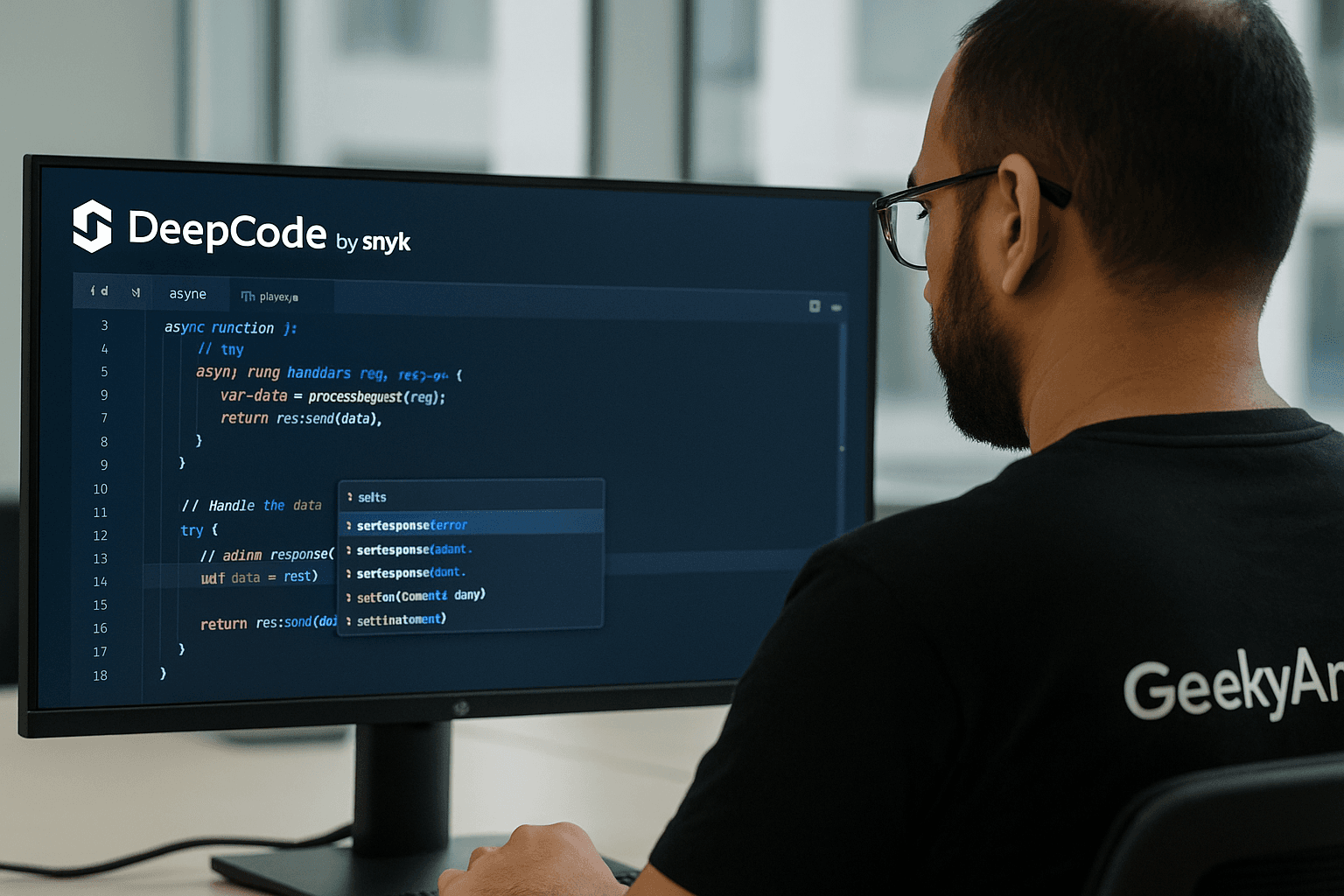
- DeepCode by Snyk: My First Line of Defense for Security Reviews
- Sourcegraph: The Only Tool That Makes Me Feel in Control of Giant Repos
GitHub Copilot: My Go-To for Boilerplate, Not Brainwork
As someone who works on backend-heavy Node.js and TypeScript apps, GitHub Copilot has earned its place in my editor, right next to my muscle memory. I’ve used it to scaffold everything from Express controllers to CRUD operations and even Jest test cases. It doesn’t think for you, but it saves time on what you already know you’d have to write.
Why I Recommend GitHub Copilot
The biggest value Copilot offers me is speed. When I am setting up repetitive logic—like middleware, error handling, or API endpoints—it gets the job done before I finish typing. Its integration with VS Code is smooth, and the suggestions usually land right where I need them.
I have also found it helpful when experimenting with unfamiliar packages. For instance, while working with Stripe’s API, Copilot suggested the right method chain after just importing the library. That’s context-awareness done well.
Where GitHub Copilot Falls Short
Copilot isn’t perfect—and honestly, I don’t want it to be. It has no sense of architectural nuance. Sometimes, the logic that it autocompletes is subtly broken or misses edge cases. It also tends to “overhelp” by suggesting things I didn’t ask for, which can get annoying in larger files.
And yes, security is a concern. It once suggested an old, insecure regex pattern while I was working on input validation. That’s when I realized: it can’t distinguish between what’s common and what’s right.
When GitHub Copilot Shines
- Backend APIs (Node.js, Django)
- React component boilerplate
- Writing test stubs with Jest or Mocha
- Early-stage prototyping (especially solo)
GitHub Copilot Pricing
- Individual: $10/month or $100/year
- Teams: $19/user/month
Final Take on GitHub Copilot
I don’t write production logic with Copilot—I shape it. But for what it does well (scaffolding, snippets, and syntax help), it's a massive time-saver. Don’t turn your brain off. Think of it as your junior dev that never sleeps—useful, fast, but needs supervision.

Generated by ChatGpt
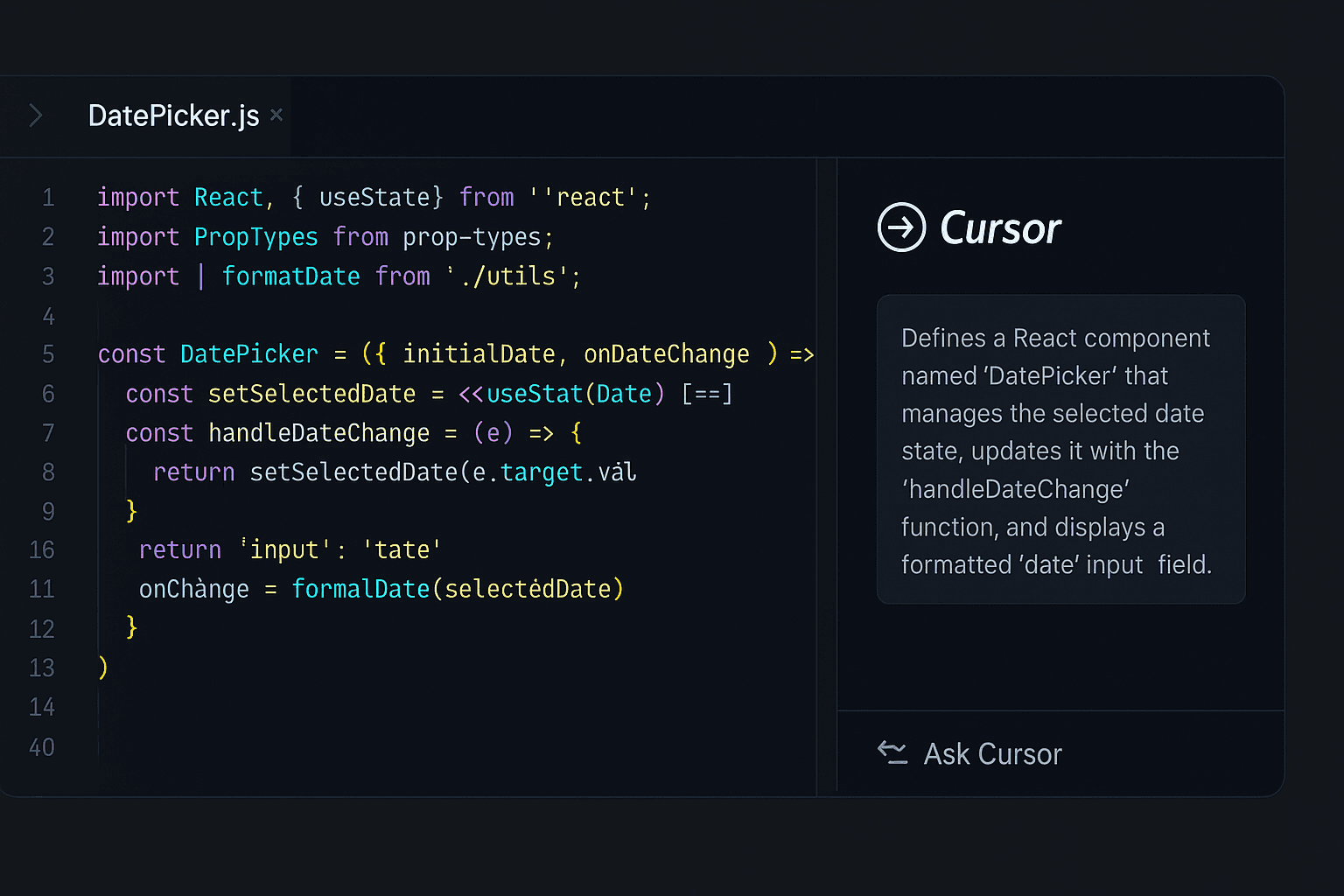
Cursor: My Debugging Sidekick for Legacy Code and Spaghetti Logic
I did not expect to like Cursor as much as I do. It’s not flashy. It doesn’t spit out clever one-liners like Copilot. But when you are deep inside a tangled React app or trying to refactor 10 interconnected files that were written three teams ago, it quietly becomes invaluable. I have used Cursor extensively while cleaning up legacy codebases and onboarding new devs, and frankly, I wouldn’t touch a monolith without it anymore.
Why I Recommend Cursor
Where most AI tools operate at the function level, Cursor sees the big picture. It maps out relationships across files, variables, and components so you don’t have to play detective. One of the best things it does is multi-file reasoning—a game-changer when dealing with prop drilling, shared state, or cascading refactors.
On one project, I had to trace business logic buried in nested React components and Redux slices. Cursor not only surfaced dependencies across the tree but even suggested cleaner structuring, and it was mostly spot on.
Also, its context-aware editing is highly underrated. It doesn’t guess wildly; it understands what the code is doing and what might break if you change one line.
Where Cursor Falls Short
Performance can sometimes lag, especially in large repositories. And while the suggestions are smart, they’re not always efficient—Cursor will occasionally favor verbosity over clean patterns. It’s also not ideal for quick one-file edits or generating new code from scratch.
Another thing: it’s a bit opinionated. If you’re not following its preferred coding conventions, it might “fight” you a little.
When Cursor Shines
- Refactoring legacy frontends (React, Angular)
- Debugging cross-file logic and dependencies
- Complex merges and architectural cleanups
- Code review preparation or cleanup before PRs
Cursor Pricing
Custom enterprise pricing (I have used it via company access, so no personal billing experience here).
Final Take on Cursor
Cursor is less of a code writer and more of a code therapist. It won’t generate your next microservice, but it will help you untangle the last one. If your daily job involves cleaning up after other people (or your past self), this is the tool you want in your corner.
Generated by ChatGpt
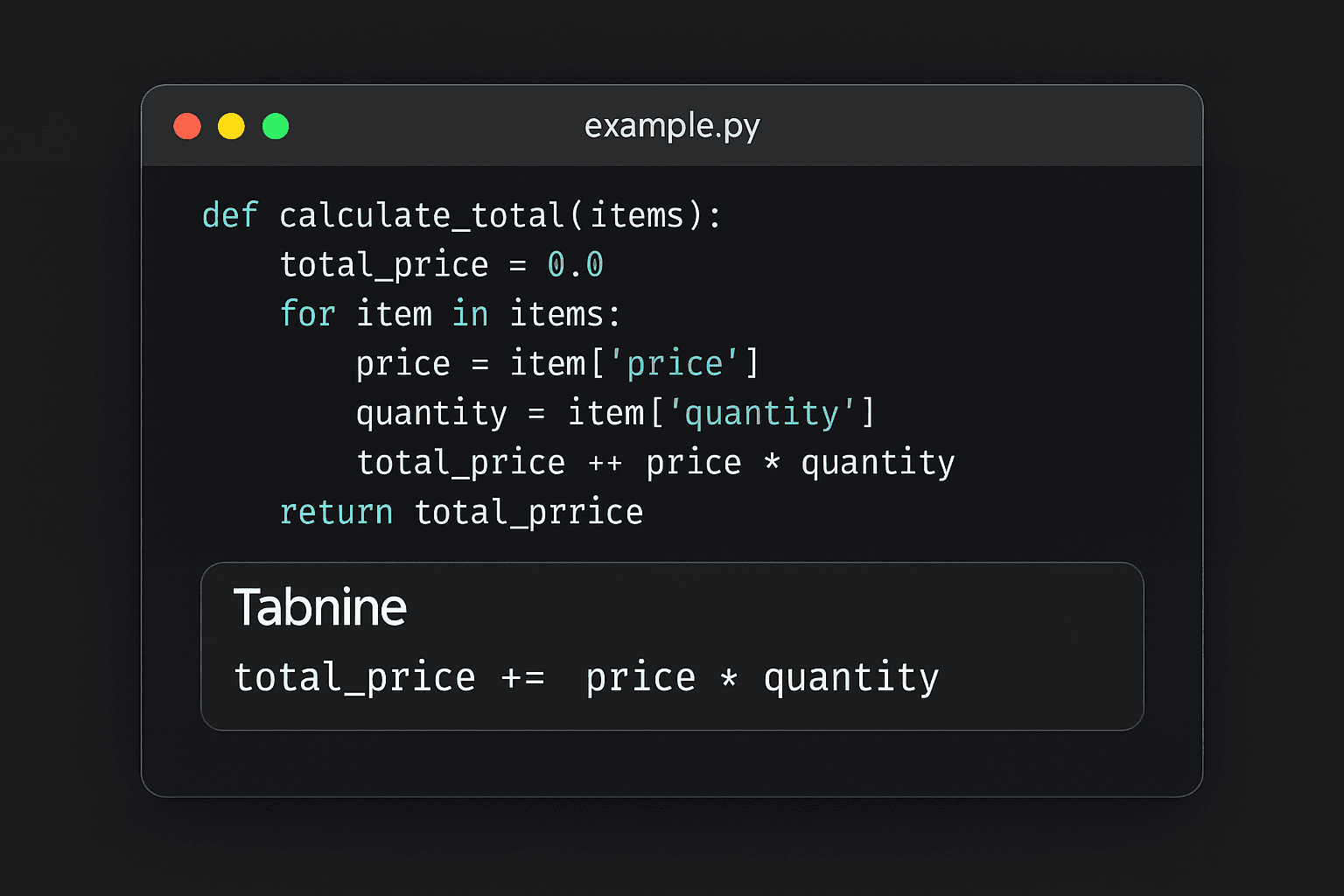
Tabnine: My Go-To When Privacy Matters More Than Speed
Something is reassuring about knowing your code is not leaving your machine. That’s why I reach for Tabnine when I’m working in compliance-heavy environments—think fintech, healthcare, or internal tools where NDAs aren’t just formalities. Tabnine might not be the smartest assistant in the room, but it’s the one I trust most when data security is non-negotiable.
Why I Recommend Tabnine
Tabnine runs entirely on-device, which means your code stays with you—no cloud inference, no external APIs, no IP worries. That’s a rare feature in the AI tooling space, and in certain industries, it’s a make-or-break.
Its suggestions are fast, relevant, and customizable. You can even train your local model based on your project or codebase, which I have done on long-term Python projects to align completions with team conventions. It doesn’t hallucinate like Copilot sometimes does, and it respects the structure of your existing codebase instead of forcing generic boilerplate.
Where Tabnine Falls Short
Tabnine is more predictive than creative. It’s great at completing your thoughts, but don’t expect it to generate new patterns or complex logic out of thin air. It also lacks the broader contextual awareness that tools like Cursor or Copilot offer, especially when working across multiple files or deeply nested functions.
If you are building something novel or rapidly iterating, Tabnine can feel... a bit too safe.
When Tabnine Shines
- Enterprise apps with sensitive data
- Internal tools for regulated industries
- Solo projects that prioritize performance and local speed
- Teams who want AI help without compromising IP
Tabnine Pricing
- Free tier available
- Pro plans start at $15/month, with team and enterprise plans offering local model training and admin controls
Final Take on Tabnine
Tabnine is not a trailblazer—it’s a trustworthy companion. When I need fast, secure, context-aware completions that won't ship my code off to some GPU cluster in the cloud, this is what I use. If you're a senior engineer at a startup with compliance headaches—or just someone who values control over convenience—Tabnine delivers peace of mind without sacrificing too much power.
Generated by ChatGpt
Amazon Q Developer: The Quiet Powerhouse for AWS-Centric Workflows
If you have ever wrestled with IAM policies, misconfigured Lambda triggers, or endless CloudFormation templates, Amazon Q Developer might feel like AWS’s way of saying, “Let me handle that for you.” I started using it cautiously—AWS tools can be hit or miss—but it has earned a place in my toolkit for backend-heavy, serverless-first projects where wiring up services eats time better spent solving problems.
Why I Recommend Amazon Q Developer
Where Copilot and others excel at code generation, Q Developer shines in orchestration. It doesn’t just autocomplete a for-loop; it understands how AWS services connect. During a recent project, I had to spin up a Lambda-S3 integration with proper IAM boundaries. Normally, that’s a tedious job with plenty of room for silent failures. With Q Developer inside the console, I had handler code, permissions, and even CloudWatch triggers scaffolded accurately in a single go.
Its contextual awareness of AWS architecture is unmatched. Whether it’s generating secure IAM roles or stitching together API Gateway, DynamoDB, and Step Functions, it understands AWS services—not just syntax.
Where Amazon Q Developer Falls Short
This is not the tool you reach for outside the AWS ecosystem. Drop it into a non-AWS environment, and it stumbles. Even within AWS, Q Developer is great at setup but rarely helps during later-stage feature building or debugging. It also lacks flexibility for custom business logic—it handles infrastructure scaffolding, not app-level logic.
The UX could be more intuitive as well. It feels embedded inside AWS’s console culture—functional, but not delightful.
When Amazon Q Developer Shines
- AWS Lambda + S3 + DynamoDB workflows
- Infrastructure-as-code scaffolding (with fewer manual edits)
- Mid-sized backend projects built natively on AWS
- Teams setting up new services fast without skipping compliance
Amazon Q Developer Pricing
- Free for individuals
- Enterprise pricing available via AWS support plans
Final Take on Amazon Q Developer
Amazon Q Developer is not trying to be your coding sidekick—it’s your infrastructure ally. If you live inside the AWS ecosystem, it will handle the grunt work, reduce human error, and get your backend live faster. For everything else, there are better tools. But when the cloud is your playground, Q Developer brings the map.
Generated by ChatGpt
Windsurf: The AI Tool That Helped Me Trust Unknown Codebases
I don’t use Windsurf every day—but when I’m handed a codebase I didn’t write, that no one really "owns" anymore, this is the first tool I launch. It’s like stepping onto a ship with radar when everyone else is sailing blind.
I discovered Windsurf during a client project where we inherited a legacy monolith-turned-microservices-mess. The handover doc was six months outdated, half the services were undocumented, and nobody knew which function triggered what. We were expected to debug a production issue in week one. That’s when Windsurf saved us.
Why I Recommend Windsurf
Windsurf didn’t fix the bug. It did something better: it made the chaos legible. The tool automatically mapped dependencies across services—Go backend, Node API layer, and a sprinkle of TypeScript jobs—into a visual graph that made sense.
Instead of jumping between files and hoping for the best, I could trace execution flow, spot unnecessary handoffs, and even highlight deprecated modules we didn’t know were still running. In two hours, we understood more about that codebase than the internal team had in two months.
It doesn’t write code or suggest refactors. It gives you confidence, because once you see the whole system clearly, writing good code becomes the easy part.
Where Windsurf Falls Short
If you are looking for AI to help you write logic or build features, Windsurf won’t help. It’s an exploration tool, not a builder. Also, if your repo isn’t well-structured or you skip proper setup, the insights can feel noisy.
It also doesn’t do well in small or tightly scoped projects. For a simple React ap, it’s overkill.
When Windsurf Shines
- Inherited or undocumented systems
- Cross-service debugging (especially with multiple languages)
- Team onboarding for large-scale stacks
- Technical due diligence during handovers or audits
Windsurf Pricing
Enterprise pricing only — we used it as part of a consulting package, so I can’t speak to individual cost.
Final Take on Windsurf
Windsurf won’t impress you with fancy completions or AI-powered scaffolding. What it will do is show you what’s going on—even in the messiest, most over-engineered codebases. If you’re the kind of engineer who’s expected to bring clarity to other people’s chaos, Windsurf earns its keep.
Generated by ChatGpt
Qodo: Surprisingly Good at Getting the Basics Right
I’ll admit—I didn’t take Qodo seriously when I first saw it in a roundup blog. The UI looked clean, but I assumed it was another lightweight AI assistant trying to do what Copilot already does better. Then I gave it a real test: spinning up a new project with a junior dev team that needed both structure and speed. That’s when Qodo earned my attention.
Why I Recommend Qodo
Qodo is refreshingly pragmatic. It focuses less on “smart” code generation and more on getting the scaffolding and structure right. Its real strength lies in boilerplate automation and component generation—especially in fullstack JS/TS environments.
I used it during a sprint to build out an internal dashboard tool using Next.js and MongoDB. Within hours, Qodo helped us scaffold route handlers, form logic, basic validation, and even consistent naming across modules. For junior developers, it acted like a coding GPS—they still had to drive, but they didn’t get lost.
The built-in code annotation explanations also turned out to be useful for onboarding. It’s like pairing with a dev who pauses to explain why something is written a certain way. Not perfect—but helpful when time is tight.
Where Qodo Falls Short
Qodo won’t surprise you with deep logic generation. It’s not built for solving complex algorithmic problems or navigating legacy systems. I also found its suggestions sometimes too generic when working with niche libraries or custom hooks.
There’s also a risk of teams relying too heavily on its default patterns. If you don’t know what to tweak, you’ll ship mediocre code fast—which isn’t always a win.
When Qodo Shines
- Scaffolding dashboards, admin panels, and CRUD apps
- Onboarding junior or mid-level devs
- Saving time on repetitive UI/UX logic (form handlers, tables, modals)
- Teams that prefer convention over configuration
Qodo Pricing
- Freemium model
- Paid tier adds custom workflows and integrations (used via team license)
Final Take on Qodo
Qodo may not be the flashiest tool on this list, but it shows up when you need solid foundations fast. If you're building with a lean team and want to keep momentum without sacrificing clarity, this tool helps you move without tripping over setup every time. For me, it's not about what Qodo replaces. It’s about what it frees up mental space for.
Generated by ChatGpt
DeepCode by Snyk: My First Line of Defense for Security Reviews
Code that works isn't always code that’s safe. I learned that the hard way early in my career—pushed a feature live, passed every test, and still introduced a security hole that nearly compromised user data. Ever since, I’ve been more deliberate about scanning my code not just for bugs, but for risks. That’s where DeepCode stepped in.
I’d used Snyk’s vulnerability DB for years, but DeepCode took it further—it’s not just a scanner, it’s an AI-enhanced reviewer. Think of it as the team member who reads every line with a red pen and zero tolerance for bad habits.
Why I Recommend Deepcode by Snyk
DeepCode understands code patterns in context, not in isolation. I’ve used it on large React+Node projects where PRs span multiple files, and it still flags risks like insecure API keys, poor regex handling, or unsafe data flows.
What I appreciate most is that it doesn’t just say “this is bad”—it tells you why. During a recent audit for a fintech prototype, it surfaced a token mismanagement issue buried in a helper function that hadn’t changed in weeks. No linter caught it. No human did either. That one catch justified the tool’s place in the pipeline.
It pairs well with CI/CD workflows, making security a continuous part of development, not a bottleneck at the end.
Where Deepcode Falls Short
DeepCode shines in known frameworks and mainstream stacks—but it struggles with custom logic or bleeding-edge libraries. It’s also prone to occasional noise in large monorepos, flagging theoretical issues that aren’t actionable.
Also, it’s a read-only tool. It won’t fix the issue for you—you still need to understand and act. But in my view, that’s a feature. It pushes developers to level up instead of blindly accepting suggestions.
When DeepCode Shines
- Security-focused teams (especially in fintech, healthtech)
- Codebase audits or compliance checks
- High-stakes releases with tight testing budgets
- PR reviews in fast-moving teams
Deepcode Pricing
- Free tier available
- Enterprise and Pro plans offer custom integrations and advanced policies
Final Take on Deepcode
DeepCode doesn’t sugarcoat anything—it surfaces what matters and expects you to deal with it. And that’s exactly why I trust it. If you take security seriously and want AI that behaves more like a code reviewer than a code generator, this tool belongs in your CI pipeline.
Generated by ChatGpt
Sourcegraph: The Only Tool That Makes Me Feel in Control of Giant Repos
There’s a specific kind of headache that comes from being dropped into a codebase with hundreds of services, cryptic function names, and deeply nested dependencies. I’ve been in that situation too often—tasked with refactoring logic buried three levels deep or finding every usage of a legacy utility spread across a dozen teams.
Sourcegraph didn’t replace my IDE. It didn’t write code for me. What it did was give me visibility—and that changed everything.
Why I Recommend Sourcegraph
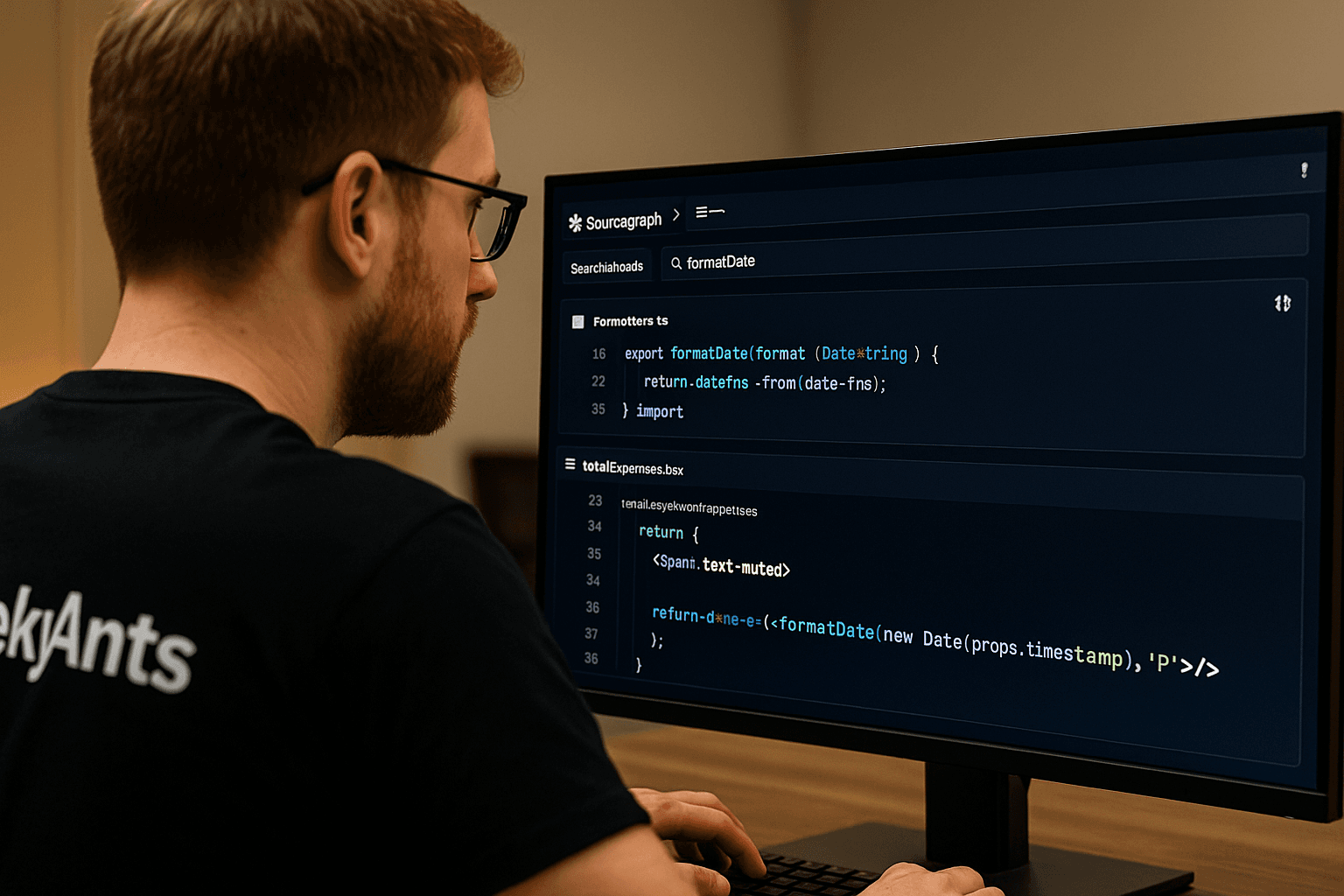
Sourcegraph is the Google for your codebase. I’ve used it to navigate monorepos with thousands of files, searching not just for function names, but patterns, definitions, references, and call graphs across languages and repositories.
The cross-repo search is unmatched. I once had to track how a shared date formatting library was affecting behavior across multiple React frontends and backend APIs. Within seconds, Sourcegraph laid out every place that the function touched, including forgotten tests and wrappers. It saved me from introducing breaking changes—and it made the fix feel surgical, not scary.
The tool also integrates well with GitHub and GitLab, giving in-line context for PRs and historical references during reviews. It’s like having a full-stack historian who answers every “why is this here?” question.
Where Sourcegraph Falls Short
Sourcegraph won’t hold your hand. It’s powerful, but it assumes you know what you’re looking for. New devs might find the interface overwhelming at first, especially without proper setup or permissions in enterprise-scale environments.
Also, while it supports multiple languages, it’s more optimized for TypeScript, Go, Java, and similar mainstream stacks. If your project is obscure or experimental, results may be inconsistent.
When Sourcegraph Shines
- Refactoring across services or domains
- Performing deep-impact analysis before PRs
- Large, multi-repo, multi-team codebases
- Tech leads and architects maintain shared libraries
Sourcegraph Pricing
- Free tier for small teams and public repos
- Enterprise plans offer full-code intelligence and SSO integration
Final Take on Sourcegraph
Sourcegraph doesn’t build features—but it gives you the situational awareness to build responsibly. For me, it’s become a non-negotiable tool in complex environments. If you’re a lead dev, staff engineer, or the person everyone turns to when something breaks in production, Sourcegraph is how you stay a step ahead.
Generated by ChatGpt
Comparative Analysis: From One Developer to Another
Usefulness of Comments
Every developer knows that a good comment can save hours during a code review. But AI tools still treat comments more like footnotes than actual guidance. Copilot might say, “Sorts the array in ascending order,” but it won’t tell you why it’s sorted here or what edge case triggered that logic. The cursor takes a step ahead by attempting to explain reasoning, but the nuance is often missing. In short, treat AI-generated comments as placeholders. They are helpful but not a substitute for developer intent.
Scope of Review
This is where things start to diverge. Most tools operate in a limited window—they only understand the function or file you edit. That works for small tasks. But if you're navigating a sprawling codebase, you need deeper context. Cursor shines here, offering multi-file awareness and the ability to trace logic through different modules. Tools like Codeium or Tabnine, while fast, operate in more isolated scopes. So if your workflow spans components, services, and state management, go with a tool that sees the full picture.
Data Privacy
Ask any CTO or lead engineer: AI adoption hinges on trust. Tools that ship your code to the cloud can be a dealbreaker, especially in finance, healthcare, or enterprise environments. That’s why developers working under strict compliance often lean toward Tabnine or Codeium—both prioritize on-device processing. Copilot and CodeWhisperer, on the other hand, rely on cloud-based inference. They’re great for speed and scale, but not always ideal when NDAs or security audits are involved. The takeaway? Check the data policy before integrating.
Use Cases for These Tools
Each of these tools solves a different bottleneck, and knowing which one to use when is the real advantage:
- Copilot is your go-to for rapid prototyping, auto-generating stubs, and cutting through repetitive syntax.
- Cursor comes in when you need to refactor legacy code across files or decipher tangled logic branches.
- Tabnine thrives in secure environments where every line of code stays local.
- CodeWhisperer is purpose-built for AWS-heavy stacks, especially for teams automating serverless workflows.
AI Coding Tools: A Shortcut or a Slippery Slope?
When a junior developer on our team deployed a new feature using Copilot, the task was completed in half the time—until an overlooked edge case caused a silent failure in production. This is the paradox of AI-assisted coding: speed without guaranteed safety. Tools like Copilot, Tabnine, and CodeWhisperer are excellent at cutting boilerplate, suggesting syntax, and accelerating testing. But they’re not immune to generating logic errors or non-compliant code, especially in complex or regulated environments.
For beginners, over-reliance can slow down actual learning. For teams, it introduces the risk of unchecked assumptions. The real benefit lies in strategic use: as an accelerator, not a replacement. When paired with thoughtful engineering oversight, AI tools can be powerful multipliers of productivity without compromising quality.
What’s Next: AI Coding Beyond 2025
By 2028, AI’s role in software development won’t be optional—it will be infrastructural. According to Statista, the global AI-in-dev market is projected to reach $12.6 billion, driven by demand for speed, resilience, and autonomy in engineering workflows. But this isn’t only about better autocompletion.
AI is steadily evolving from task-level assistants into context-aware collaborators. In full-stack environments, it will bridge frontend logic with backend orchestration. In DevOps, it will predict system failures, generate remediation scripts, and optimize deployment timelines. In cybersecurity, AI will surface threats before they escalate, patching vulnerabilities and flagging anomalies in real time.
The developer’s role is already shifting—from writing individual lines of code to designing systems that delegate, learn, and improve with every commit. We’re not headed toward automation. We’re moving toward augmentation—with engineers at the helm, steering smarter tools.
Powering Real Outcomes: GeekyAnts’ AI-Driven Development Approach
At GeekyAnts, AI is not a future initiative—it’s embedded in how we build. From architecting AI-powered translation systems for global railway divisions to developing real-time diabetes care platforms, our solutions are designed for outcomes. One standout project involved building a multi-platform document translator integrated with web, mobile, and MS Teams—complete with secure AWS storage and role-based access.
Our expertise extends to integrating LLMs into enterprise systems, enhancing dev workflows, and accelerating delivery through AI-driven automation. We don’t just deploy AI—we tailor it to solve critical engineering and business problems.
To understand how we operationalize this, explore our podcast discussion on AI in development:
We build with AI. We build for impact.
Conclusion
AI coding tools are reshaping software development by addressing specific pain points across the stack—speed, security, scalability, and maintainability. The 15 tools covered in this blog reflect real-world usage, not trends. From Copilot’s intelligent autocompletion to Cursor’s contextual reasoning and Tabnine’s on-device privacy, each tool brings distinct value to modern workflows. For teams and individual developers alike, choosing the right tool isn’t about experimentation—it’s about precision and alignment with business outcomes. As AI continues to evolve, leveraging it effectively will define engineering excellence.
FAQs
1. Is there a free AI coding assistant?
Yes, several AI coding assistants offer free tiers. Tools like GitHub Copilot provide free access for students and open-source contributors. Cursor and Codeium also offer free plans suitable for individual developers. While these plans may limit advanced features or API usage, they’re functional enough for day-to-day development work and small projects.
For professional teams or enterprise use, paid plans unlock enhanced security, customization, and deeper integrations.
2. What are common use cases for coding assistant tools?
AI coding tools are increasingly used across the entire software development lifecycle. Common use cases include:
- Autocompleting functions and boilerplate
- Refactoring legacy code for readability and performance
- Generating test cases to improve QA efficiency
- Assisting in writing technical documentation
- Offering contextual code explanations for onboarding
These tools help reduce cognitive load, improve output speed, and maintain code consistency, especially in fast-moving teams.
3. Can AI coding assistants completely replace human developers?
No, and they shouldn’t. AI tools can generate syntactically correct code, identify patterns, and accelerate repetitive tasks, but they lack contextual judgment. Complex architecture decisions, feature prioritization, debugging edge cases, or handling real-world ambiguity still require human insight.
Think of AI as a productivity partner, not a substitute. It extends your capabilities, but it doesn’t replace the thinking, reasoning, and decision-making that define great engineering.
4. Why do you need to integrate AI developer tools into your product lifecycle ASAP?
Delaying integration means missed opportunities to gain efficiency and build smarter workflows. Teams that embed AI tools early in the lifecycle benefit from:
- Shorter sprint cycles via automated boilerplate and testing
- Early bug detection through AI-assisted analysis
- Continuous improvement in code quality with real-time feedback
Over time, these gains compound, reducing technical debt and improving velocity. AI doesn’t replace agile processes, but it makes them sharper and more scalable.
5. How do AI-powered coding assistants improve software development?
They act as accelerators and safety nets. By generating repetitive code, identifying logic gaps, and helping with documentation, AI assistants allow developers to focus on complex problem-solving.
Key benefits include:
- Faster iteration cycles
- Reduced time spent on debugging
- Better code hygiene with consistent standards
This improves the overall quality and maintainability of the software without inflating effort.
6. What programming languages do AI coding tools support?
Most popular AI coding tools support a wide range of programming languages, including Python, JavaScript, TypeScript, Java, C/C++, Go, Ruby, and PHP. However, the depth and accuracy of support can vary depending on the tool. For instance, GitHub Copilot offers more context-aware and accurate suggestions in Python and JavaScript, largely because these languages dominate the open-source repositories used to train the model. Developers working in less common stacks should always evaluate tool performance within their specific environments before fully integrating it into their workflow.
7. What types of AI developer tools are available?
There are several categories:
- Code generators (e.g., Copilot, Codeium)
- Test case generators (e.g., CodiumAI)
- Static code analyzers (e.g., DeepCode)
- DevOps automation tools (e.g., Spacelift)
- Documentation assistants (e.g., Tabnine)
Each serves a distinct purpose in improving speed, clarity, and code quality.
8. How secure is AI-generated code?
Security depends on both the tool and the implementation. Cloud-based AI tools may process your code externally, which raises IP and compliance concerns. On-device tools like Tabnine offer better control in sensitive environments.
Moreover, AI may suggest insecure code patterns if not properly vetted. It’s essential to:
- Conduct code reviews regardless of source
- Use tools that are compliant with your industry standards
- Pair AI assistance with static analysis for added safety
9. What is the best AI tool for generating code?
GitHub Copilot, powered by OpenAI’s Codex, is the most widely adopted tool for intelligent code generation. It offers deep IDE integration, language versatility, and contextual recommendations.
That said, tools like CodeWhisperer (for AWS-heavy workflows) or Tabnine (for private, local inference) may be better suited based on team needs.
10. Can AI coding assistants help with debugging and code reviews?
Yes. Tools like CodiumAI and DeepCode assist by:
- Flagging potential bugs using static code analysis
- Generating unit tests to expose edge case failures
- Suggesting improvements in logic and structure
They complement, not replace, peer reviews—reducing human oversight burden while improving overall quality.
11. What is the role of OpenAI in advancing AI tools for developers?
OpenAI’s Codex model powers tools like GitHub Copilot and underpins many of the advanced code generation and interpretation capabilities seen today. Their contributions have pushed AI coding from keyword matching to contextual understanding, enabling tools to autocomplete functions, translate code, and offer intelligent suggestions across languages.
OpenAI continues to shape the evolution of AI development environments through API access, research, and integration partnerships.