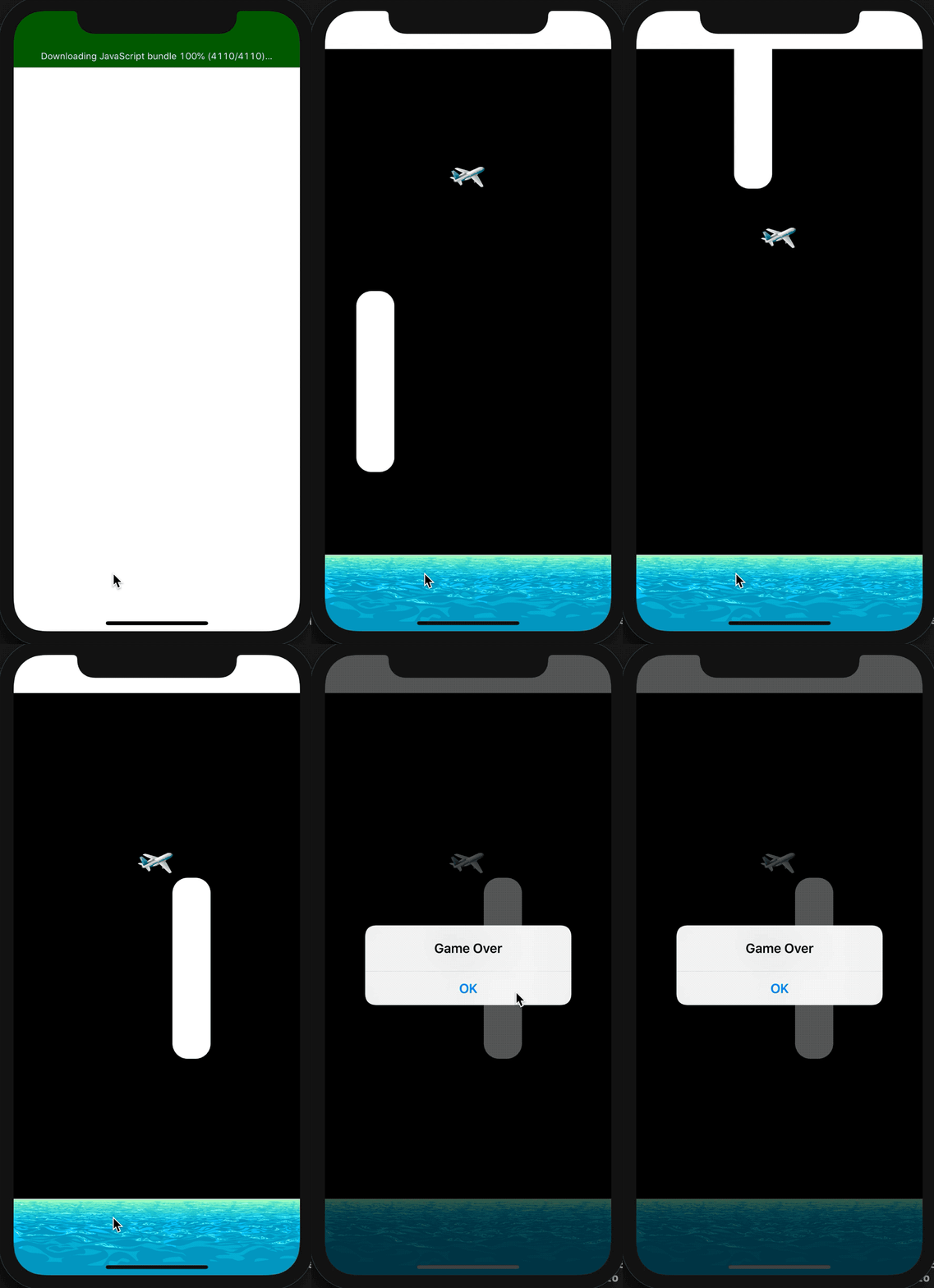

No surprise here, but nowadays Mobile Games are sitting atop the digital world. So, I’ve tried to get inspiration for building a game but what is it that makes my game exciting? Yes! you saw it right. It is made using React Native.
Undoubtedly, this game would not let you leave your phones. When considering the design for this game and in order to welcome players with the aforementioned sense of surprise, I decided to give the physical materials a more realistic look than before.
Just wanna check out the code? Help yourself ☟
https://github.com/garganurag893/Game-Using-React-Native
The hard thing about building Games is to synchronize all the logic you want to apply in order to make things move. For example, in my case I wanted to use gravity. React Native does not provide any feature for providing gravity so for that case I came up with the idea of using Matter.js.
What is Matter.js?
Matter.js is a 2D physics engine which will help us to add physics to React Native. But matter.js alone won't cut it so we have to use react-native-game-engine which will help us to easily setup matter.js with React Native.
So, Let's start by creating a new app :
npx react-native init GameAppNow we have to add react-native-game-engine and Matter.js :
npm install matter-js react-native-game-engine --saveIt is always good practice to start writing code in a proper folder structure in order to save time while refactoring the code. You can follow any folder structure you like to use. I will be following the below folder structure :
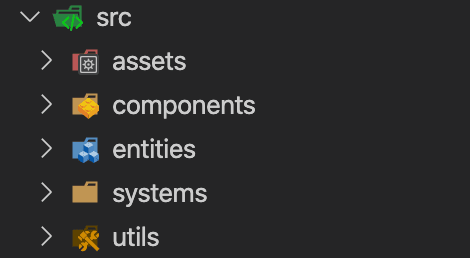
Now it's time to finally start some coding. To begin with, we need to create a world and add a plane to this world.
App.js ☟
import React, {PureComponent} from 'react';
import {StatusBar, StyleSheet, View} from 'react-native';
import Entities from './src/entities';
import {GameEngine} from 'react-native-game-engine';

export default class App extends PureComponent {
  constructor(props) {
    super(props);
    this.state = {
      running: true,
    };
    this.gameEngine = null;
    console.disableYellowBox = true;
  }

  render() {
    return (
      <View style={styles.container}>
        <GameEngine
          ref={ref => {
            this.gameEngine = ref;
          }}
          style={styles.gameContainer}
          entities={Entities()}
          running={this.state.running}>
          <StatusBar hidden={true} />
        </GameEngine>
      </View>
    );
  }
}

const styles = StyleSheet.create({
  container: {
    flex: 1,
    backgroundColor: '#000',
  },
  gameContainer: {
    position: 'absolute',
    top: 0,
    bottom: 0,
    left: 0,
    right: 0,
  },
});
src/entities/index.js☟
import Plane from '../components/Plane';
import Matter from 'matter-js';

Matter.Common.isElement = () => false; //-- Overriding this function because the original references HTMLElement

export default restart => {
  //-- Cleanup existing entities..
  if (restart) {
    Matter.Engine.clear(restart.physics.engine);
  }

  let engine = Matter.Engine.create({enableSleeping: false});
  let world = engine.world;
  world.gravity.y = 0.25;
  const boxSize = 50;

  return {
    physics: {engine: engine, world: world},
    Plane: Plane(
      world,
      'pink',
      {x: 220, y: 400},
      {height: boxSize, width: boxSize},
    ),
  };
};
src/components/Plane.js☟
import React from 'react';
import {Image} from 'react-native';
import {array, object, string} from 'prop-types';
import Matter from 'matter-js';

const airplane = require('../../assets/airplane.png');

const Plane = props => {
  const width = props.size[0];
  const height = props.size[1];
  const x = props.body.position.x - width / 2;
  const y = props.body.position.y - height / 2;
  return (
    <Image
      style={{
        position: 'absolute',
        left: x,
        top: y,
        width: width,
        height: height,
      }}
      resizeMode="stretch"
      source={airplane}
    />
  );
};

export default (world, color, pos, size) => {
  const initialPlane = Matter.Bodies.rectangle(
    pos.x,
    pos.y,
    size.width,
    size.height,
  );
  Matter.World.add(world, [initialPlane]);

  return {
    body: initialPlane,
    size: [size.width, size.height],
    color: color,
    renderer: <Plane />,
  };
};

Plane.propTypes = {
  size: array,
  body: object,
  color: string,
};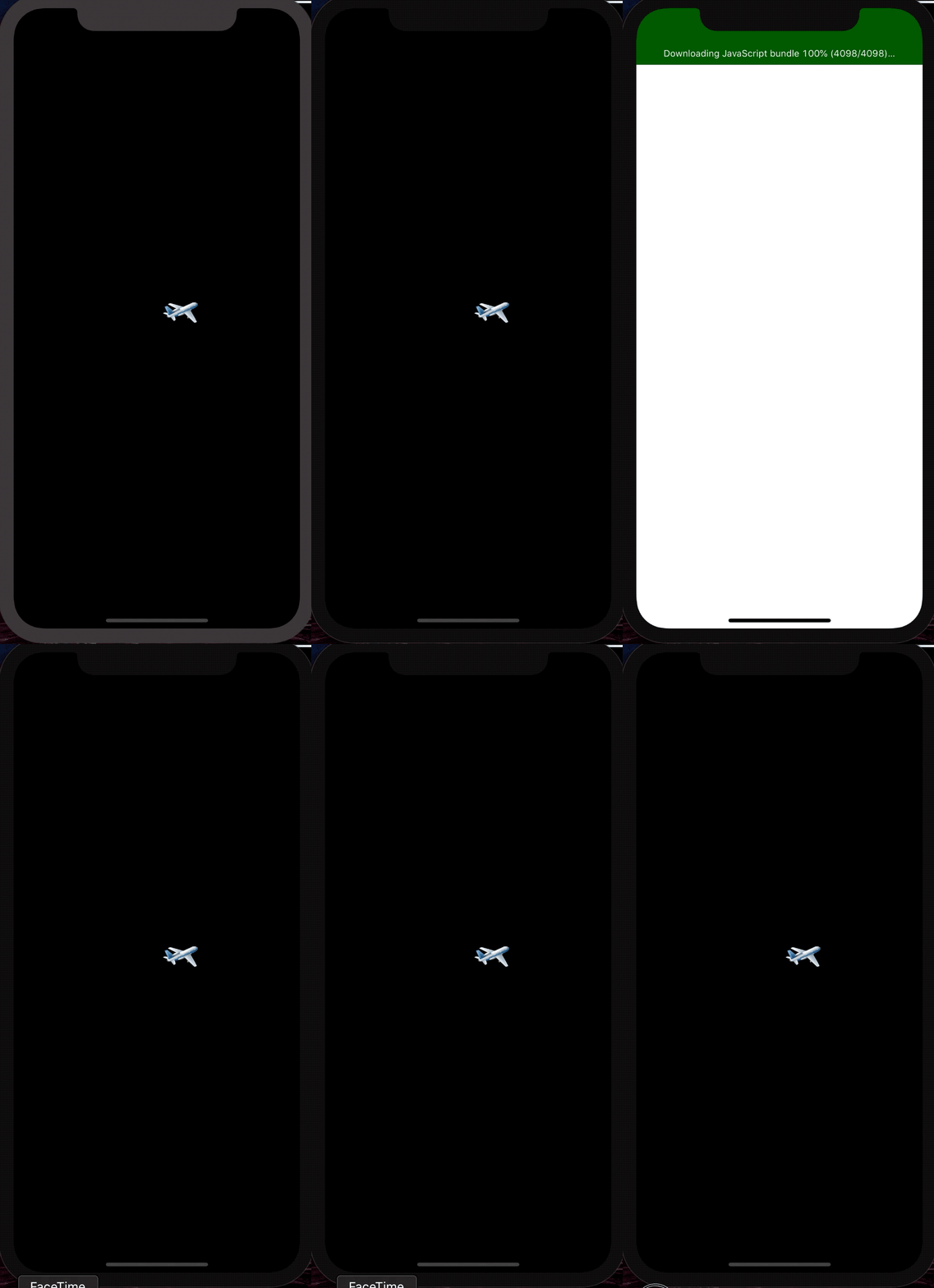
Now let's just add some physics, so that gravity can do its magic...✨
By default, Matter provides a world with gravity 1.0, but to acquire more smoothness we will set it to 0.25. Now we will use the update functionality of matter.js which will update the latest value of all the entities present in its world and it will be wrapped in RNGE systems props which call the passed set of functions in a period cycle.
Update App.js ☟
import Systems from './src/systems';
 { this.gameEngine = ref; }}
style={styles.gameContainer}
running={this.state.running}
systems={Systems}
entities={this.entities}>
src/systems/index.js ☟
import Physics from './physics';
export default [Physics];
src/systems/physics.js ☟
import Matter from 'matter-js';

const Physics = (entities, {time, dispatch}) => {
  let engine = entities.physics.engine;
  Matter.Engine.update(engine, time.delta);
  return entities;
};

export default Physics;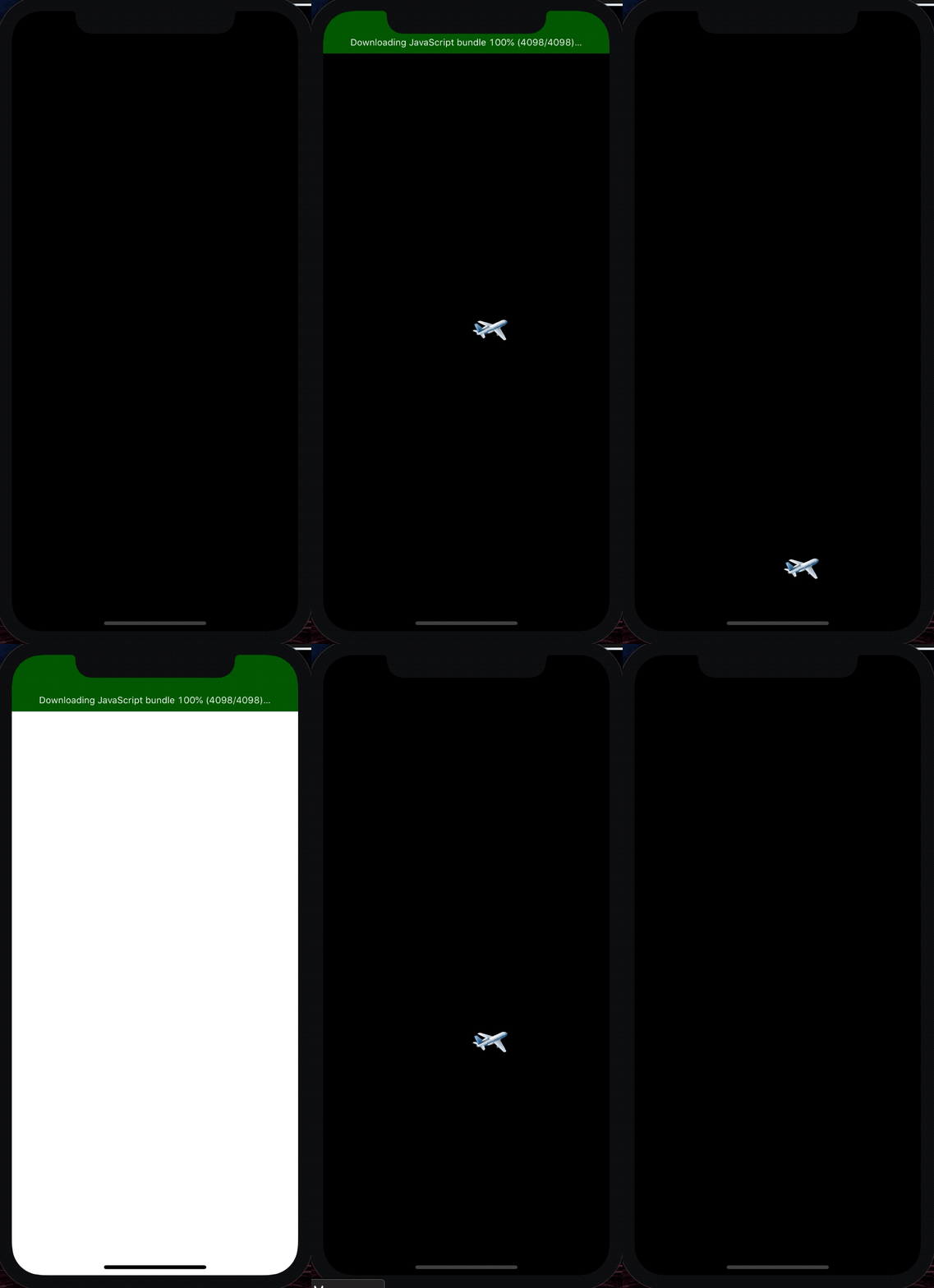
Now its time to make this plane fly….?
Matter.js provides a couple of functions through which we can make this work. The one which we are going to use is setVelocity which can be called when the screen is touched and this is where RNGE plays its role by providing us with a touch event.
src/systems/plane.js ☟
import Matter from 'matter-js';

const UpdatePlane = (entities, {touches, time}) => {
  const engine = entities.physics.engine;
  touches
    .filter(t => t.type === 'press')
    .forEach(t => {
      Matter.Body.setVelocity(entities.Plane.body, {
        x: entities.Plane.body.velocity.x,
        y: -3,
      });
    });
  Matter.Engine.update(engine, time.delta);
  return entities;
};

export default UpdatePlane;
Update src/systems/index.js :
import Physics from './physics';
import Plane from './plane';
export default [Physics, Plane];
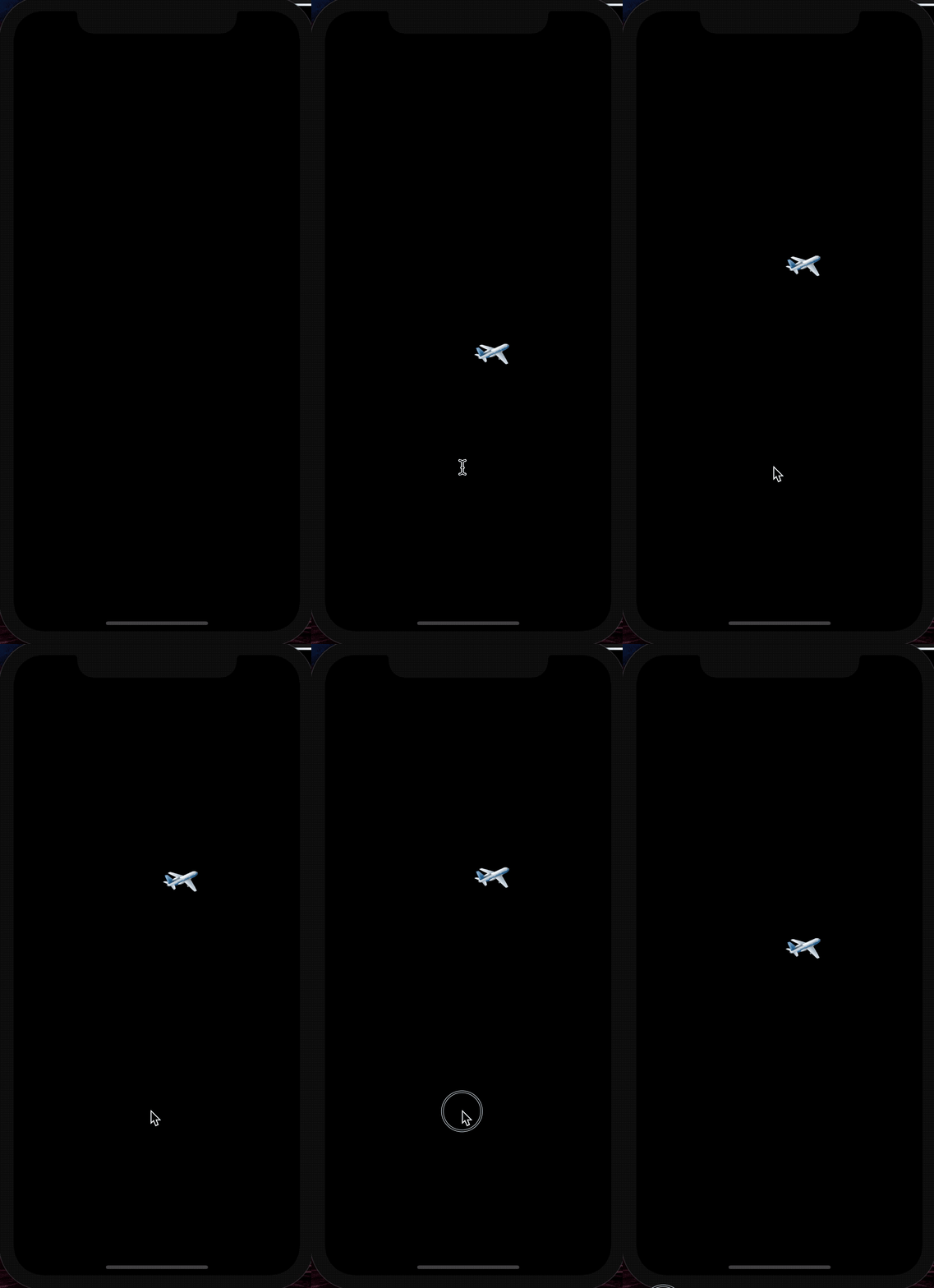
Now, it's time to add a floor and a ceiling, so that we can detect when a collision is made otherwise our plane will never stop falling…
src/components/Floor.js☟
import React from 'react';
import {View, Image} from 'react-native';
import {array, object, string} from 'prop-types';
import Matter from 'matter-js';

const water = require('../../assets/water.png');

const Floor = props => {
  const width = props.size[0];
  const height = props.size[1];
  const x = props.body.position.x - width / 2;
  const y = props.body.position.y - height / 2;
  return (
    <View
      style={[
        {
          position: 'absolute',
          left: x,
          top: y,
          width: width,
          height: height,
          backgroundColor: props.color || 'pink',
        },
      ]}>
      <Image
        style={{width: width, height: height}}
        source={water}
        resizeMode="stretch"
      />
    </View>
  );
};

export default (world, color, pos, size) => {
  const initialFloor = Matter.Bodies.rectangle(
    pos.x,
    pos.y,
    size.width,
    size.height,
    {isStatic: true, friction: 1},
  );
  Matter.World.add(world, [initialFloor]);

  return {
    body: initialFloor,
    size: [size.width, size.height],
    color: color,
    renderer: <Floor />,
  };
};

Floor.propTypes = {
  size: array,
  body: object,
  color: string,
};
src/components/Ceiling.js☟
import React from 'react';
import {View} from 'react-native';
import {array, object, string} from 'prop-types';
import Matter from 'matter-js';

const Ceiling = props => {
  const width = props.size[0];
  const height = props.size[1];
  const x = props.body.position.x - width / 2;
  const y = props.body.position.y - height / 2;
  return (
    <View
      style={[
        {
          position: 'absolute',
          left: x,
          top: y,
          width: width,
          height: height,
          backgroundColor: props.color || 'pink',
        },
      ]}
    />
  );
};

export default (world, color, pos, size) => {
  const initialCeiling = Matter.Bodies.rectangle(
    pos.x,
    pos.y,
    size.width,
    size.height,
    {isStatic: true, friction: 1},
  );
  Matter.World.add(world, [initialCeiling]);

  return {
    body: initialCeiling,
    size: [size.width, size.height],
    color: color,
    renderer: <Ceiling />,
  };
};

Ceiling.propTypes = {
  size: array,
  body: object,
  color: string,
};
Update src/entities/index.js☟
import Floor from '../components/Floor';
import Ceiling from '../components/Ceiling';
Floor: Floor(world,'white',{x: width / 2, y: height - 50},{height: 100, width: width}),
Ceiling: Ceiling(world,'white',{x: width / 2, y: 0},{height: 100, width: width}),
In matter.js, by applying isStatic we can make the floor and ceiling a static body that can never change position or angle and is completely fixed. With the help of this, we can now prevent the plane from falling down or going above our game area.
Now, we should make the game more interesting by adding obstacles and increase the difficulty level.
src/components/Obstacle.js☟
import React from 'react';
import {View} from 'react-native';
import {array, object, string} from 'prop-types';
import Matter from 'matter-js';

const Obstacle = props => {
const width = props.size[0];
const height = props.size[1];
const x = props.body.position.x - width / 2;
const y = props.body.position.y - height / 2;
return (

);
};

export default (world, type, pos, size) => {
const initialObstacle = Matter.Bodies.rectangle(
pos.x,
pos.y,
size.width,
size.height,
{isStatic: true, friction: 1},
);
Matter.World.add(world, [initialObstacle]);

return {
body: initialObstacle,
size: [size.width, size.height],
type: type,
scored: false,
renderer: ,
};
};

Obstacle.propTypes = {
size: array,
body: object,
color: string,
};
src/utils/random.js☟
export const getRandom = (min, max) => {
return Math.floor(Math.random() * (max - min + 1) + min);
};

export const topObstacleHeight = getRandom(150, 300);
export const bottomObstacleHeight = getRandom(200, 300);
We will use Math.random for producing different sizes for every obstacle.
src/utils/constants.js☟
const Constants = {TOP_PIPE_WIDTH: 250,BOTTOM_PIPE_WIDTH: 100};
export default Constants;
Update src/entities/index.js☟
import Obstacle from '../components/Obstacle';
import {getRandom,topObstacleHeight,topObstacleHeight} from '../utils/random';
import Constants from 'src/utils/constants';
Obstacle1: Obstacle(world,'top',{x: width * 2 - Constants.TOP_PIPE_WIDTH / 2, y: getRandom(100, 400)},{height: topObstacleHeight, width: Constants.TOP_PIPE_WIDTH}),
Obstacle2: Obstacle(world,'bottom',{x: width - Constants.BOTTOM_PIPE_WIDTH / 2,y: getRandom(400, 700)},{height: bottomObstacleHeight, width: Constants.BOTTOM_PIPE_WIDTH}),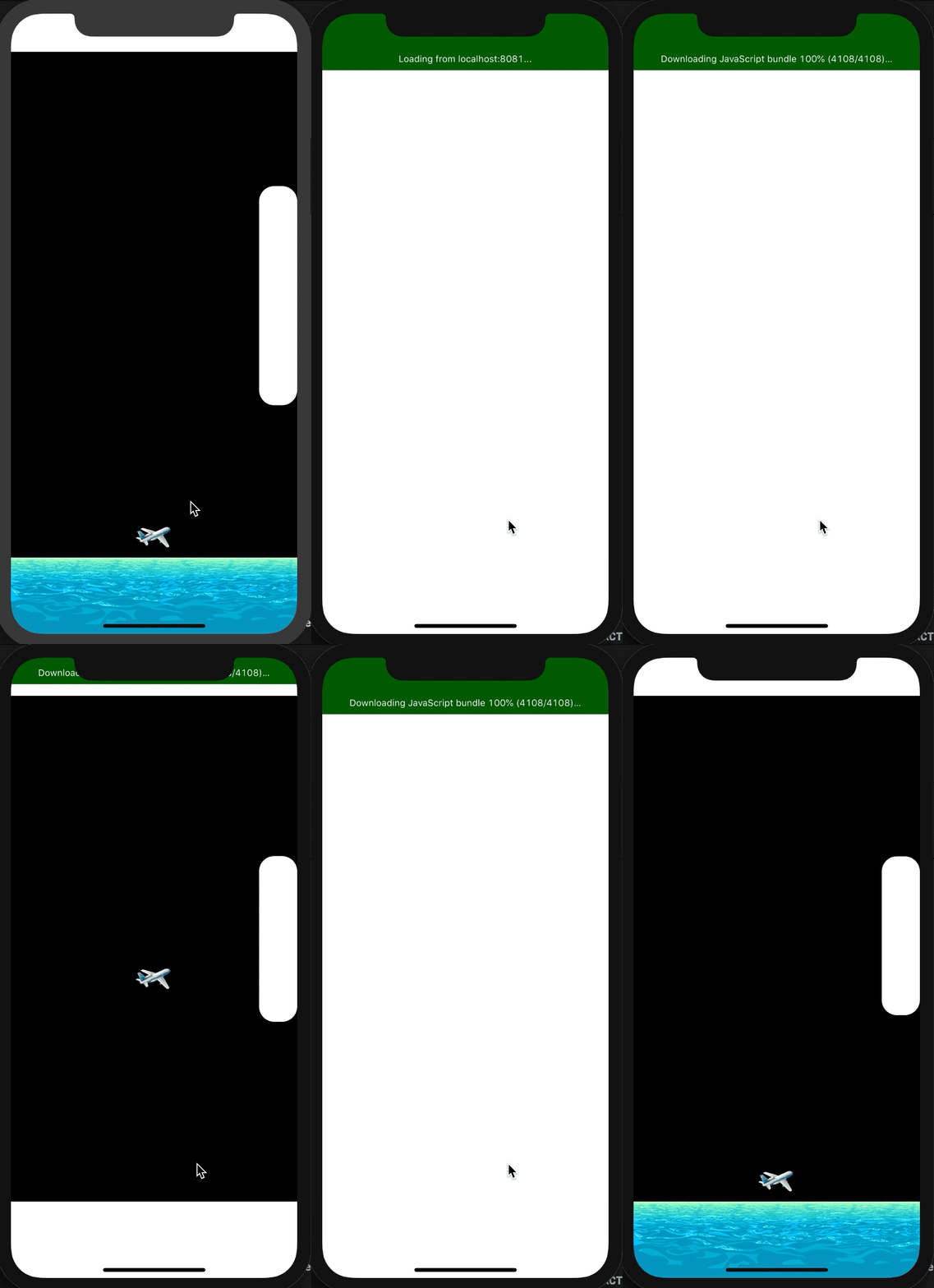
But creating obstacles is not enough, we need to move these obstacles and create never-ending obstacles. To achieve this goal we need to use matter.js.
src/systems/obstacle.js ☟
import Matter from 'matter-js';
import Constants from '../utils/constants';
import {getRandom} from '../utils/random';
import {width} from '../utils/styleSheet';

const UpdateObstacle = (entities, {time, dispatch}) => {
  for (let i = 1; i <= 2; i++) {
    if (
      entities['Obstacle' + i].type === 'top' &&
      entities['Obstacle' + i].body.position.x <=
        -1 * (Constants.TOP_PIPE_WIDTH / 2)
    ) {
      entities['Obstacle' + i].scored = false;
      Matter.Body.setPosition(entities['Obstacle' + i].body, {
        x: width * 2 - Constants.TOP_PIPE_WIDTH / 2,
        y: getRandom(100, 300),
      });
    } else if (
      entities['Obstacle' + i].type === 'bottom' &&
      entities['Obstacle' + i].body.position.x <=
        -1 * (Constants.BOTTOM_PIPE_WIDTH / 2)
    ) {
      entities['Obstacle' + i].scored = false;
      Matter.Body.setPosition(entities['Obstacle' + i].body, {
        x: width * 2 - Constants.BOTTOM_PIPE_WIDTH / 2,
        y: getRandom(300, 500),
      });
    } else {
      Matter.Body.translate(entities['Obstacle' + i].body, {x: -4, y: 0});
    }
  }
  return entities;
};

export default UpdateObstacle;
Update src/systems/index.js :
import Physics from './physics';
import Plane from './plane';
import Obstacle from './obstacle';
export default [Physics, Plane, Obstacle];
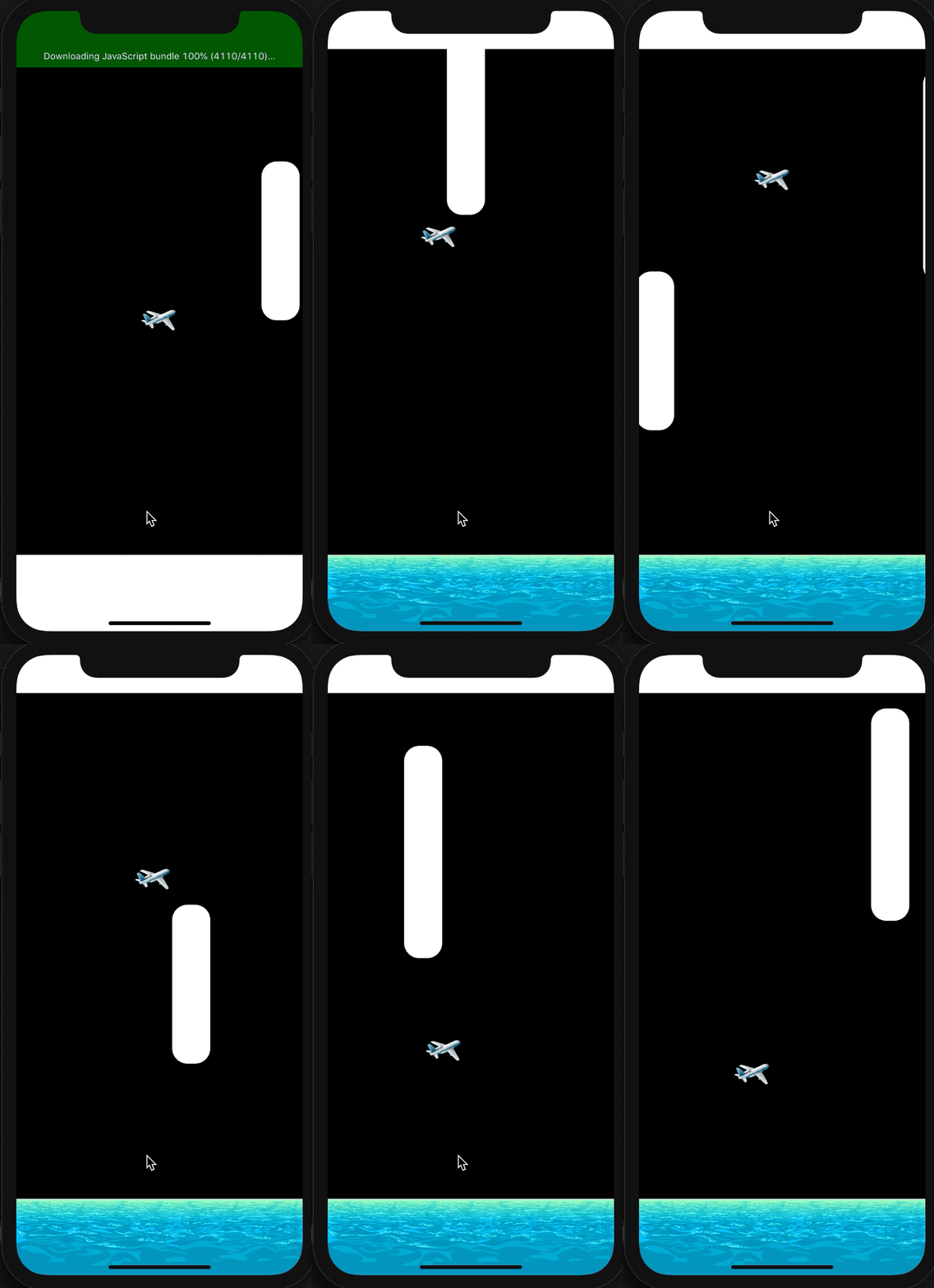
Matter.js has a feature called translate through which we can change the position by a given vector relative to its current position, without imparting any velocity. Due to this, we get an illusion of moving obstacles.
If the x-axis position of an obstacle body becomes negative of its width than it means it has left the screen. At that time we can set the position of that body to 2 times its original position and so on this cycle will repeat, making it a never-ending loop.
Last we want to check when a collision is made so that we can stop the game and announce the score.
Matter.Events.on help to pass a callback function whenever a particular event occurs. We can easily add a collision event with the help of this method.
Update src/systems/.js :
Matter.Events.on(engine, 'collisionStart', (event) => {
dispatch({ type: "game-over"});
});
Update App.js :
onEvent = e => {if (e.type === 'gameOver') {Alert.alert('Game Over');this.setState({running: false});} };
 { this.gameEngine = ref; }}
style={styles.gameContainer}
onEvent={this.onEvent}
running={this.state.running}
systems={Systems}
entities={this.entities}>