
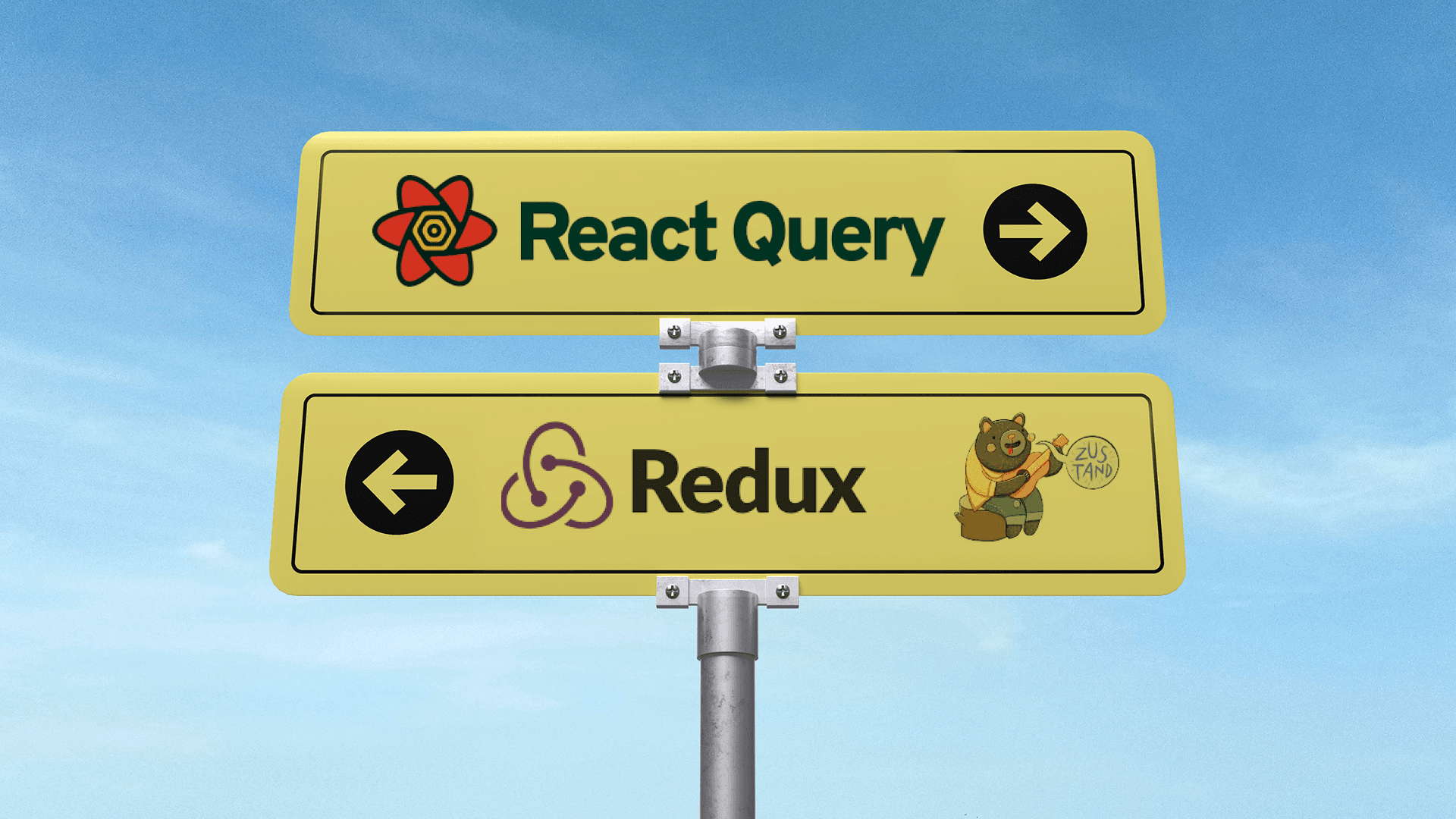

If you have built apps with React for a while, you have probably gone through a few phases of state management: useState → Context → Redux → Zustand → React Query. And now with the Next.js App Router and server components, the old patterns feel less obvious than ever.
A common question keeps coming up today:
“Do we still need Redux or Zustand when React Query already handles most of our data?” It is a fair question. React Query now handles fetching, caching, background updates, optimistic UI, and persistence almost effortlessly. For many apps, it feels like enough. But at the same time, global UI state, client-only logic, and hydration quirks in Next.js still need careful thought.
In this article, we will look beyond tutorials and focus on the real-world balance between these tools. We will break down what kind of state React Query truly manages, how that fits into the App Router world, and where it falls short compared to client-state tools like Redux or Zustand.
Server State and Client State in Modern Next.js
Before we can talk about React Query replacing Redux or Zustand, we need to understand what kind of state we are dealing with in the first place.
In a Next.js App Router setup, state can be broadly divided into two buckets:
1. Server State
This is data that lives outside your React app, things like product lists, user profiles, or analytics coming from an API or database. It’s fetched, cached, and often changes independently of the UI. This is where React Query shines.
2. Client (UI) State
This covers everything that exists inside the browser, UI toggles, form steps, modal visibility, theme selection, etc. It doesn’t need to be fetched from anywhere; it is managed entirely by your app. Zustand and Redux were built for this kind of state.
With the App Router, this line has become more visible. Server Components now handle data fetching directly on the server, while Client Components are mostly for interactivity. That means the amount of client-side state you actually need to manage is smaller than before, but still important.
The key shift is this:
You no longer have to push everything through a global client store. Server data can stay on the server, and tools like React Query can handle syncing and caching it efficiently on the client side.
Understanding this separation, and resisting the urge to treat all state the same, is what makes modern Next.js apps faster, simpler, and easier to maintain.
What React Query Actually Solves
React Query is not a traditional state management library. It is built for server state, data that lives on your backend but needs to be kept in sync with your UI.
Instead of thinking of it as “just a data fetching tool,” think of React Query as a client-side cache layer for your backend. It knows when to fetch, when to refetch, when to use cached data, and when to update silently in the background, all without you having to wire up actions or reducers.
Some of its key capabilities that make it feel like a full-fledged state layer include:
- Automatic caching: React Query stores API responses and serves them instantly when needed again.
- Background refetching: It silently updates stale data, so your UI stays fresh.
- Mutations and optimistic updates: You can make changes (like submitting a form or liking a post) and see results instantly before the server even responds.
- Invalidation: You can mark certain queries as “stale” and refetch only what’s needed.
- Persistence: The cache can survive page reloads, navigation, and even be synced across tabs.
When I first added React Query to a Next.js project, the “background refetch” feature was really useful. We had a dashboard with project data, and with React Query, the data just stayed in sync without us even thinking about it, and our API calls dropped because of caching.
In Next.js, React Query works especially well alongside the App Router. You can prefetch data during navigation, hydrate server-fetched data into the client cache, or revalidate on demand, making transitions seamless without relying on heavy global state.
So while Redux or Zustand manage what the user is doing, React Query manages what the app knows about the outside world. That’s the sweet spot where it fits naturally into a Next.js architecture.
Where React Query Falls Short
For all its strengths, React Query is not perfect, and it is definitely not meant to replace every kind of state in your app.
I have made the mistake of using React Query for things it was not meant for—like managing modals and UI flags. It worked for a while, but quickly turned messy. Keeping modal visibility in React Query felt overkill, so we moved that logic to Zustand, which fit naturally.
In another one of our projects, we had to juggle multiple roles, permissions, and cross-cutting state. React Query was great for syncing data from the backend, but it was not enough to coordinate all the user flows. Redux’s strict structure helped us trace issues and keep things aligned.
React Query shines for server state, not UI logic.
Its entire design revolves around server state, data that exists on your backend or comes from an external API. Once you try to stretch it to manage pure client-side logic, things get messy fast.
Here are some cases where React Query is not the right fit:
- Global UI state: Things like toggling a sidebar, opening modals, or tracking whether a toast is visible. You don’t want to “fetch” or “mutate” this kind of state. Zustand or Context work much better here.
- Local component state: Simple form steps, filters, or dropdowns don’t need to touch React Query at all. A normal useState or useReducer is cleaner.
- Non-fetch data flows: For example, tracking drag-and-drop state, theme mode, or ephemeral in-app flags. Forcing these into React Query just adds unnecessary complexity.
- Complex cross-component UI logic: If you are syncing things like “is user editing?” or “is modal X open?” across multiple components, React Query will quickly feel unnatural.
Another thing to remember: React Query’s caching and invalidation logic assume data eventually comes from the server. When you try to fake that with local-only data, you end up fighting the library instead of benefiting from it.
So while it can technically hold client-side data, it should not. Let it do what it is built for, syncing server data efficiently, and pair it with a lightweight state manager for everything else.
Comparison of Redux, Zustand and React Query
It is easy to treat Redux, Zustand, and React Query as interchangeable tools, but they solve very different problems. To make sense of where each one fits, let’s look at them side by side.
Aspect | Redux | Zustand | React Query |
|---|---|---|---|
Primary Purpose | Global client | Lightweight client state | Server state and caching |
Best fit | Large apps, strict patterns | UI toggles, feature flags | API data, prefetching, mutations |
Boilerplate | High | Low | Low–Medium |
SSR / Hydration | Manual hydration required | Client-only (hydrate manually if needed) | Built for SSR + hydration flows |
Performance | Good, but can be verbose | Excellent (minimal re-renders) | Excellent (cache-first reads, background refresh) |
Use with App Router | Works, but more wiring | Natural fit for client components | Native fit for server-client data flows |
Developer experience | Predictable, verbose | Fast iteration, simple API | Declarative, fewer edge cases for server data |
In the Next.js App Router world, Redux’s use cases are shrinking; most apps do not need a massive global store anymore. Zustand fills the gaps nicely for lightweight UI or interaction-based state. And React Query has become the de facto choice for managing anything that touches the network.
Instead of choosing one and forcing it to do everything, modern teams often combine them strategically:
- React Query for API data and caching
- Zustand for UI-level and ephemeral state
- Redux is only for edge cases where strict architecture or predictable action logs are needed
I like to use Zustand projects where I have to manage a lot of small UI flags. Things like dark mode, sidebars opening, and which tab is active. React Query or Redux would be way too heavy for that.
I’ve used Redux in projects where we had a big team and a ton of shared global state, like user roles, permissions, and project-wide settings. Debugging was slower, but the Redux DevTools really helped us trace things.
Each tool still has a place, but fewer apps need all three at once.
Real-World Scenarios
In real-world Next.js App Router projects, React Query can simplify how you handle data fetching and caching, but it is not a one-size-fits-all solution. Let’s look at a few common cases:
1. Authentication State
React Query can fetch and cache user data (like getCurrentUser) efficiently. However, it’s not ideal for storing session tokens or controlling global auth state like “isLoggedIn.” For that, a lightweight store such as Zustand or even React Context still works better.
Verdict:
Use React Query for user data, but manage auth status separately.
2. Modals and UI Toggles
These are purely client-side states that do not involve the server, such as opening a modal, toggling a sidebar, or handling dark mode. React Query is not meant for this kind of transient state.
Verdict:
Keep UI states in local or global client state (Zustand/Context), not React Query.
3. Forms and Mutations
React Query handles form submissions well. You can use mutations to send form data and optimistically update the UI before the server confirms it. It also helps with background syncing and retries.
Verdict:
React Query works great for forms that interact with the backend, but not for controlling form UI states like “step,” “validation,” or “focus.”
4. Background Sync and Refetching
One of React Query’s biggest advantages that I found in my projects is automatic data refetching and background sync. If your app displays live data (like dashboards or notifications), React Query keeps it fresh without manual effort.
Verdict:
This is a core strength, no need for Redux or Zustand here.
Decision Checklist: When to Use React Query, Zustand, or Redux
Let’s make it simple. Here’s a practical checklist you can actually use when setting up state management in your Next.js App Router project:
Use React Query when
- You are fetching or mutating server-side data (APIs, databases, third-party services).
- You want auto-caching, background refetching, and syncing across tabs or sessions.
- Your data depends on URL params, filters, or pagination that change often.
- You need optimistic updates or retries without writing boilerplate.
- You’re building dashboards, analytics, or feed-style apps with live data.
Use Zustand (or Context) when
- You need client-only state, modals, toasts, theme toggles, or active tabs.
- You are managing UI state that does not come from the server.
- You want a simple, minimal store with no boilerplate.
- Your app has a few global flags or preferences that do not justify Redux.
Use Redux when
- Your app has complex, cross-slice state logic (e.g. large enterprise dashboards).
- You need strict state control, middleware, or predictable reducers.
- You are working in a large team where traceability and dev tools matter.
- You rely on custom event pipelines, analytics tracking, or deep action-level debugging.
In most modern Next.js projects, React Query + Zustand is enough 90% of the time. Redux still fits when you need heavy coordination across different domains or long-lived background processes.
Wrapping Up
State management in Next.js doesn’t have to be complicated; it is just about using the right tool for the right layer. React Query handles the server-side beautifully, while Zustand or simple context handles UI logic cleanly. Redux still has its place, but it is no longer the default choice it once was.
If you think in terms of server vs client state, your architecture decisions become simpler, your codebase lighter, and your team faster. That is really the takeaway for me, not picking one library over another, but knowing where each fits best.







