

Selecting an AI coding assistant does not settle how it will behave six months later.
Model versions, prompts, and configurations can change, and without version control and repeatable evaluations, those changes can affect development workflows before teams identify the cause.
Gartner predicts that 25% of enterprise generative AI applications will experience at least five minor security incidents annually by 2028, up from 9% in 2025. This forecast underscores the need to review AI system security, configurations, integrations, and access controls as systems evolve.
For enterprises, unchecked changes can lead to failed tests, broken features, or sensitive data reaching an unsuitable provider. In addition, a coding agent may also follow outdated requirements or introduce a defect that a single test run misses.
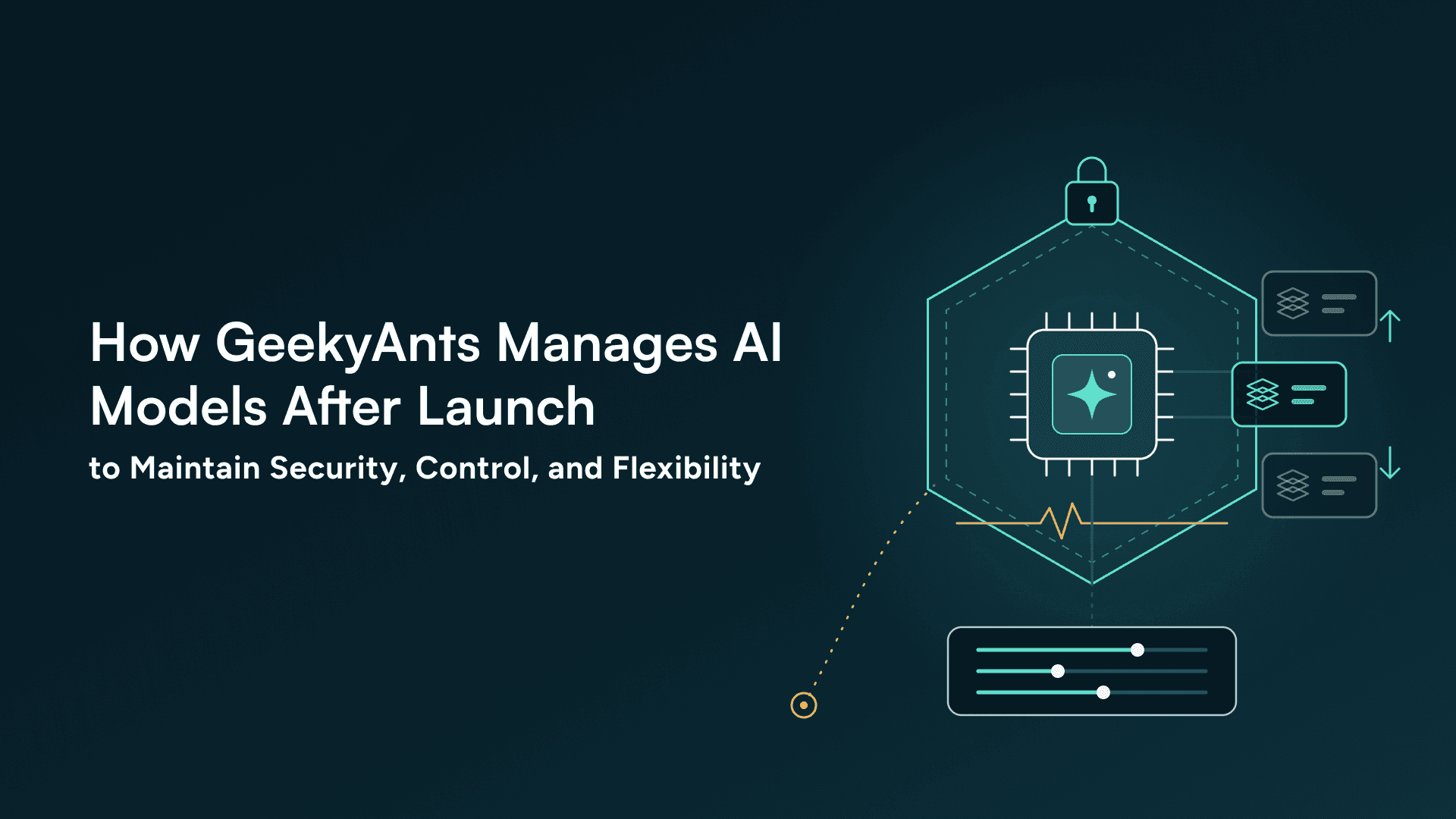
Managing AI after launch means tracking model and prompt versions, evaluating outputs, monitoring errors and costs, controlling data access, and maintaining a way to disable or replace a model. GeekyAnts’ three documented projects show how teams apply these controls according to each product’s needs and data sensitivity.
How GeekyAnts Versions AI Models, Prompts, and Coding Tools
Claude Code is the primary coding assistant described across the recent documented projects. Some engineers have also used Cursor, OpenAI Codex, and opencode alongside or instead of Claude Code. These examples reflect tools used by individual engineers, not a confirmed company-wide approved list.
The models used in product features are a separate decision. Provider choice depends on the task and project. The clinical education platform uses Google Gemini in production and supports other options, including Anthropic Claude, OpenAI, OpenRouter, and self-hosted models through Ollama. The family-records app uses separate provider configurations for text generation, speech-to-text, and speech synthesis.
GeekyAnts’ internal engineering assistant uses Anthropic Claude models.
Prompts and agent instructions are stored in project files and version control, allowing engineers to review changes alongside the code. In the clinical education platform, the documented evaluation workflow requires prompt changes to include an updated evaluation baseline in the same commit; this is intended to help reviewers assess how changes affect results. The family-records app pins model versions to dated releases to avoid unexpected changes from moving provider aliases.
The GeekyAnts internal projects use tagged plugin versions and run records to capture the plugin version, configuration, and starting code revision. These records help engineers trace unexpected results to a specific version or configuration, while code review and repeatable evaluations help teams assess AI behavior before proceeding.
GeekyAnts’ Approach in Tracking AI Performance, Errors, and Model Changes
The clinical education platform records each AI call’s provider and model, response time, status, retry attempts, errors, token usage, and content. It also captures the reason a call finished. These records help engineers investigate unexpected model behavior and trace individual requests. If performance signals change, they can compare results against the evaluation baseline and rerun relevant tests before approving a prompt, model, or configuration change.
In healthcare software, similar traceability can help teams review how an AI-assisted feature handled clinical information or generated a result, where those records are captured by the system. The platform’s wider observability stack includes monitoring tools, but AI calls do not yet have dedicated Prometheus metrics. Engineers can query the AI audit records to investigate call behavior.
The family-records app tracks model latency, errors, usage, missing fields, and other session-level signals without storing audio. The app automatically deletes transcripts and drafts 24 hours after each session ends. This is especially important in healthcare applications, where teams must decide which information needs to be kept for care-related workflows and which should be deleted to reduce unnecessary exposure of sensitive data.
Tracking AI Runs, Detecting Performance Drift, and Maintaining Audit Trails
The internal GeekyAnts projects use evaluation reports and run ledgers to track task progress, review outcomes, model behavior, and costs. The records also capture the plugin version, workflow configuration, and starting code revision, which helps engineers trace a run to the setup under which it began.
Across the projects, changes in retries, missing fields, latency, and cost can indicate that a model, prompt, or provider needs review. More retries may indicate a failing request path. Missing fields can suggest an extraction problem, while slower responses or rising costs may follow a model or configuration change. Teams can use these findings to investigate and rerun evaluations.
Audit needs depend on the feature. An AI-generated clinical examination score may require records of the model and output for later review, while storing raw user content can create unnecessary exposure elsewhere. Keeping relevant records helps teams investigate failures and explain how a system produced a result.
How GeekyAnts Manages AI Data Retention, Provider Selection, and Hosting
Before adding an AI feature, teams need to know what data it sends to a provider, what stays in the application, and how long records remain available. Retention requirements depend on the feature and project; one rule does not fit every workflow.
The family-records app does not store audio. It temporarily retains transcripts and drafts, which are deleted by an hourly cleanup job once 24 hours have passed since the session ended. The clinical education platform takes a different approach. It retains AI call content in the client’s database because scoring decisions may need to be reviewed later. The retention approach depends on whether the records are needed to review a decision later.
Evaluating AI Providers, Data Retention, and Fallback Options
Provider selection requires assessing the terms for the specific engagement. These checks should cover processing regions, retention periods, training practices, and subprocessors. Vendor approval processes, contractual commitments, and subprocessor disclosures should be verified for each engagement rather than assumed to be company-wide policies.
If a project supports alternative providers, teams can evaluate a replacement against the relevant quality and security checks before switching. Rollback options depend on the implementation. The internal ga project uses tagged plugin releases and version-controlled code, while product features may have task-specific fallbacks, such as a manual form when voice functionality fails. Switching providers or leaving a vendor may also require configuration or integration changes, so the available options need to be assessed for each engagement.
Engineering assistants raise a separate question, as the tool’s technical settings do not guarantee particular contract terms or private deployment arrangements. The available documentation does not establish a universal right for every client to prohibit AI or mandate specific tools. A clear account of data flows, retention, and available provider options gives clients a basis for making informed decisions before starting the implementation process.
What Happens When AI Changes Go Unchecked?
An untested code or configuration change can disrupt workflows, break integrations, or expose sensitive data. Repeatable evaluations, traceable changes, and relevant audit records help teams identify defects and investigate failures before they affect users.
AI-generated code and model-driven features need checks suited to the tasks they perform. Tracking model and prompt changes, investigating performance shifts, documenting data handling, and testing supported fallback or replacement options help teams respond to problems and manage AI systems throughout their lifecycle.